Basics
36
Screen capture
Capture a screenshot while using the device.
Press and hold the Home button and the Power button simultaneously. The image is saved
in the
Gallery
→
→
Album
→
Screenshots
folder. After capturing a screenshot, you can
edit the image and share it with others.
You can also capture screenshots using other methods. Refer to Palm swipe to capture for
more information.
It is not possible to capture a screenshot while using some apps.
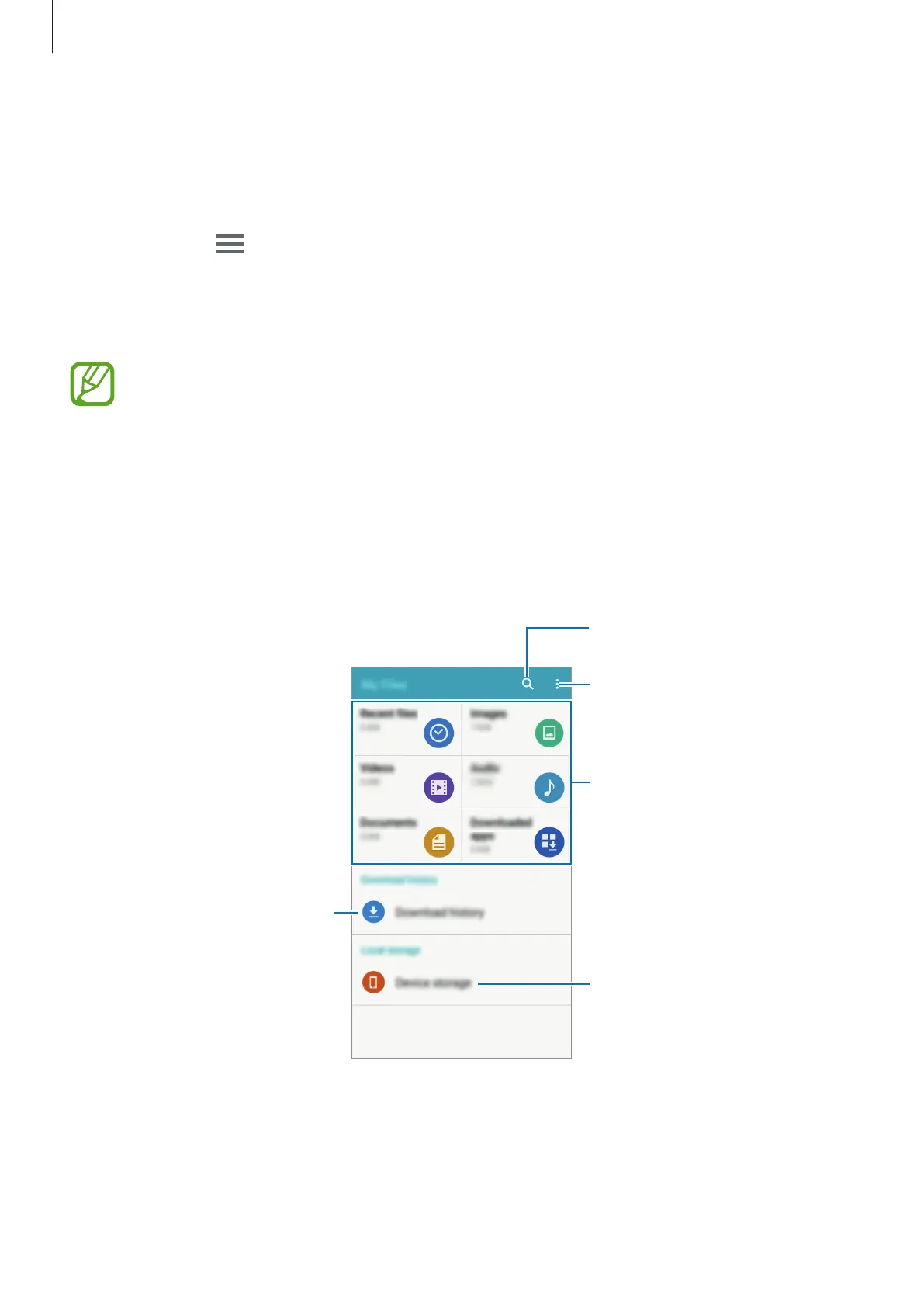
My Files
Use this app to access various files stored in the device.
Tap
My Files
on the Apps screen.
Access additional options.
Search for files or folders.
View the download history.
View files by categories.
View files stored in the device.











 To Next Page