EasyManua.ls Logo

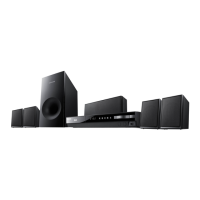
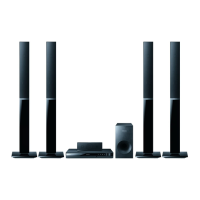
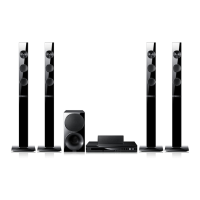
Samsung HT-E3500 - Front Panel; Rear Panel

Samsung HT-E3500
47 pages
Print Icon
To Next Page IconTo Next Page
To Previous Page IconTo Previous Page
Loading...
English 11
|
02 Getting Started
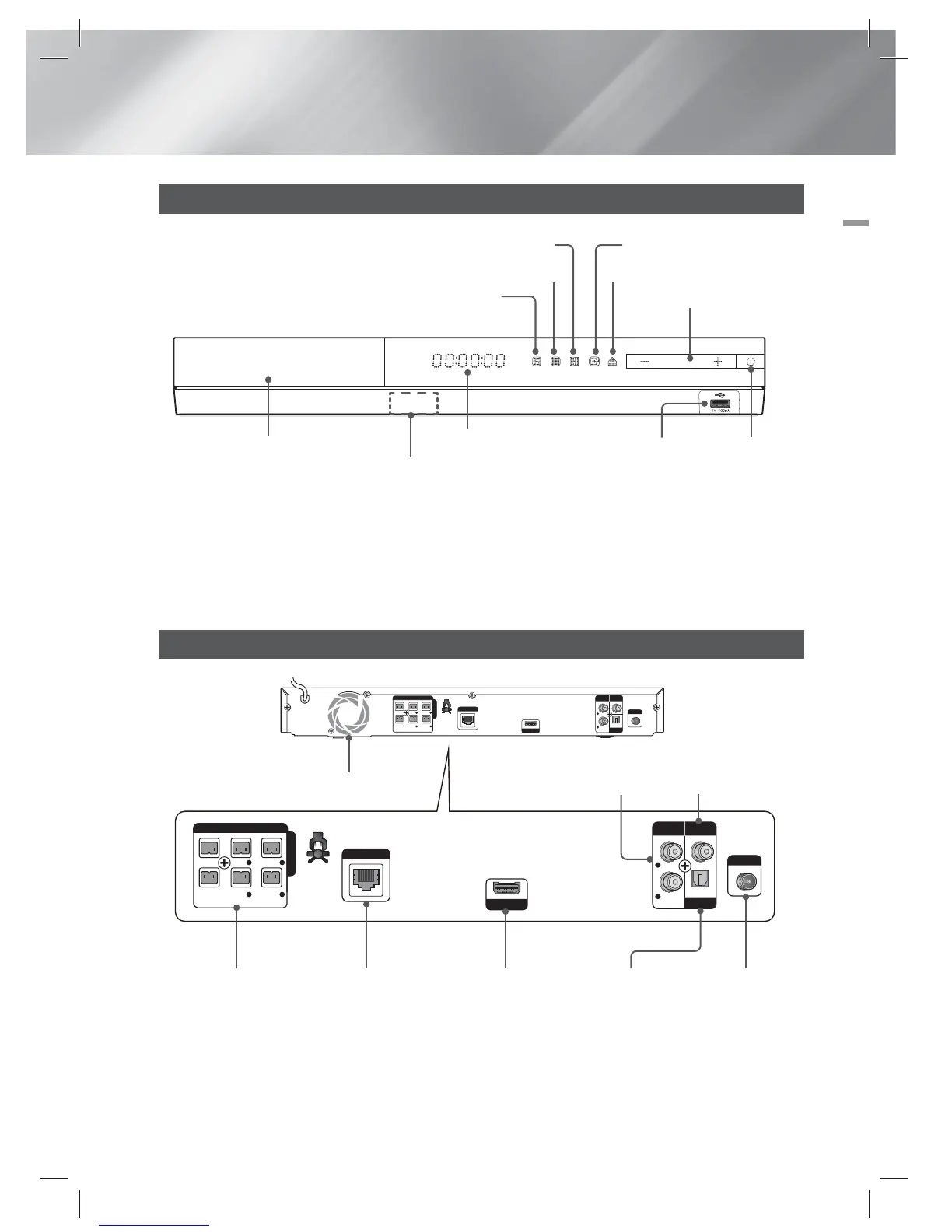
Front Panel
DISPLAY
POWER
DISC TRAY
USB HOST
STOP OPEN/CLOSE
VOLUME CONTROL
PLAY/PAUSE ENTER
FUNCTION
REMOTE CONTROL
SENSOR
|
NOTE
|
To upgrade the product's software through the USB Host jack, you must use a USB memory stick.
When the product displays the Blu-ray Disc menu, you cannot start the movie by pressing the
6
button on the product or
the remote. To play the movie, you must select Play Movie or Start in the disc menu, and then press the
E
button.
Rear Panel
HDMI OUT
AUX
IN
VIDEO
OUT
OPTICAL
DIGITAL
AUDIO IN
FM ANT
IMPEDANCE : 3
SPEAKERS OUT
CENTER
SUBWOOFER
FRONT
L
SURROUND
L
FRONT
R
SURROUND
R
L
R
LAN
HDMI OUT
AUX
IN
VIDEO
OUT
OPTICAL
DIGITAL
AUDIO IN
FM ANT
IMPEDANCE : 3
SPEAKERS OUT
CENTER
SUBWOOFER
FRONT
L
SURROUND
L
FRONT
R
SURROUND
R
L
R
LAN
LAN TERMINAL HDMI OUT EXTERNAL DIGITAL
AUDIO IN (OPTICAL)
FM ANTENNASPEAKER OUTPUT
CONNECTORS
AUX IN VIDEO OUT
COOLING FAN
|
NOTE
|
Ensure a minimum of 4 inches of clear space on all sides of the home theater to ensure adequate ventilation.
Do not obstruct the cooling fan or ventilation holes.
HT-E3500_ZA_code,모델명만다름.indd 11HT-E3500_ZA_code,모델명만다름.indd 11 2012-03-15 오전 10:29:352012-03-15 오전 10:29:35

Related product manuals