Getting started
12
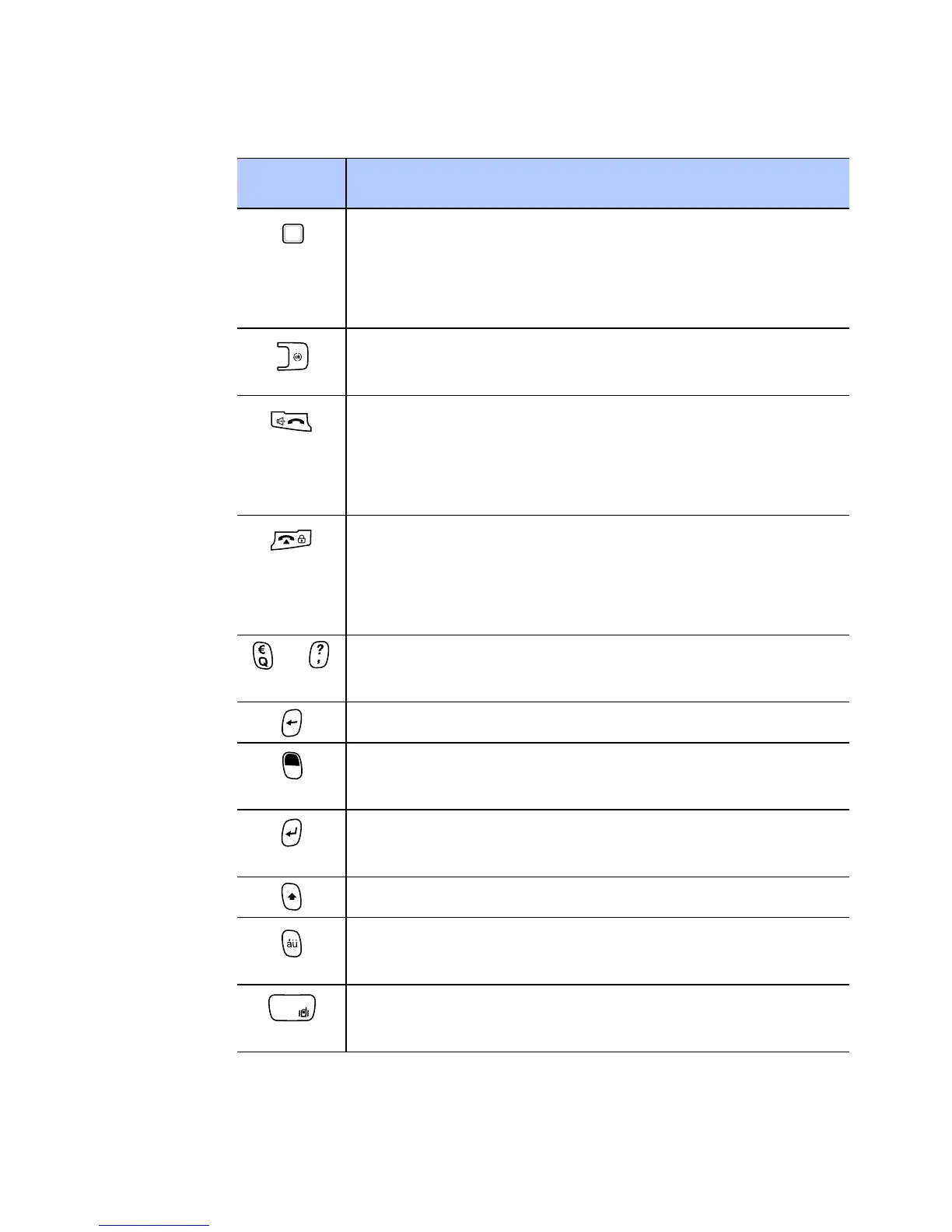
• Drag your finger across the key to move the
cursor.
• Press to confirm your selection or execute
the selected application.
• Press to close the current application.
• Press and hold to open the Task Manager.
• Press to open the Dialling screen.
• Press to make or answer a call.
• Press and hold to activate the speakerphone
feature during a call.
• Press to end a call.
• Press to return the display to the Today
screen.
• Press and hold to lock the phone.
~ Press to enter numbers, characters, and
symbols.
Press to delete characters.
Press to use characters on the upper half of
the keys in a text input field for once.
• Press to confirm your selection or input.
• Press to start a new line in a text input field.
Press to change case in a text input field.
Press to enter special Alphabet in Unicode that
are used for languages other than English.
Press and hold to activate or deactivate the
Vibrate mode from the Today screen.
Key Description










 To Next Page