Call functions
74
Alternatively, if you do not remember the position of a
number in the Speed Dial list, use the method below:
1. On the Dialling screen, tap
Menu
→
Speed Dial
.
2. In the list of the Speed Dial numbers, tap the position
number on the left of the number you want to call, or
scroll to the number and then tap
Call
or press
.
Making a call from Call History
1. On the Dialling screen, tap
Keypad
→
Call History
.
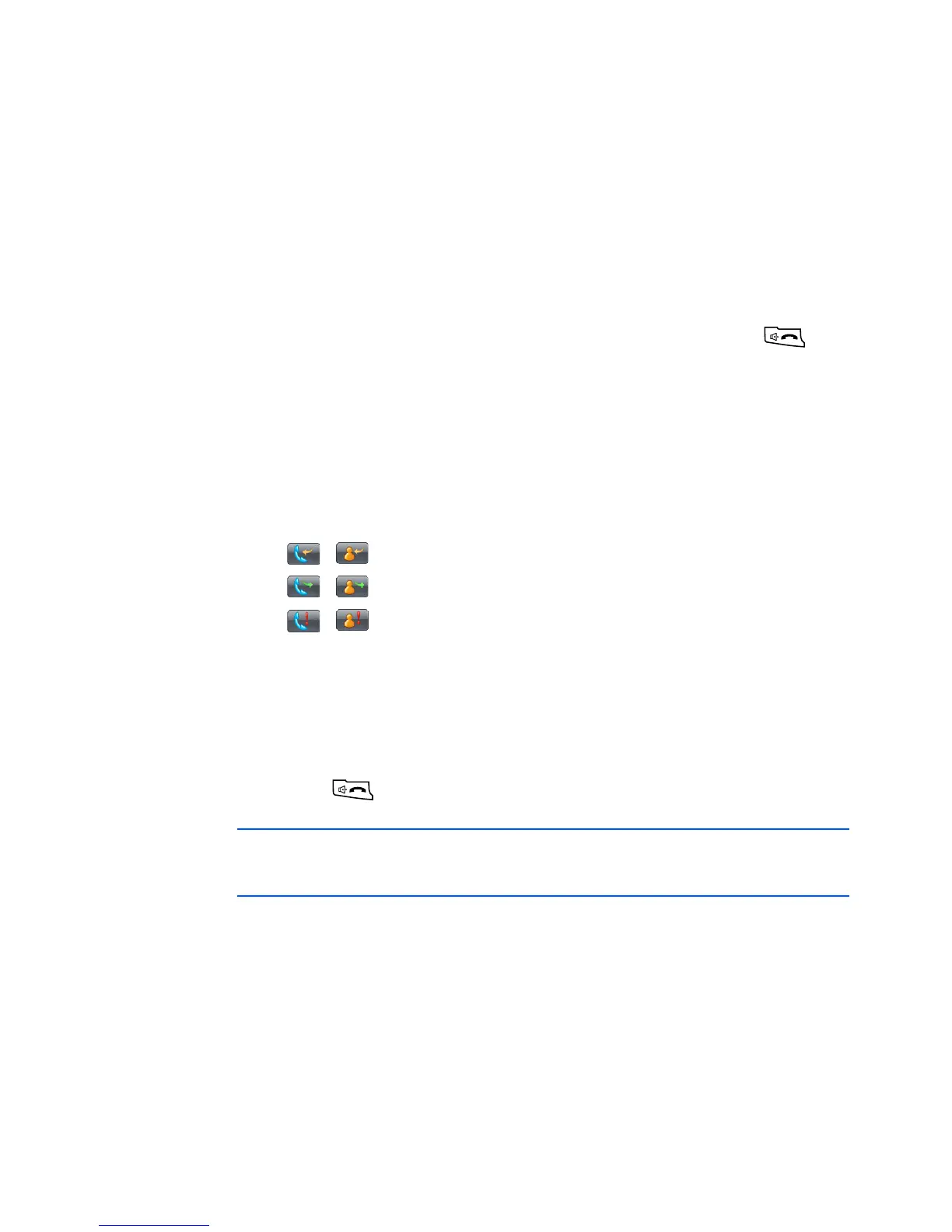
The following call type icons are available on the call
history:
• , : Incoming calls
• , : Outgoing calls
• , : Missed calls
2. Tap
Menu
→
Filter
→
a call type to display the calls you
want.
3. Tap the call type icon on the left of the number you want
to call, or scroll to the the number and then tap
Call
or
press
.
Note
: When you tap the number from the list, you can view
the call details.









 To Next Page