Getting started
17
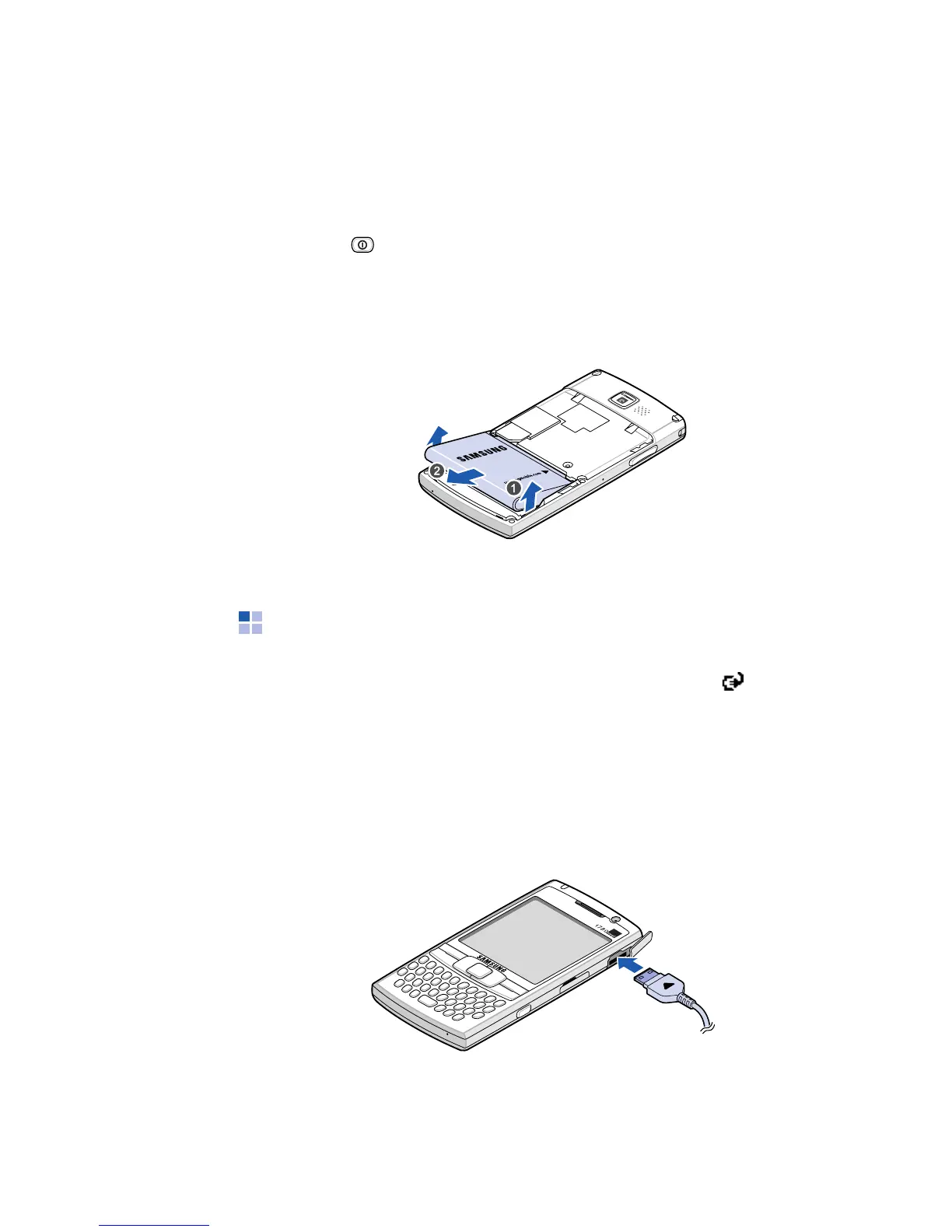
Removing the battery
1. If necessary, switch off the phone by pressing and
holding until the power-off image displays.
2. Remove the battery cover.
3. Lift the battery away from the phone.
Charging your phone
While charging your phone, the Charging icon ( ) displays
on the status bar of the screen.
Using the travel adapter
1. Plug the connector of the travel adapter into the right
side of the
phone
.









 To Next Page