EasyManua.ls Logo

Samsung IL020F - Connection Using an HDMI Cable; Connecting the LAN Cable

Samsung IL020F
95 pages
Print Icon
To Next Page IconTo Next Page
To Previous Page IconTo Previous Page
Loading...

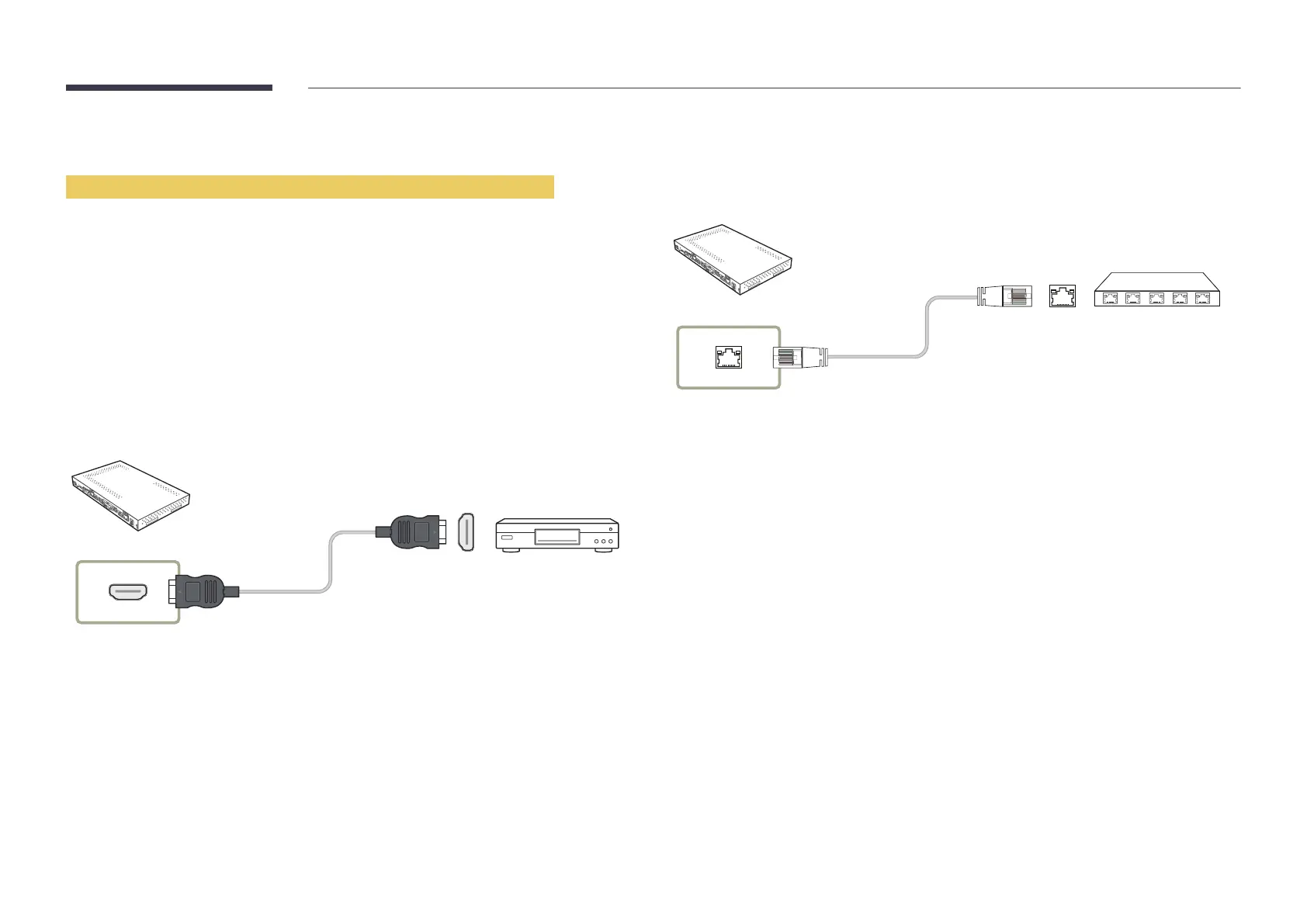
Connection Using an HDMI Cable
Using an HDMI cable or HDMI to DVI Cable (up to 1080p)



screen.

version and, if out of date, request an upgrade.


connection error may occur.

This product does not support the ethernet function via HDMI.
HDMI IN
Connecting the LAN Cable
Connecting parts may differ in different products.
RJ45


Connect to a HUB or router that supports the HDCP function.

Table of Contents

Related product manuals