EasyManua.ls Logo

Samsung IL020F - Approving a Connected Device from the Server

Samsung IL020F
95 pages
Print Icon
To Next Page IconTo Next Page
To Previous Page IconTo Previous Page
Loading...

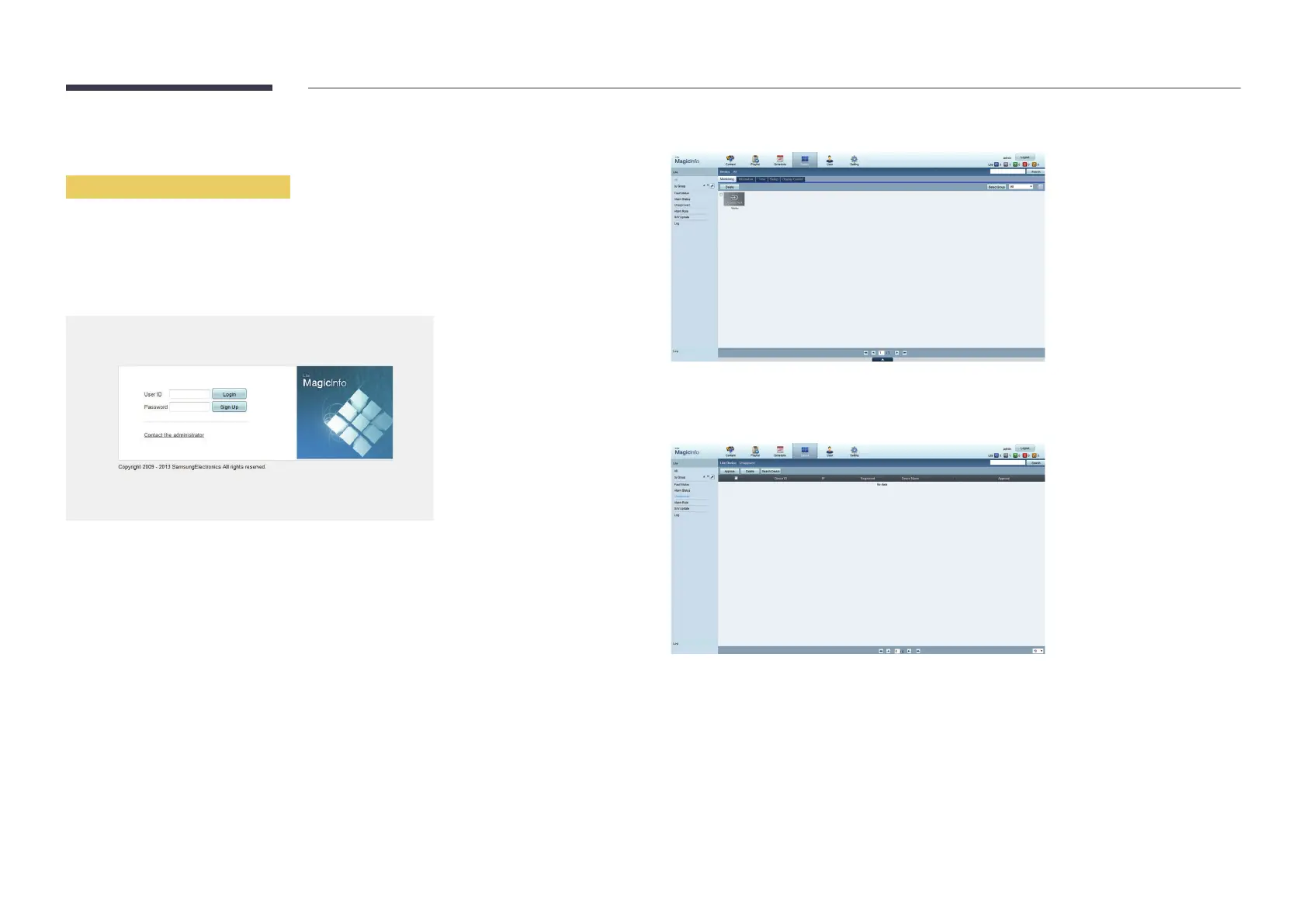
Approving a connected device from the server
Approving the Lite server
Set MagicInfo Mode to Lite in Server Network Settings.
Approve and use the Lite
First configure the server Network Settings
1
Access the server you have assigned to your device.
2

3
Select Device
4
Select Lite from the menus on the left.
5
Select UnapprovedLite.
6
Select the Approve

Table of Contents

Related product manuals