EasyManua.ls Logo

Samsung IL020F - Player Page Settings Menu

Samsung IL020F
95 pages
Print Icon
To Next Page IconTo Next Page
To Previous Page IconTo Previous Page
Loading...

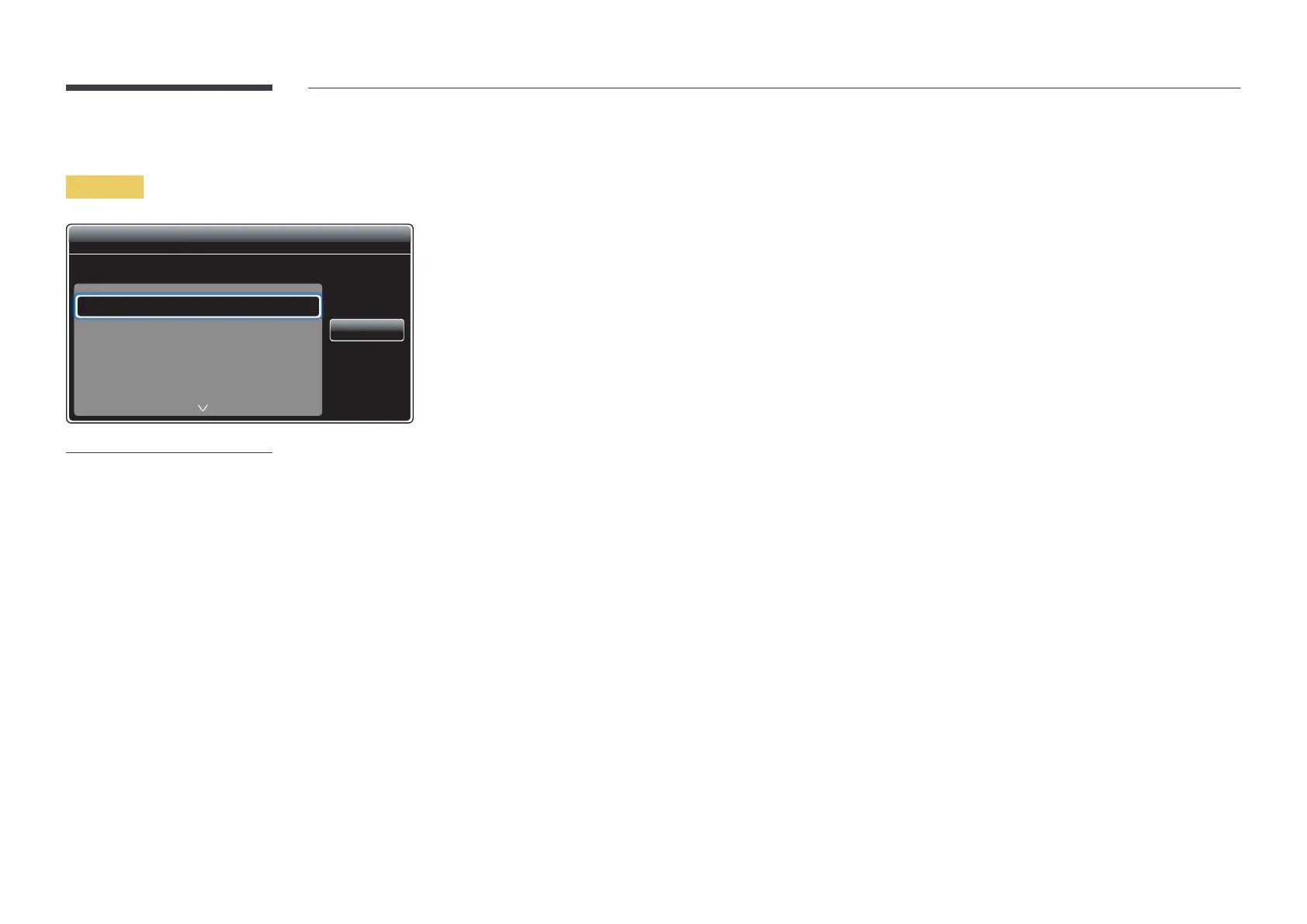
Player page Settings menu
Settings
Settings
Default Storage

Display Duration
Transition Effect
Content Orientation
Internal
Random
Landscape


Close
The displayed image may differ depending on the model.
Default Storage

InternalUSB
Picture Size

If Picture Size is set to Video or Image
Full ScreenOriginal SizeScreen Fit
If Picture Size is set to PDF or Office
Full ScreenOriginal Size
Video, Image, PDF and Office files.
Display Duration

Image, PDF, Flash and Office files.
Transition Effect

NoneFade1Fade2BlindSpiralCheckerLinearStairsWipeRandom
Image files.
Content Orientation
Landscape or Portrait mode.
LandscapePortrait
If Content Orientation is Portrait

Table of Contents