7
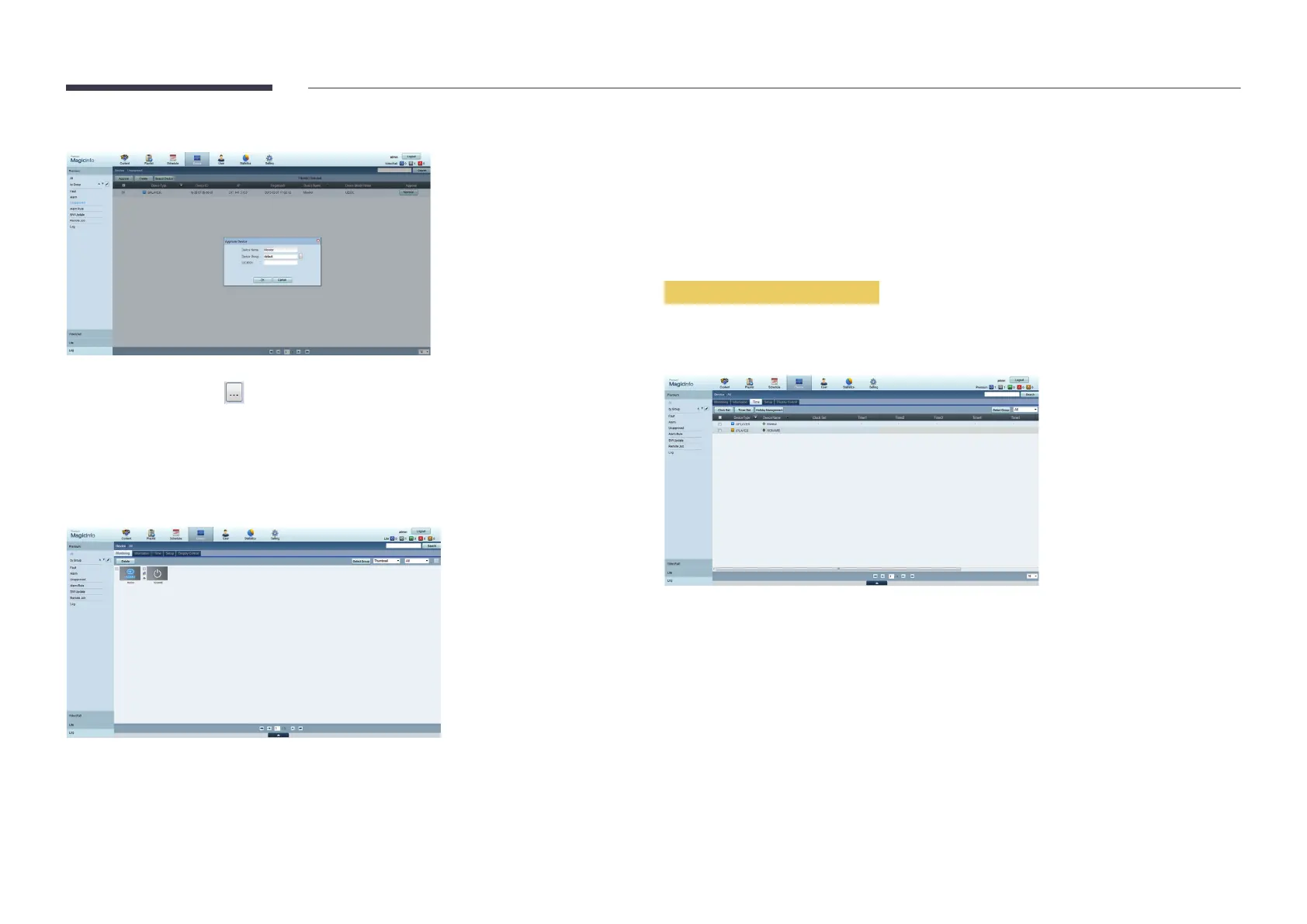
Enter the information required to approve the device.
Device Name: Enter the device name.
Device Group: Select to specify the group.
Location: Enter the current location of the device.
Pressing the INFO
device ID in the details.
8
Select the All
9
user's manual>.
reset its settings.
Setting the current time
A schedule may not run if the time set on the device is different from the server's current time.
1
DeviceTime.
2
Select your device.
3
Select Clock Set
When connecting to the server for the first time, the time on the product is set using the
to the <MagicInfo Premium Server user's manual>.



 To Next Page