50
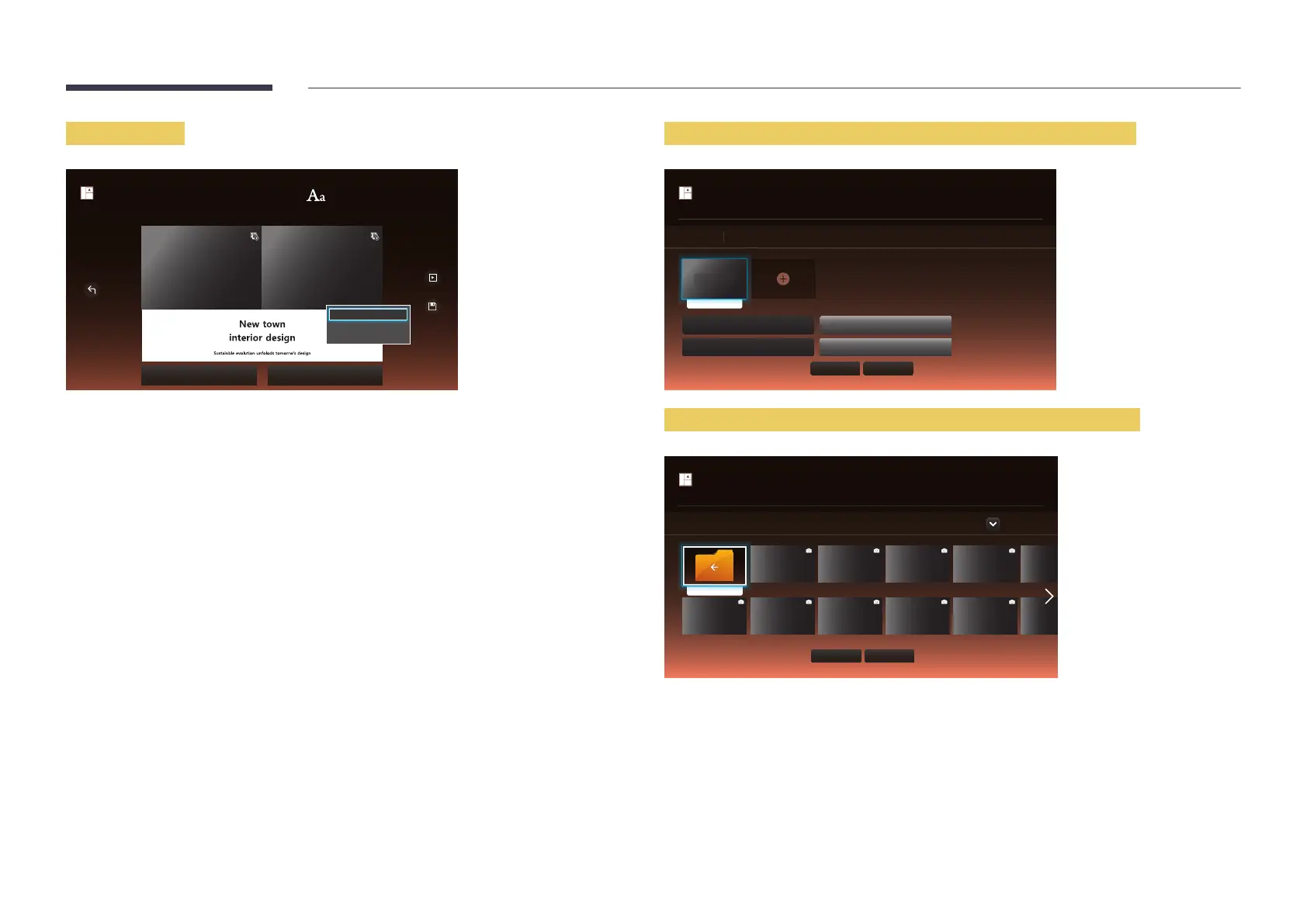
Entering text
bg_co...
Background Screen Background Music
Create Template
Save
Edit Text
Font option
Cancel
Edit Text
Select the Edit Text
Font option
Font Size
Font Color: Specify the text color for the message.
Background Color
Background Opacity
Alignment: Select a message alignment mode.
Scroll
Hide Element: Display or hide a message.
Selecting Hide does not reset the message settings.
Reset: Reset all settings in Font option to default settings.
Inserting content such as videos, photos and PDF files
picture1.jpg
Edit
Content Default Duration
Hide Element
Aspect Ratio
Mute
Item(s) selected
Select to delete
Create Template
Done Cancel
Configuring the background image/background music
..
bg_common_02.jpg bg_common_04.jpg bg_common_06.jpg bg_common_10.jpg bg_commo
bg_common_03.jpgbg_common_01.jpg bg_common_05.jpg bg_common_07.jpg bg_common_11.jpg bg_commo
Background Screen
Device : All
Done
Cancel
Create Template



 To Next Page