· 4 · English
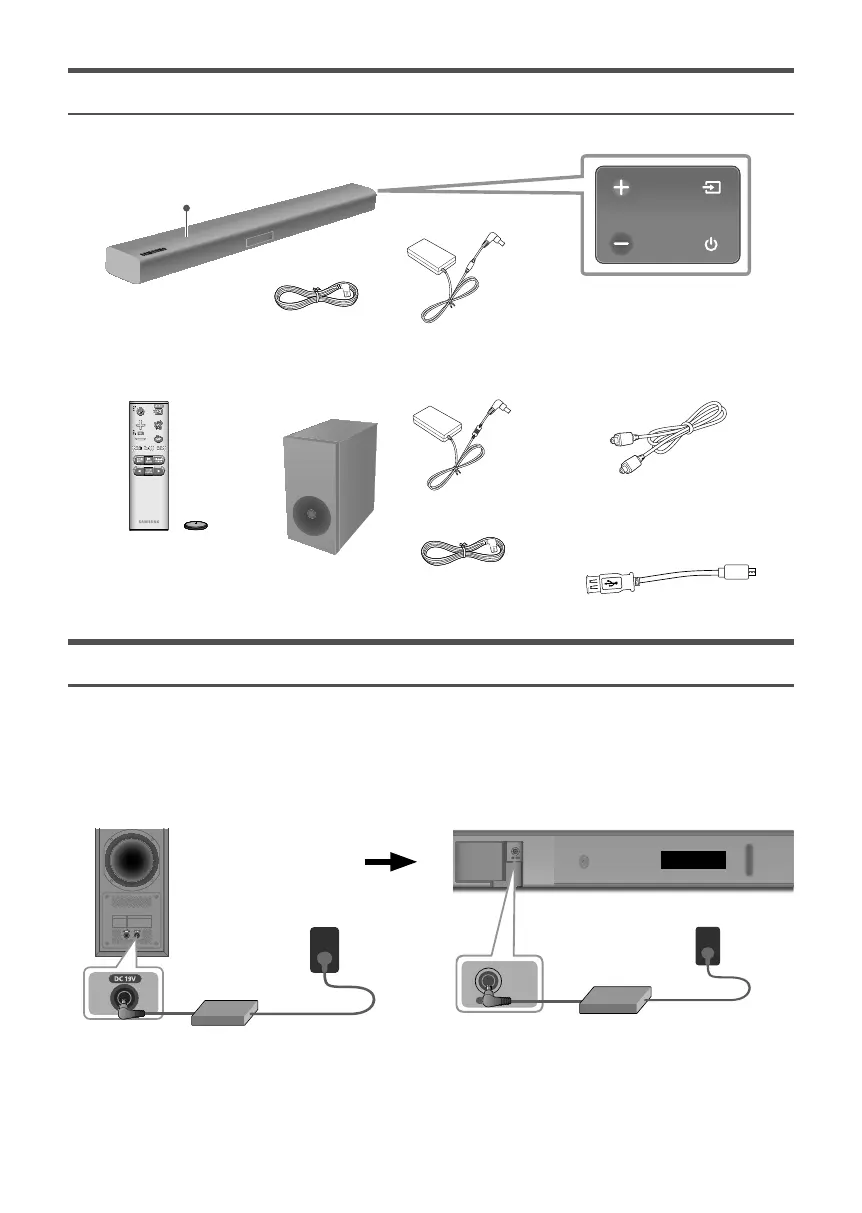
CHECKING THE COMPONENTS
Top
Right Side of the Soundbar
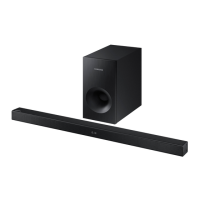
Soundbar Main Unit
3 AC/DC Adapter
4 Power Cord
Remote Control /
Battery Subwoofer Optical Cable
1 AC/DC Adapter
2 Power Cord
Micro USB to USB
adapter Cable
CONNECTING ELECTRICAL POWER
Use the power components (1, 2, 3, 4) to connect the power supplies in the following order:
Subwoofer Soundbar Main Unit
c For mor
e information about the power supply and power consumption, refer to the label attached to the
product. (Label : Bottom of the Soundbar Main Unit)
DC 24V
(Power Jack)
DC 19V
(Power Jack)
Rear of Subwoofer Bottom of the Soundbar Main Unit
DC 24V
DC 24V
2 Power Cord
1 AC/DC
Adapter
3 AC/DC
Adapter
Connecting
electrical power
Connecting
electrical power
4 Power Cord
c Make sure to rest the AC/DC Adapter flat on a table or the floor. If you place the AC/DC Adapter so that it is
hanging with the AC cord input facing upwards, water or other foreign substances could enter the Adapter
and cause the Adapter to malfunction.







 To Next Page