Connecting via Bluetooth
11
Connecting additional devices
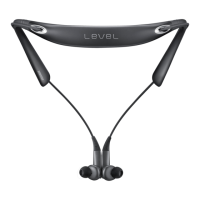
The headset can connect to up to two Bluetooth-enabled devices at the same time. When
you connect the headset to two devices, the last device you connect is recognised as the
primary device. The other device is recognised as the secondary device.
1
Connect the headset to a device via Bluetooth.
2
Slide the Power switch to the right and hold it for approximately three seconds to enter
Bluetooth pairing mode.
The first device will be disconnected.
3
Connect the headset to a second device.
4
Reconnect the headset to the first device.
This feature may not be supported on some devices.




 To Next Page