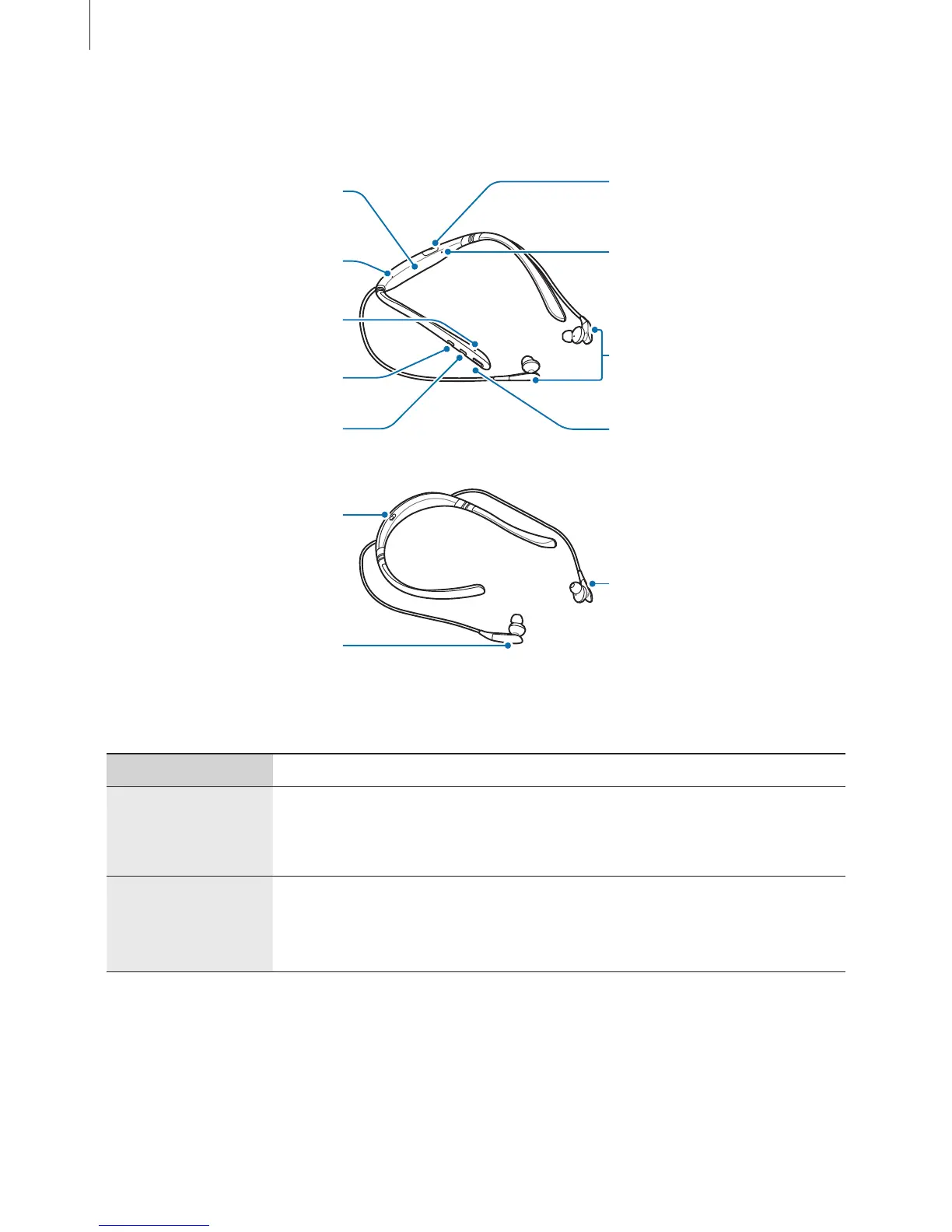
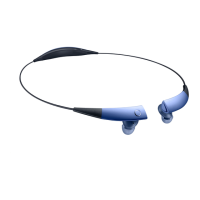
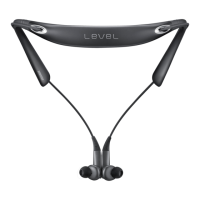
Notification light
Magnet sensor
Microphone
Volume (-) button
Right earphone
Power switch
Left earphone
Buttons and functions
Name Function
Power switch
•
Slide to turn the headset on or off.
•
Slide to the right and hold for approximately three seconds to
enter Bluetooth pairing mode.
Multifunction/
Talk button
•
Press to answer or end calls.
•
Press to play or pause multimedia files.
•
Press and hold for one second to reject a call or to launch
S Voice
.






 To Next Page