Connecting via Bluetooth
12
Reconnecting or disconnecting the devices
Reconnecting the devices
If the Bluetooth connection ends due to the distance between the devices, bring the devices
closer together within a certain period of time. The devices will automatically reconnect.
If the Bluetooth connection ends because of a device malfunction, access the Bluetooth
menu on the connected device to pair them again.
Disconnecting the devices
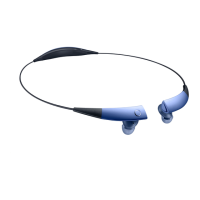
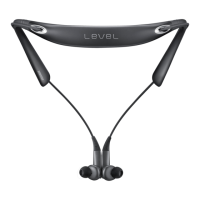
Slide the Power switch to the right and hold it for approximately three seconds. Then, the
connection ends and the headset enters Bluetooth pairing mode.
You can also end the connection by turning off the headset. When you turn on the headset
again and the devices are in range, the headset automatically connects with the most
recently paired device.
Noise may occur if the Bluetooth connection is disconnected improperly.




 To Next Page