English-31
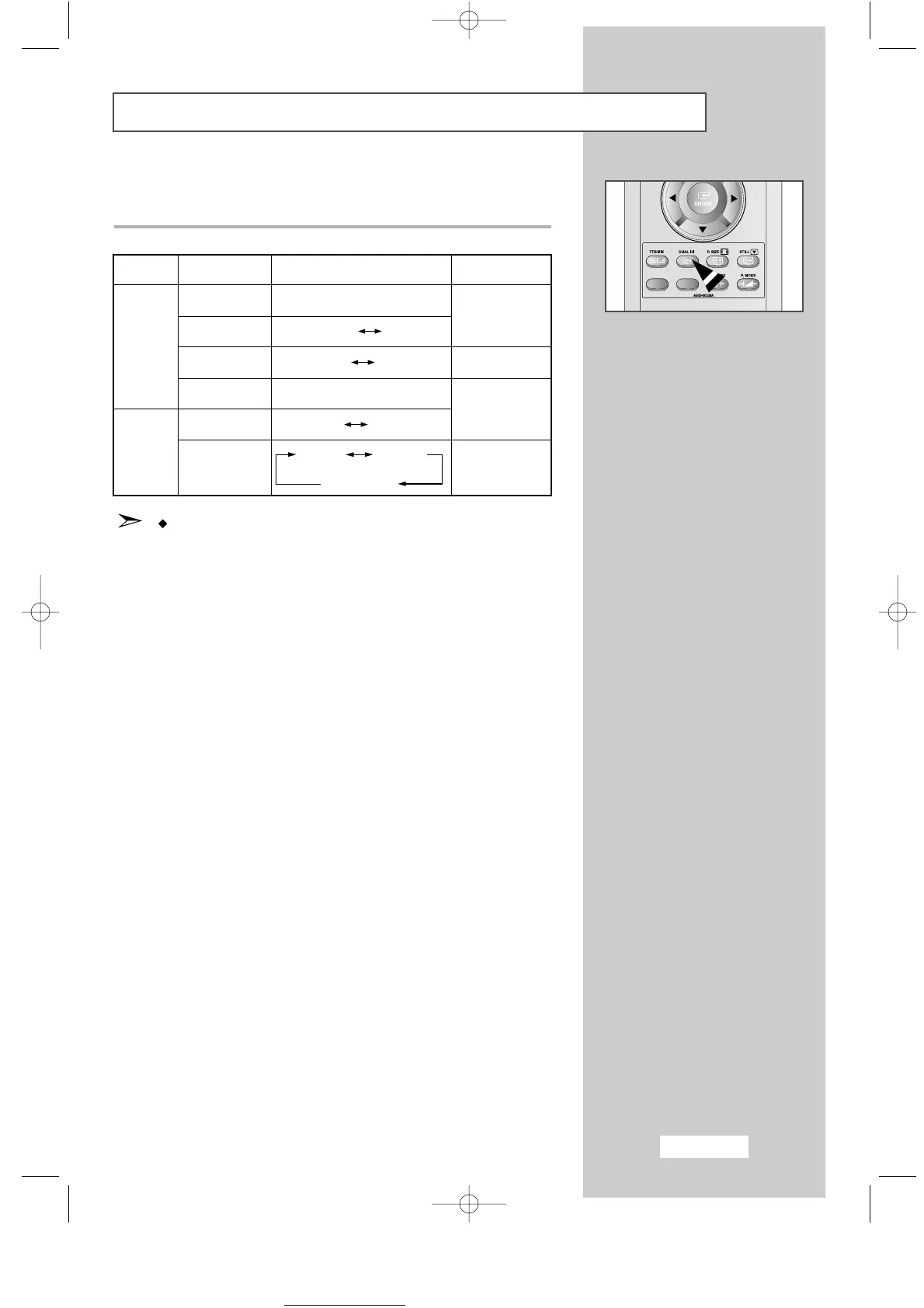
Selecting the Sound Mode
You can set the sound mode by pressing the
"DUAL I-II"
button.
When you press it, current sound mode is displayed on the screen.
If the receiving conditions deteriorate, listening will
be easier if the mode is set to
Mono
.
If the stereo signal is weak and automatic switching occurs,
switch to
Mono
.
Default
Automatic
change
DUAL 1
Automatic
change
DUAL 1
Audio Type
Mono
Stereo
Dual
Mono
Stereo
Dual
FM
Stereo
NICAM
Stereo
DUAL 1/2
MONO
STEREO MONO
DUAL 1 DUAL 2
MONO
MONO STEREO
MONO DUAL 1
DUAL 2
ENG-30-43.qxd 10/1/03 10:38 AM Page 31



 To Next Page