English-43
Attaching a Wall or Arm mounting device
The TV supports VESA mounting standard for use with various VESA mounting
devices. To install any VESA mounting device, please follow the instructions given.
1 Lay the LCD TV face-down on a flat surface with a cushion or other soft materials
to protect the screen.
2 Remove all cables connected on the TV.
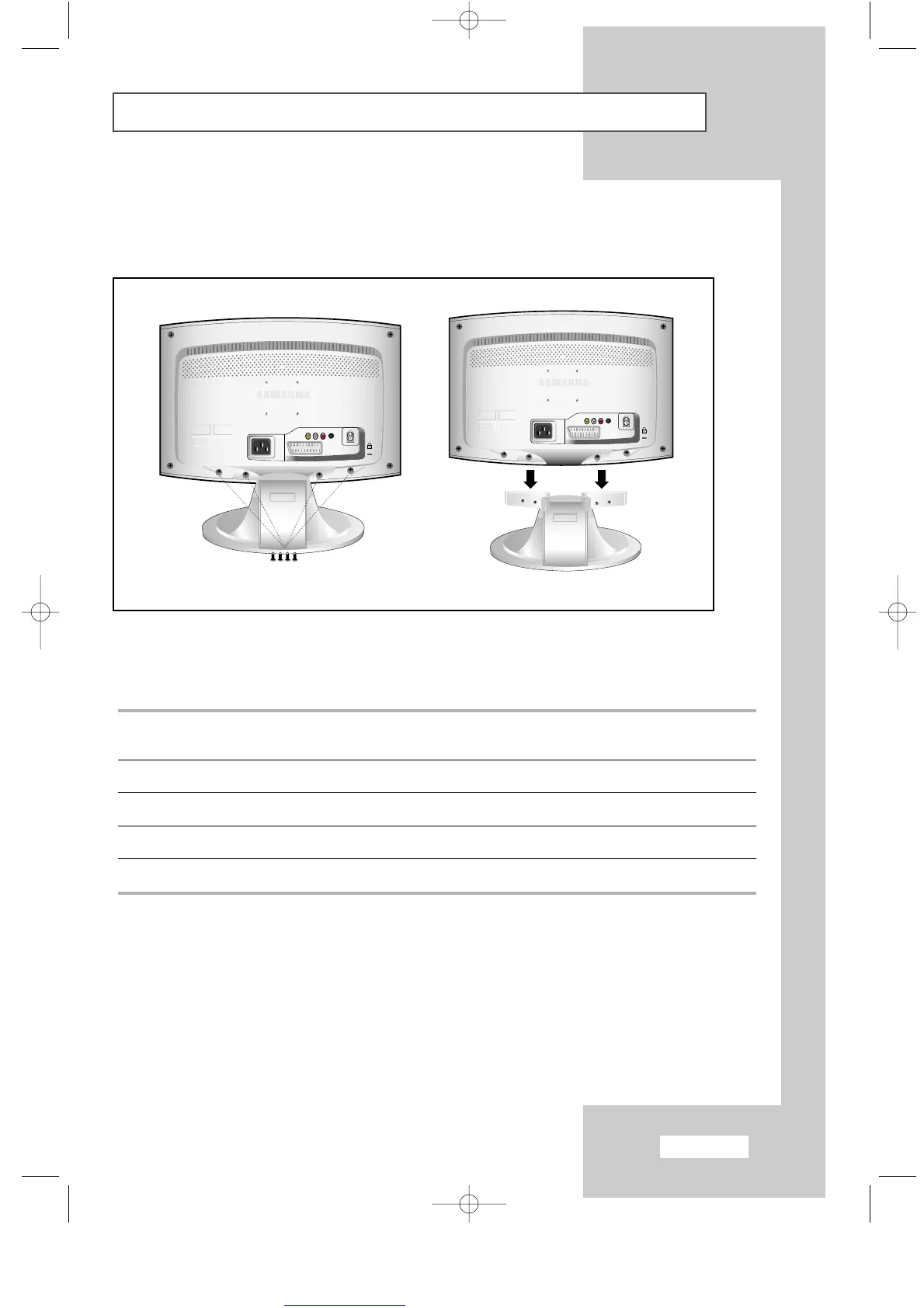
3 Remove the four screws and then remove the stand from the LCD TV(
refer to pictures A&B
).
4 Connect all cables you removed in step 1.
5 Now you are ready to install Wall/Arm mounting device.
<A> <B>
ENG-30-43.qxd 10/1/03 10:38 AM Page 43



 To Next Page