111
Multi Media Functions
CyberLink PowerDVD ( ) (Optional)
Tousethisprogram,youhavetoinstalltheprogram
manually using the additionally supplied System
SoftwareMedia(orotherCD). p.113
Play AVStation ( ) (Optional)
Play AVStation is an integrated multimedia program
thatenablesuserstoenjoybetterqualitymusic,
photographs,videos,movies,etc.allwithasingle
program. p.117
Management Functions
Samsung Update Plus ( ) (Optional)
Samsung Update Plus is a software function that
examinesandupdatestheSamsungsoftwareand
drivers installed on your Samsung computer to the
mostrecentversions. p.115
Easy Network Manager ( ) (Optional)
EasyNetworkManagerisaprogramthatenablesyou
toeasilycongurethenetworksettings.
Youcancongurethenetworksettingsforeach
location and you can also diagnose the network status
p.100
Easy Battery Manager ( ) (Optional)
EasyBatteryManagerisapowermanagement
programthatprovideseasy-to-usepowermanagement
andpowersavingsettingssothatthebatteryusage
timecanbeextended.
p.144
Easy Display Manager (Optional)
EasyDisplayManagerisaprogramthatdisplays
the changed setting on the screen when a setting is
changedbypressingtheshortcutkeys,andenables
changing the display mode through the Display
Settingswindow.
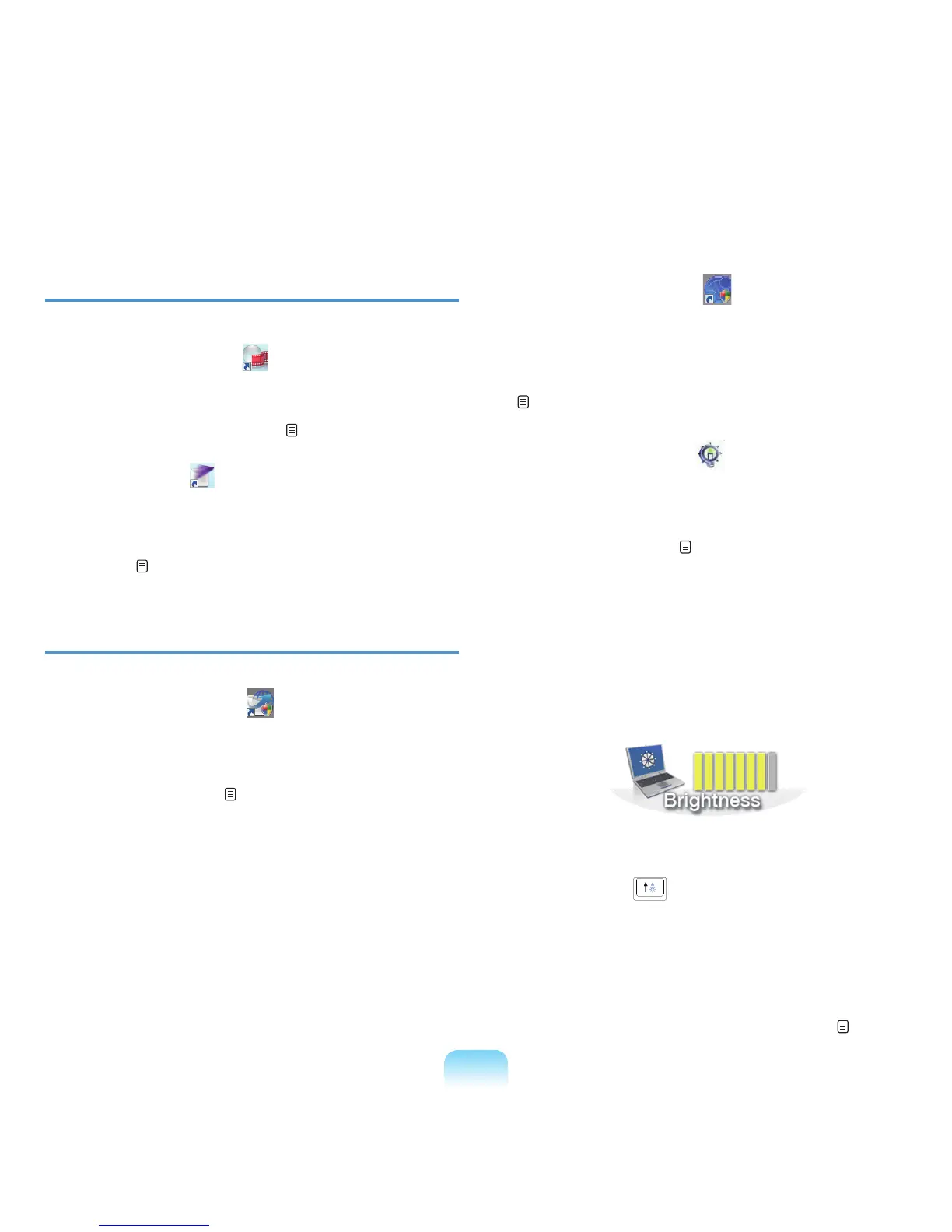
Example)Theiconthatappearswhenpressingthe
Fn + ( )keystochangethescreen
brightness.
Easy SpeedUP Manager (Optional)
Thisprogramenablesyoutoselectoperationmode
whenyouneedmaximumsystemperformanceorlow-
noise/lowpowerconsumptionwithone-click.
p.42





 To Next Page