160
4
IftheRipCDwindowappears,clickYes.
5
RippingaCDbeginsbyshowingrotatingCDicon
on the right side that indicates ripping a CD is in
progress.Whenrippingiscomplete,therippingCD
completemessageappears.
Note
The ripped tracks are displayed in the Music >
Music LibraryofMediaCenterandintheLibrary of
WindowsMediaPlayer.Therippedtracksarecopied
to Start > MusicoftheDesktopasalbumles.
Tochangethefoldertosavetherippedtracksto,
launchWindowsMediaPlayerandright-clickover
thetoptaskbarandselect
More Options > Rip
Music > Rip music to this locationfromthepop-
upmenu.
Playing Ripped Tracks
1
LaunchMediaCenter,andselectMusic.
2
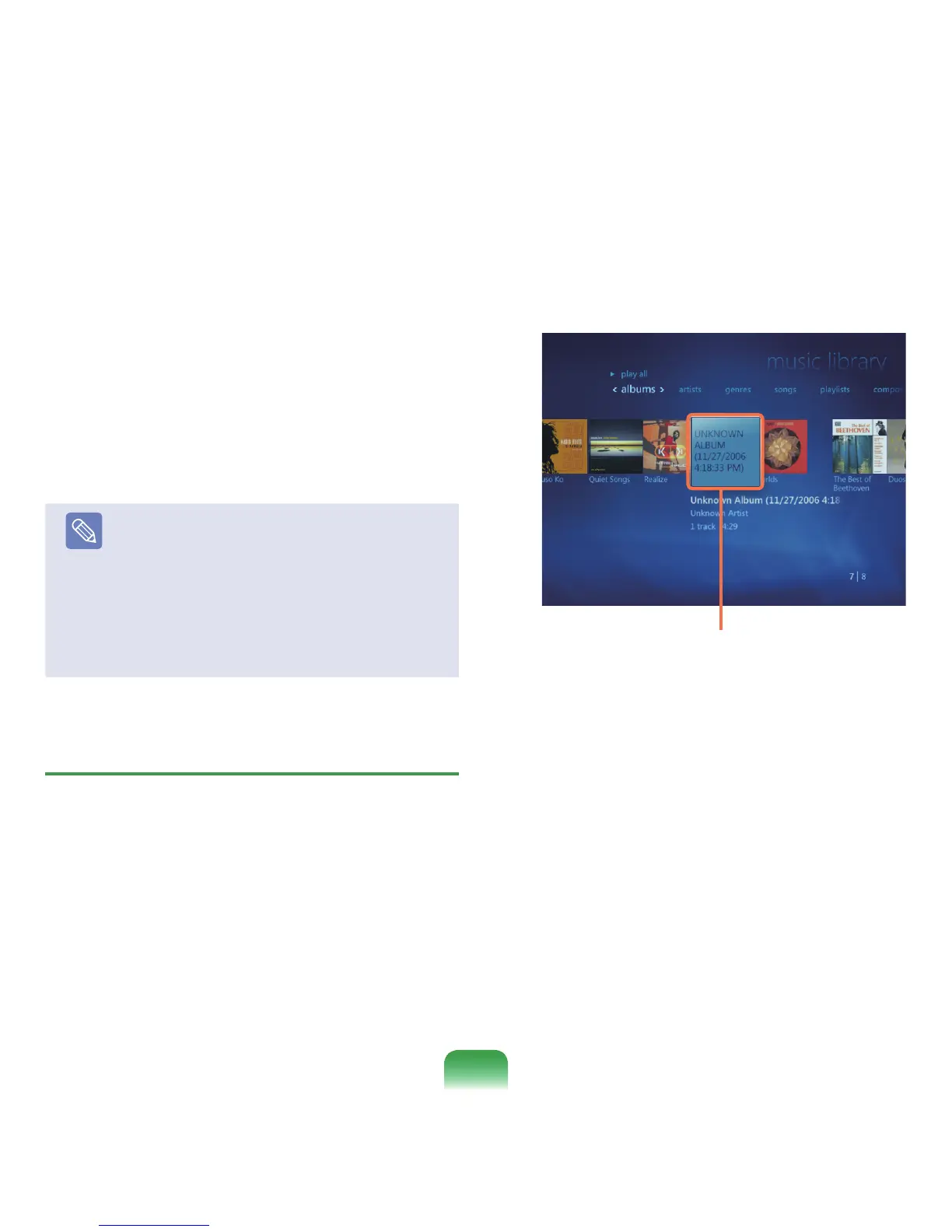
If you select Music Library,thealbumlistappears
includingtherippedalbum.
3
SelectanalbumtobeplayedandclickPlay Album
intheleftpane.
4
Thealbumisplayed.
Ripped music albums












 To Next Page