48
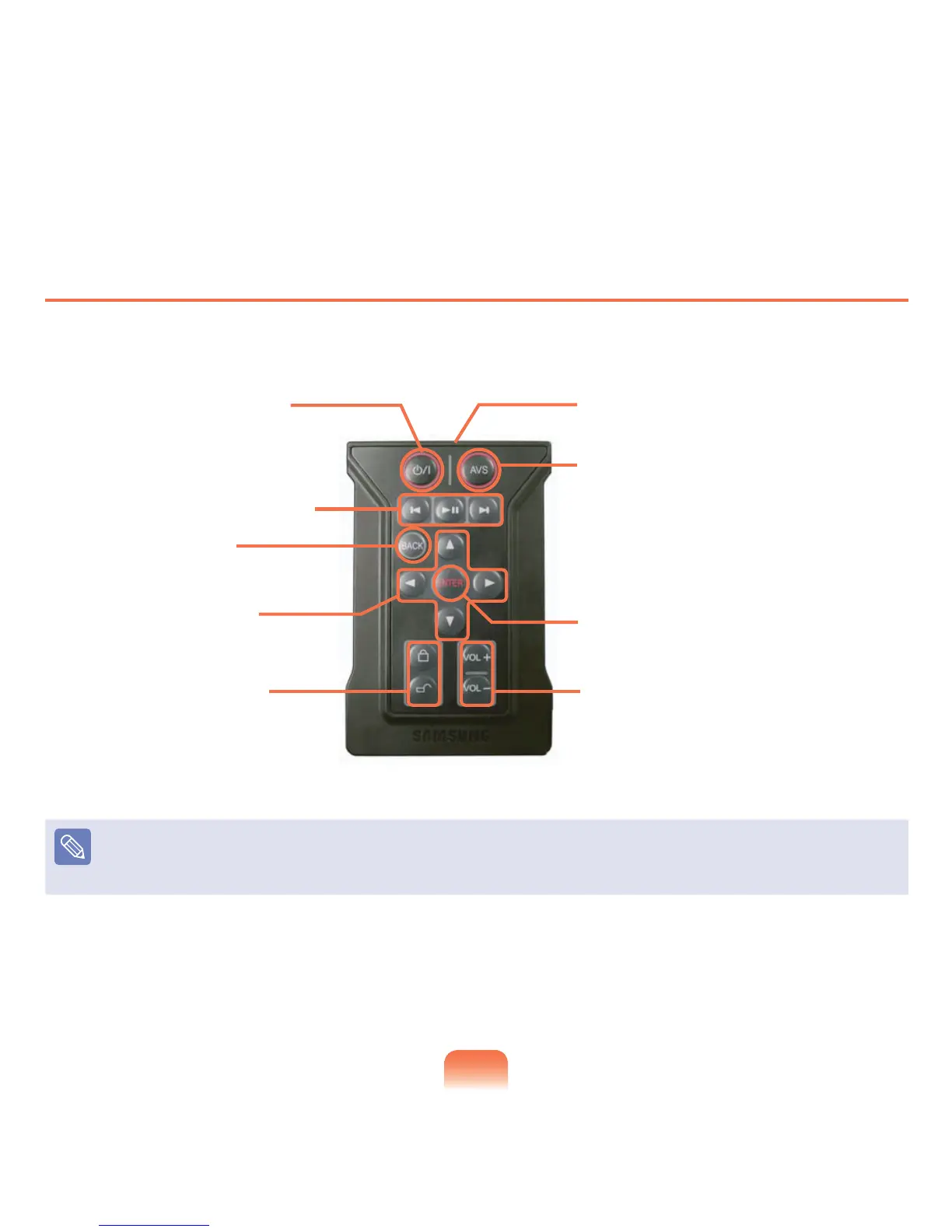
Remote Control Buttons
1 Power / Sleep Button
Press to turn the computer on
ortoenterSleepmode.
3 BACK Button
*
Press to return to the previous
step.
4 Direction Button
*
Presstomovetoanitem.
5 These buttons are
not use.
2 Playback Control Button
8 ENTER Button
Presstoexecutetheselecteditem.
9 Volume Control Button
Note
Buttonsindicatedby(
*
)donotworkinsomeapplications.
WhenpressingthePower/SleepButtoninWindows,thecomputerentersSleepmode.Thecomputerwillnotshutdown.
7 AVS Button
AVStation now is launched regardless of
whetherthecomputerisonoroff.
6 Remote Control Signal Transmitter












 To Next Page