77
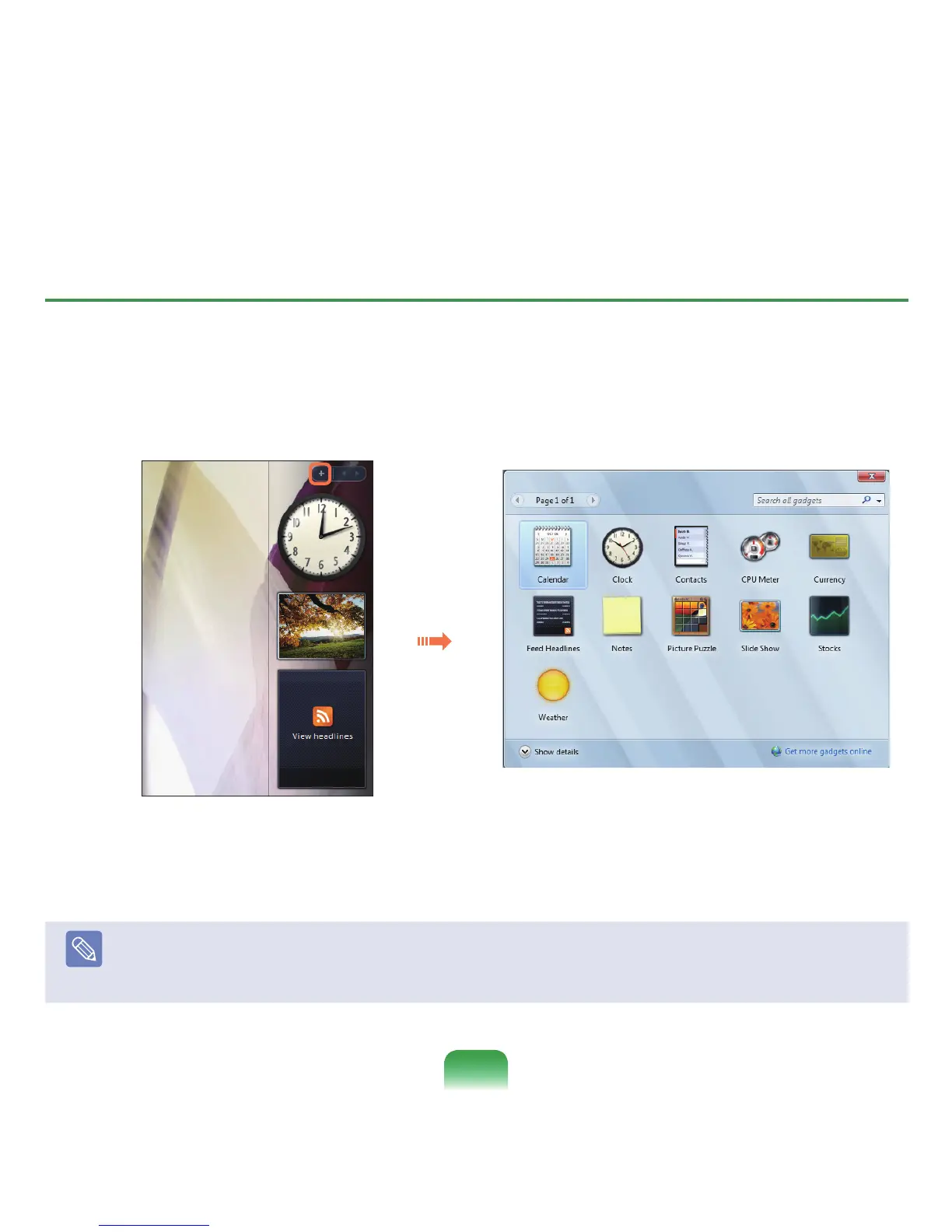
Adding a Gadget
YoucanndagadgetintheGadget GalleryandaddittotheSidebar.
1
If you click the +atthetopoftheSidebar,theGadgetGalleryopens.
2
Ifyoudouble-clickonagadget,thegadgetisaddedtotheSidebar.
Note
■
Youcanmoveagadgettoanotherlocationbydraggingitwiththemouse.
NotonlycanyoumoveagadgetontotheSidebarbutalsooutoftheSidebar.
■
Ifyouplacethemousepointeroveragadget,thecloseandoptionbuttonsappear.


 To Next Page
 Loading...








