English - 12
oven use
HOW A MICROWAVE OVEN WORKS
Microwaves are high-frequency electromagnetic waves; the
energy released enables food to be cooked or reheated without
changing either the form or the colour.
You can use your microwave oven to:
• Defrost
• Reheat
• Cook
Cooking Principle
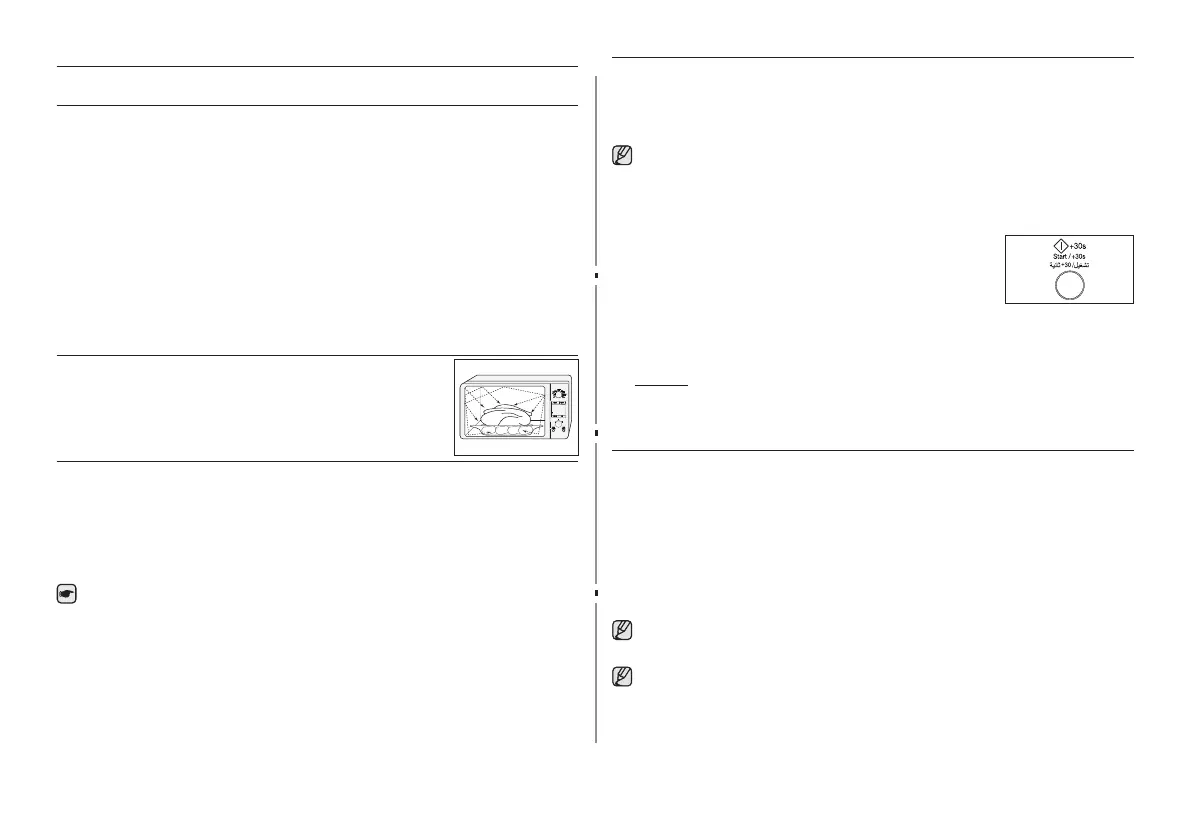
1. The microwaves generated by the magnetron reected at
cavity and are distributed uniformly as the food rotates on the
turntable. The food is thus cooked evenly.
2. The microwaves are absorbed by the food up
to a depth of about 1 inch (2.5 cm). Cooking
then continues as the heat is dissipated within
the food.
3. Cooking times vary according to the container used and the
properties of the food:
• Quantity and density
• Water content
• Initial temperature (refrigerated or not)
As the centre of the food is cooked by heat dissipation,
cooking continues even when you have taken the food out of
the oven.
Standing times specied in recipes and in this booklet must
therefore be respected to ensure:
• Even cooking of the food right to the centre
• The same temperature throughout the food
CHECKING THAT YOUR OVEN IS OPERATING CORRECTLY
The following simple procedure enables you to check that your
oven is working correctly at all times. If you are in doubt, refer
to the section entitled “What to do if you are in doubt or have a
problem” on the page 40-41.
The oven must be plugged into an appropriate wall socket.
The turntable must be in position in the oven. If a power level
other than the maximum (100 % - 900 W) is used, the water
takes longer to boil.
Open the oven door by pulling the handle on the
right side of the door.
Place a glass of water on the turntable. Close the
door.
Press the Start/ + 30s button and set the time to 4 or 5 minutes,
by pressing the Start/ + 30s button the appropriate number of
times.
Result: The oven heats the water for 4 or 5 minutes. The
water should then be boiling.
SETTING THE TIME
Your microwave oven has an inbuilt clock. When power is
supplied, “:0”, “88:88” or “12:00” is automatically displayed on the
display.
Please set the current time. The time can be displayed in either
the 24- hour or 12-hour notation. You must set the clock:
• When you rst install your microwave oven
• After a power failure
Do not forget to reset the clock when you switch to and from
summer and winter time.
Auto energy saving function
If you do not select any function when appliance is in the
middle of setting or operating with temporary stop condition,
function is canceled and clock will be displayed after 25
minutes. Oven Lamp will be turned off after 5 minutes with
door open condition.



 To Next Page