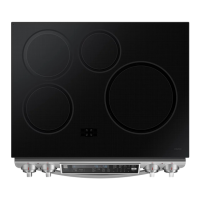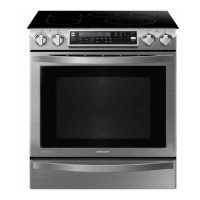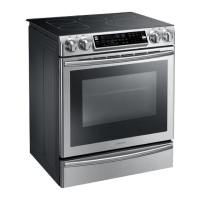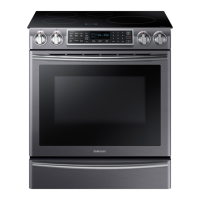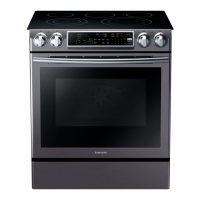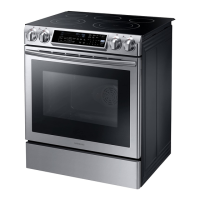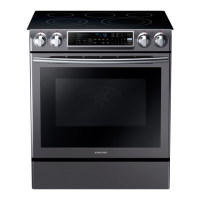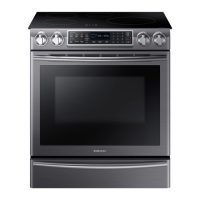
Why are there areas of discoloration on my Samsung NE58H9970WS cooktop?
H
hdelacruzSep 12, 2025
If you notice areas of discoloration on your Samsung Range cooktop, it could be due to food spillover that wasn't cleaned, or because the surface is hot and the model features a light-colored cooktop. Refer to the section on care and cleaning of the glass cooktop. If the surface is hot, this is normal and temporary, disappearing as the glass cools.
J
Jared TrujilloAug 25, 2025
What to do if the oven will not turn on in my Samsung NE58H9970WS Ranges?
A
Ashley StoneAug 25, 2025
If your Samsung Range oven won't turn on, ensure the range is fully plugged into a working, grounded electrical outlet. Check your home's fuse box or circuit breaker and replace the fuse or reset the breaker if necessary. Also, make sure the oven controls are properly set and allow the oven to cool if it is too hot.
P
Patricia DonovanAug 25, 2025
What to do if my Samsung NE58H9970WS Ranges will not turn on?
E
Edward BradleyAug 26, 2025
If your Samsung Range isn't turning on, make sure it's properly plugged into a grounded outlet, and check your fuse box or circuit breaker. If those aren't the issue, it could be due to incomplete service wiring, in which case you should call for service. Lastly, check for a power outage.
S
steven07Sep 23, 2025
What to do if food dries out in the warming drawer of my Samsung Range?
J
Justin KelleySep 23, 2025
If food dries out in the warming drawer of your Samsung Range, check if the drawer is fully closed. Push the drawer in until the latch engages to prevent moisture from escaping.
K
kathryn11Sep 12, 2025
Why is the warming drawer not working on my Samsung NE58H9970WS?
T
Travis MannSep 12, 2025
If the warming drawer on your Samsung Range isn't working, check if a fuse in your home has blown or the circuit breaker has tripped; replace the fuse or reset the breaker if necessary. Also, make sure the controls are set correctly. See the chapter on using the warming drawer.
M
Michele JonesSep 18, 2025
Why is food not baking properly in my Samsung Range?
B
Brian PattersonSep 18, 2025
If food does not bake or roast properly in your Samsung Range, the oven controls may not have been set correctly. Refer to the chapter on operating the oven for guidance.
R
Ronald GarciaSep 5, 2025
What to do if the oven control beeps and displays an error code on my Samsung Range?
K
Kerri CaseySep 5, 2025
If the oven control on your Samsung Range beeps and displays an error code, it indicates a function error. Here’s how to address it:
* Press OVEN OFF and restart the oven.
* If the problem persists, disconnect all power to the range for at least 30 seconds and then reconnect the power.
* If this does not solve the problem, call for service.
B
Barbara JensenSep 6, 2025
Why does the display go blank on my Samsung Range?
P
Patrick GarciaSep 6, 2025
If the display on your Samsung Range goes blank, a possible cause is a blown fuse or tripped circuit breaker in your home. Replace the fuse or reset the circuit breaker to resolve this.
A
Ashley SmithSep 18, 2025
How to fix oven light that won't turn on in Samsung Range?
S
Shelley LindseySep 22, 2025
If the oven light in your Samsung Range will not turn on, the light bulb may be loose or defective. Try tightening or replacing the bulb.
J
Jessica PriceAug 30, 2025
Why is my food not baking properly in my Samsung NE58H9970WS oven?
E
Elizabeth ByrdAug 30, 2025
If your food isn't baking or roasting properly in your Samsung Range, it could be due to incorrect oven control settings, improper rack position, or the oven sensor needing adjustment. Refer to the chapter on operating the oven. Check the section on using the oven racks. See the section on adjusting the thermostat.