ŝ24Ş
Brightness
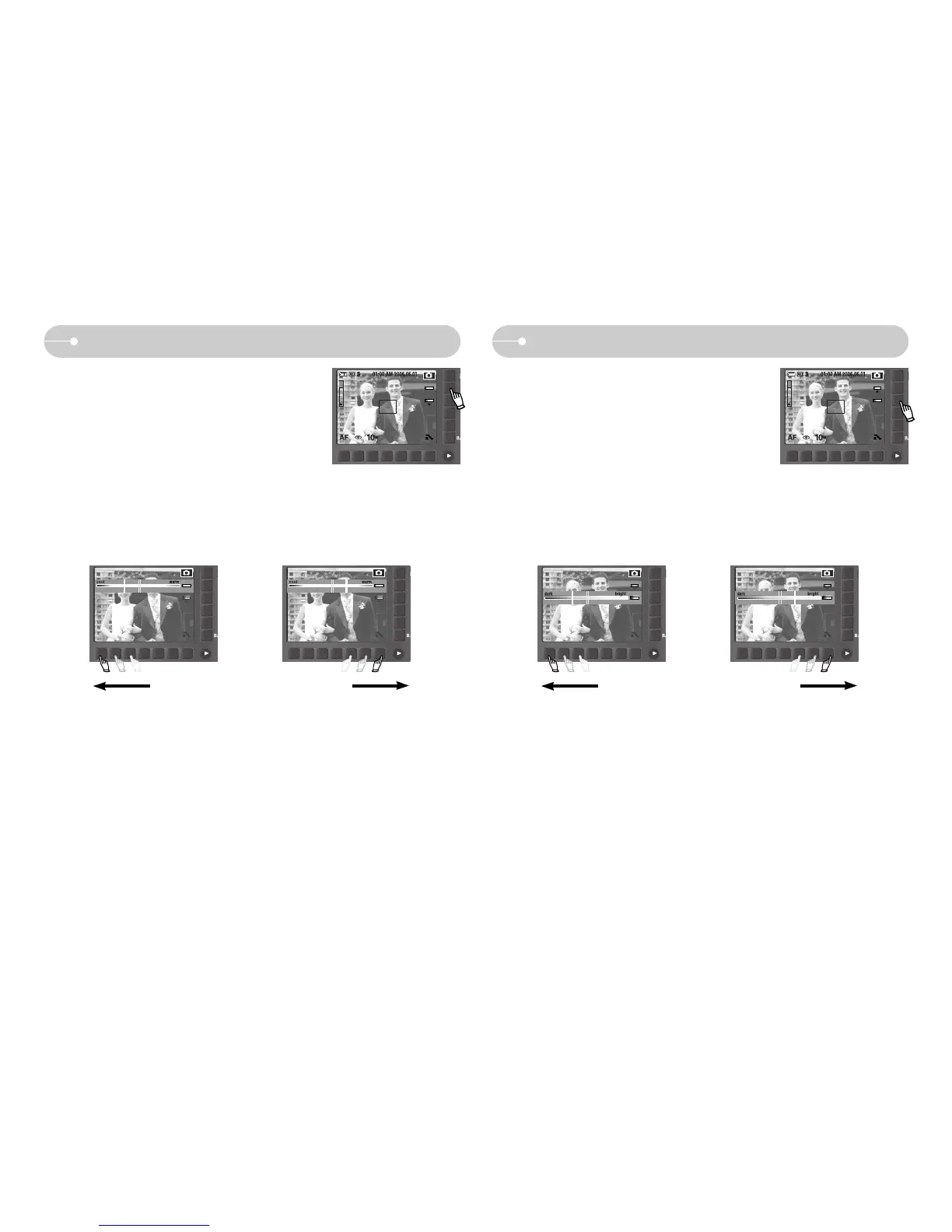
ƈ You can change the brightness of the image.
ƃ Changing the brightness
To select the brightness, touch the button and slide your finger to the left or right.
BRIGHT
Color tone
ƈ You can add color tone on the captured image.
Warm menu will increase red color of the image.
Cool menu will increase blue color of the image.
ƃ Selecting the color tone
To select the color tone, touch the button and slide your finger to the left or right.
COLOR
[Dark] [Bright][Emphasizing the Cool-color] [Emphasizing the Warm-color]



 To Next Page