ŝ40Ş
ƈ In Play mode, you can use the buttons on the camera to conveniently set up the
Play mode functions.
Play mode button
ƈ If you have turned on the camera by pressing the POWER button, you can press
the PLAY MODE button once to switch to Play mode and press it again to switch
to Recording mode.
ƈ You can turn the power on with the play mode button. The camera is turned on
in play mode. Press the play mode button again to turn off the camera.
Using the camera buttons to adjust the camera
ISO:200
AV:F2.8
TV:1/30
FLASH:OFF
3648X2736
2006.06.01
ISO sensitivity
Aperture value
Shutter speed
Whether or not the flash is used
Size
Recording date
ƃ The maximum enlargement rate in proportion to the image size.
Image size 10M 7M 5M 3M 1M
Maximum enlargement rate X11.4 X9.8 X7.0 X7.0 X2.66
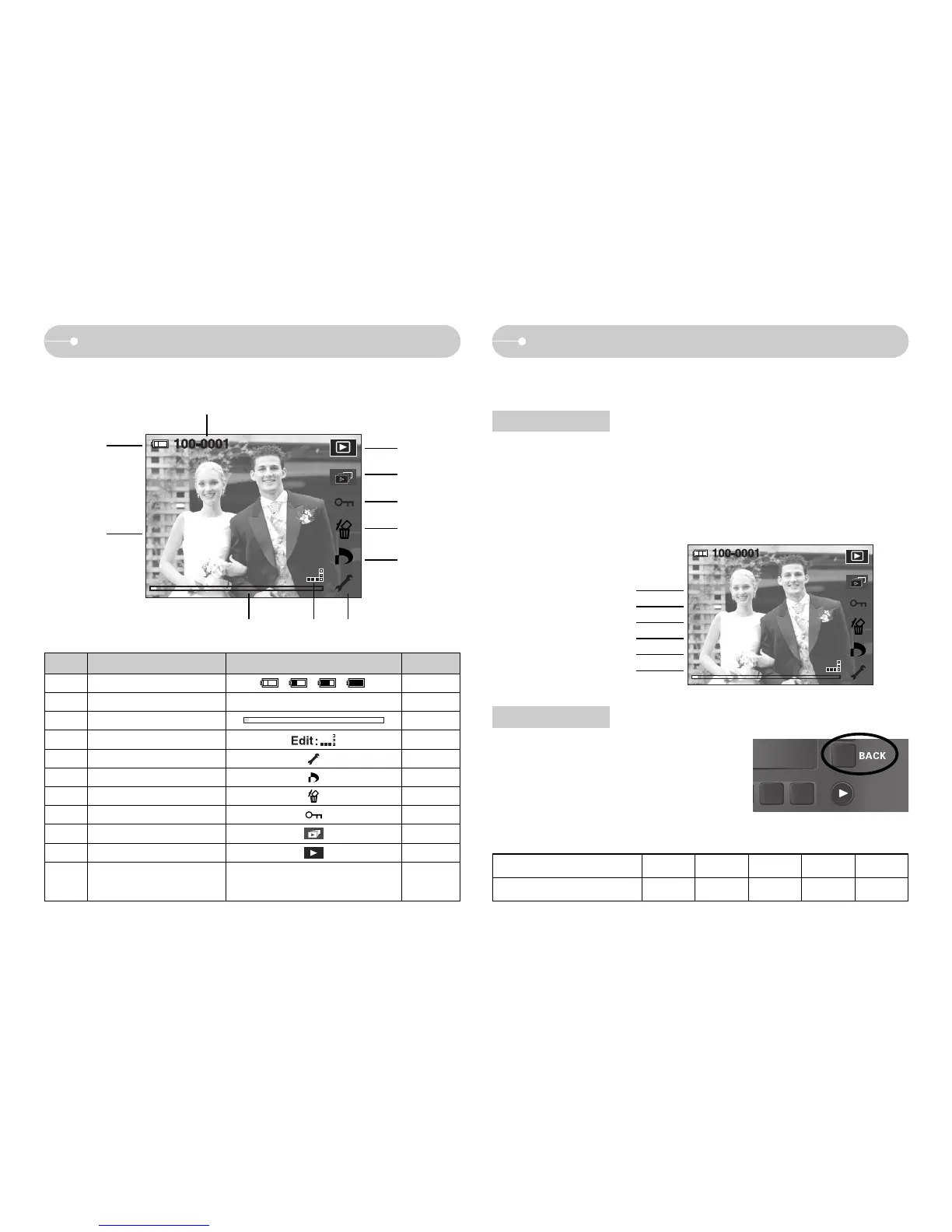
LCD monitor indicator
ƈ The LCD monitor displays shooting information about the displayed image.
No. Description Icon Page
1 Battery p.13
2 Recording Information -
3 Slide Bar -
4
Fn menu : Press the smart button
-
5 Setup menu p.48
6 DPOF menu p.42
7 Delete menu p.42
8 Protect menu p.42
9Slide show menu p.41
10 Play back mode icon -
11 p.49
Folder name and Stored
image number
100-0001
BACK button
ƈ When the menus are displayed the BACK
button allows you to return to the previous
screen, and will eventually bring you out of the
menu system.
ISO:200
AV:F2.8
TV:1/30
FLASH:OFF
3648X2736
2006.06.01
ں
ڹ
ڻ ڽڼ
ۃ
ۂ
ہ
ڿ
ھ
ۀ
Edit:
Edit:



 To Next Page