ŝ53Ş
- NTSC : U.S.A, Canada, Japan, South Korea, Taiwan, Mexico.
- PAL : Australia, Austria, Belgium, China, Denmark, Finland, Germany, U.K.,
Holland, Italy, Kuwait, Malaysia, New Zealand, Singapore, Spain,
Sweden, Switzerland, Thailand, Norway.
- When using a TV as an external monitor, you will need to select the external or
AV channel of the TV.
- There will be a digital noise on the external monitor, but it is not a malfunction.
- If the image is not in the centre of the screen, use the TV controls to centre it.
- When the camera is connected to an external monitor, some parts of the
image may not display.
- When the camera is connected to an external monitor, the menu will be visible
on the external monitor and the menu functions are the same as those
indicated on the LCD monitor.
- When the camera is connected to an external monitor, the button sound may
not sound.
[ Selecting Video out type ]
ƈ The Movie output signal from the camera can be NTSC or PAL.
Your choice of output will be governed by the type of device (monitor or TV, etc.)
to which the camera is connected. PAL mode can support only BDGHI.
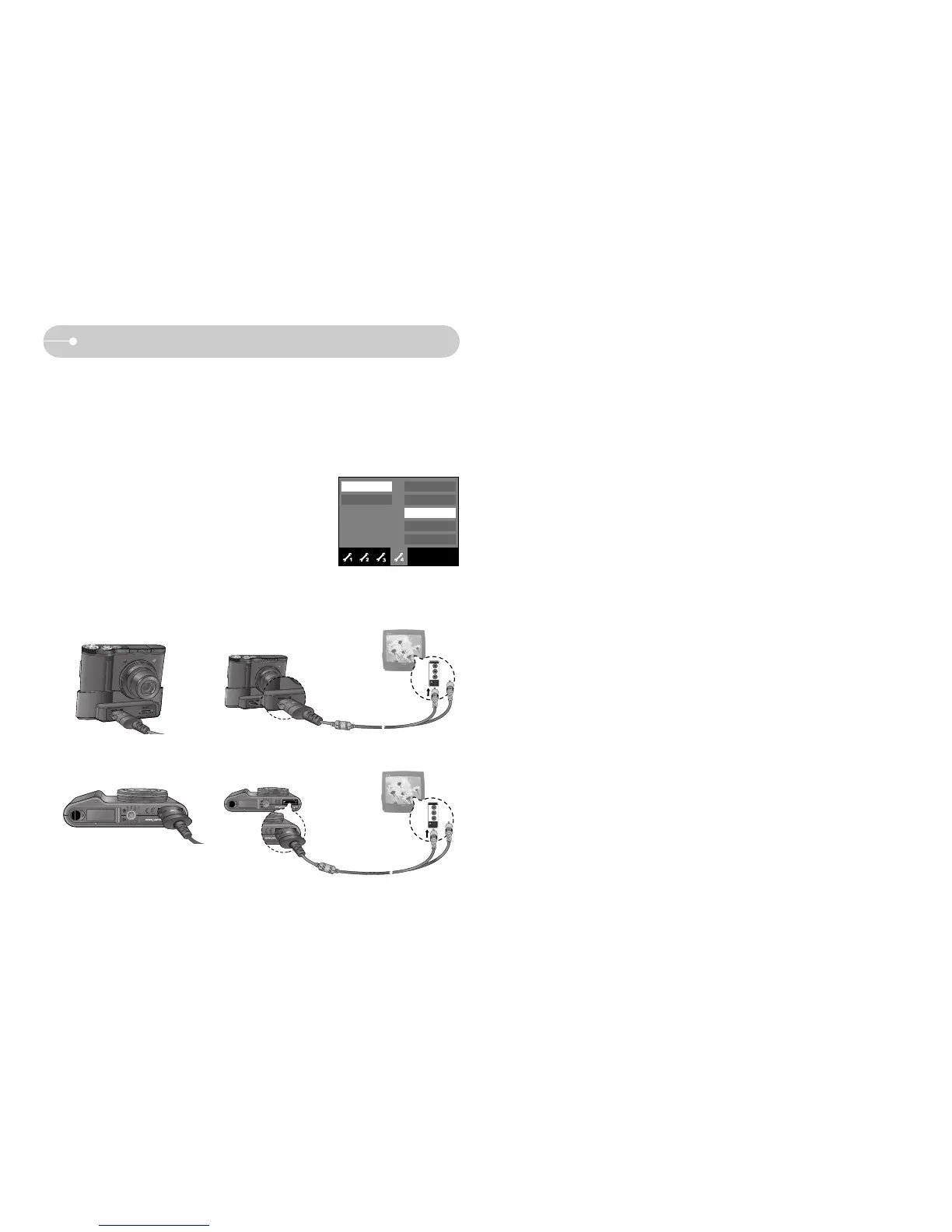
ƈ Connecting to an external monitor
ƃ Using the USB cable with Cradle (Optional) :
Connect the camera and the cradle. Connect the
cradle to an external monitor with the supplied AV
cable.
ƃ Using the AV cable with Camera :
Connect the camera to an external monitor with
the supplied AV cable.
NTSC
PAL
Format
Copy to Card
Video Out
USB
Reset
Ȝ
[Using the AV cable with Cradle]
[Using the AV cable with Camera]
Yellow - Video
White - sound
Setup menu
Exit:BACK



 To Next Page