ŝ29Ş
ƈ This function is used when the photographer would also like to be in the picture.
- Selecting a self-timer :
When you press the Shutter button, the picture will
be taken after the specified time has elapsed and
the self-timer function will be cancelled.
- Selecting a remote mode :
Pressing the shutter button of remote control will
allow an interval of 2 seconds before the image is
taken. After taking a picture, the remote mode will
be maintained. But, pressing the Power button will cancel the remote mode.
ƃ Description of Self-timer / Remote mode
Icon Mode Description
Remote
10s
2s
Double
You can take a picture by remote control instead of using
the shutter button of the camera.
Pressing the shutter button will allow an interval of
2 seconds before the image is taken.
A picture will be taken after about 10 seconds and
2 seconds later a second picture will be taken.
Pressing the shutter button will allow an interval of
10 seconds before the image is taken.
Self-timer / Remote control
OFF
10 sec
2 sec
DOUBLE
REMOTE
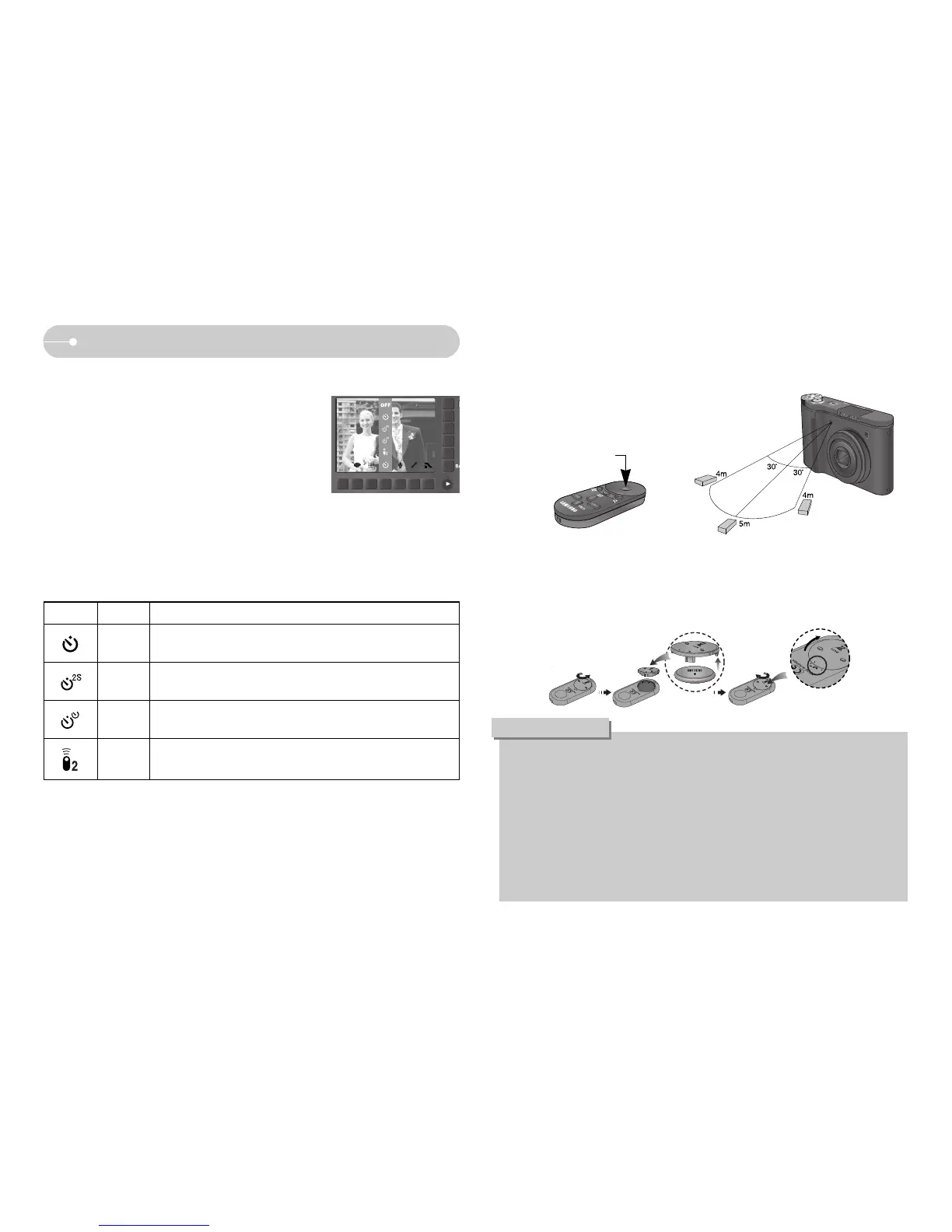
ƃ Remote control range
[Shutter button on
the remote control]
ƃ Replacing battery for the remote control
Make sure the + (positive) polarity is toward the top and the - (negative) polarity is
toward the bottom while installing battery for the remote control. Replace battery for
the remote control in the local service centre. Use the CR 2025 3V battery.
ƃ
When taking a picture using the self-timer, the self-timer lamp works as follows :
2 second self-timer setting : The self-timer lamp blinks at 0.25 second
interval for 2 seconds.
10 second self-timer setting : The self-timer lamp blinks at 1 second interval
for the first 7 seconds. It blinks at 0.25 second
interval for the remaining 3 seconds.
ƃ If you operate the Play mode button during the self-timer operation, the self-
timer function is canceled.
ƃ Use a tripod to prevent camera shake.
INFORMATION
When you take a picture by using the remote control,
refer to the illustrations shown alongside about the
remote control range.



 To Next Page