ŝ47Ş
PictBridge
ƈ Printing images (Custom mode) : Images will be printed with changed printer
setting.
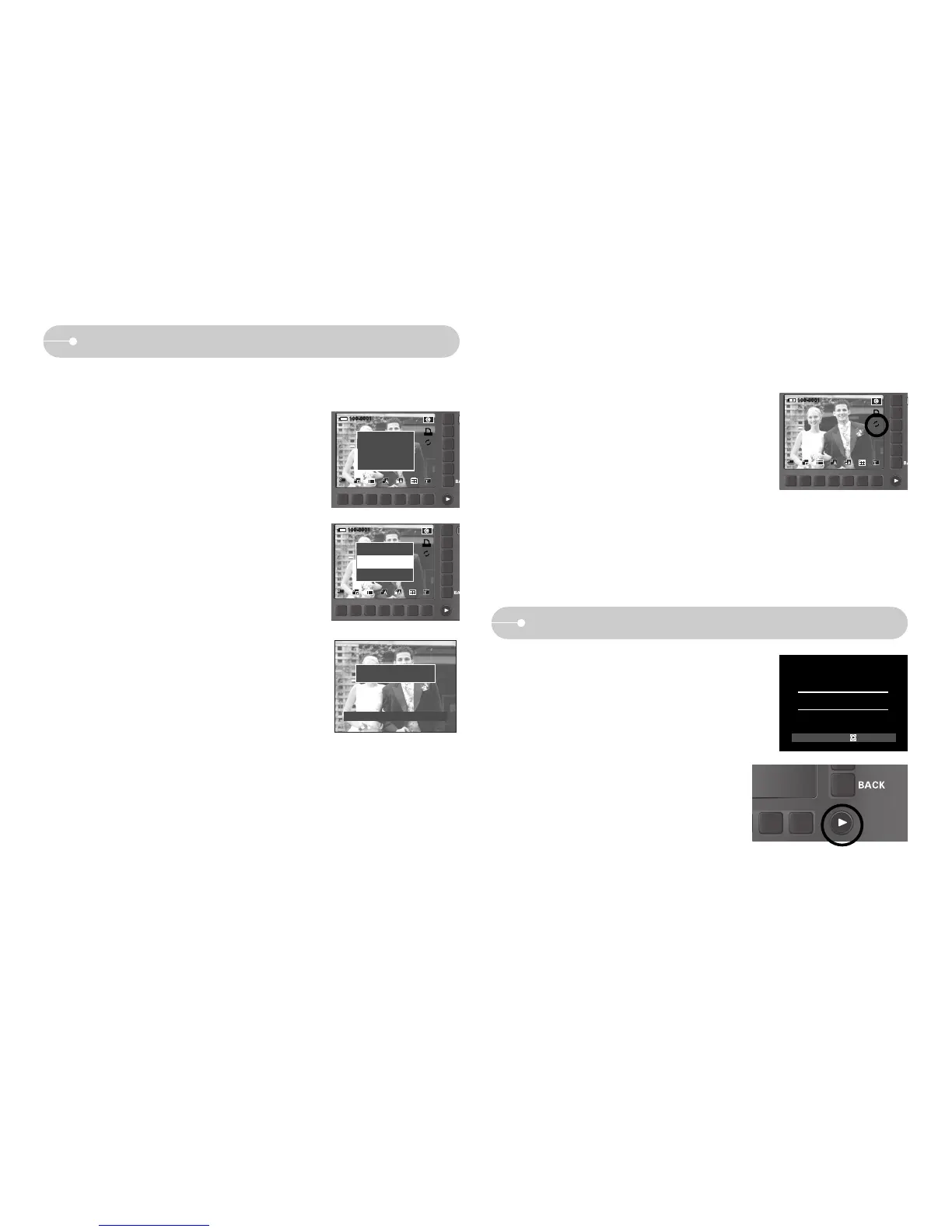
1. In custom printing mode, press the Print menu
button.
2. Select the [Yes] menu.
Print?
Yes
No
3. The screen shown on the right will appear and
the picture will be printed. If no picture is
selected, the [No Image!] message will be
displayed. Press the BACK button while printing
to cancel the printing.
001 / 001
Cancel:BACK
Now Printing
ƈ Reset : Initialises user-changed configurations.
1. In custom printing mode, press the Reset menu
button.
2. All settings will be reset.
Printer button
ƈ If you select [Computer] sub menu in the [USB]
setup menu, [Connecting Computer] message
will display when you connect the camera to
your printer and the connection will not be
established. In this case, press the Printer
button. [Connecting Printer] message will
display and the Easy printing mode will be
selected.
* In some instances the camera may not connect
to the printer, this will depend on the
manufacturer of the printer.
Printer:
ȞȞ ȞȞ
Connecting Computer
Print?
Yes
No



 To Next Page