ŝ6Ş
Identification of features
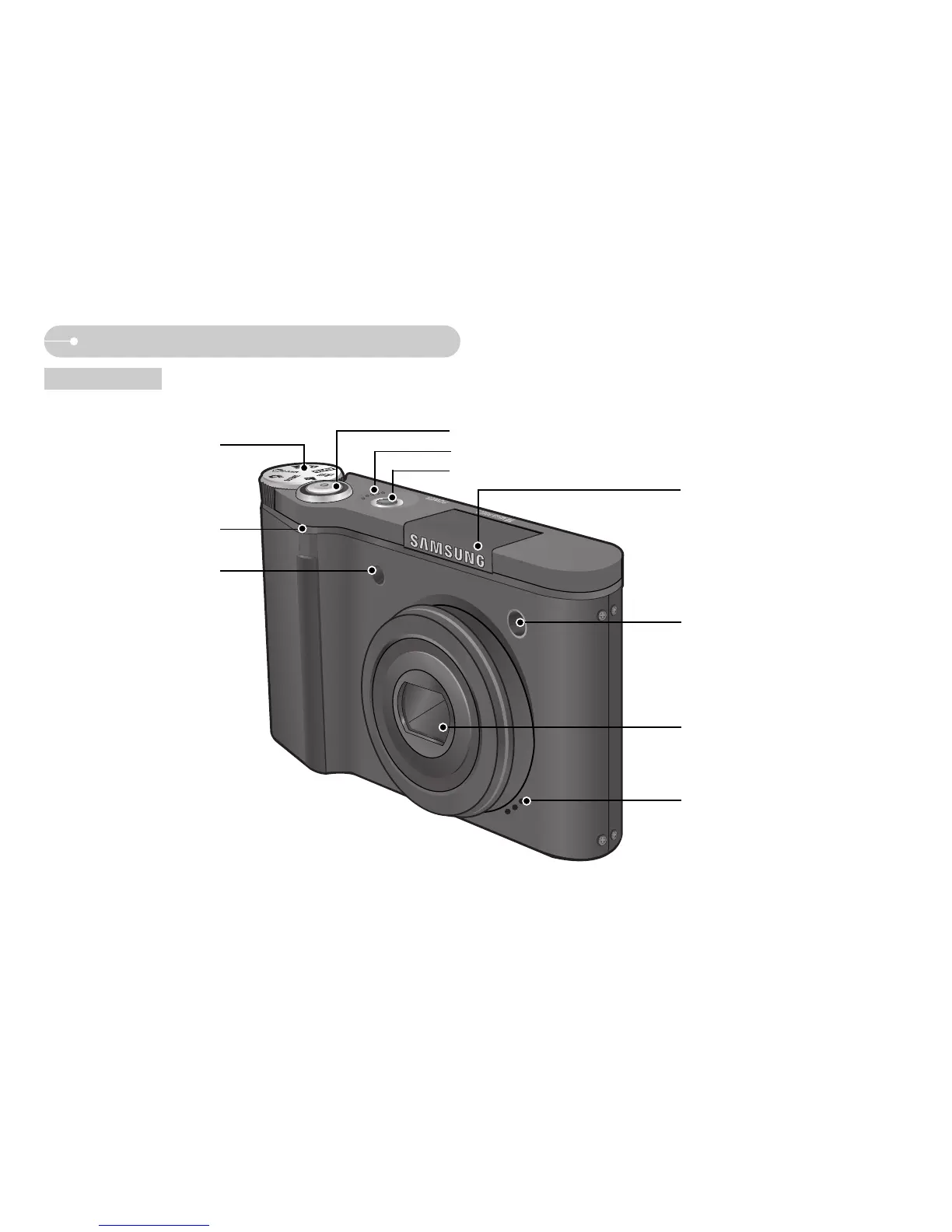
Front & Top
Mode dial
Remote control sensor
Auto focus lamp
Self-timer lamp
Shutter button
Speaker
Built-in flash
Lens / Lens cover
Microphone
Power button
ſ Instructions for the Built-in flash
- The flash opens automatically when you press
the shutter button down half way.
- Do not open the flash by force.
It may cause breakage of camera.
- When you donŖt use the flash, close the flash to
prevent breakage.



 To Next Page