ŝ58Ş
ƈ Image Sensor
- Type : 1/1.8ůCCD
- Effective Pixel : Approx. 10.1 Mega-pixel
- Total Pixel : Approx. 10.3 Mega-pixel
ƈ Lens
- Focal Length : Schneider Lens f = 7.4 ~ 22.2mm
(35mm film equivalent : 35 ~ 105mm)
- F No. : F2.8 ~ F5.1
- Digital Zoom :ŋStill Image mode : 1.0X ~ 5.0X
ŋPlay mode : 1.0X ~ 11.4X (depends on image size)
ƈ LCD Monitor : 2.5" color TFT LCD (230,000 pixel)
ƈ Focusing
- Type : TTL auto focus
- Range
ƈ Shutter
- Speed : - Auto : 1 ~ 1/1,500 sec. - Manual Mode : 15 ~ 1/1,500 sec.
- Night : 4 ~ 1/1,500 sec. - Fireworks : 4 sec.
ƈ Exposure
- Control : Program AE, Manual Exposure
Metering : Multi, Spot, Center
- Compensation : ť2EV (1/3EV steps)
- ISO Equivalent : Auto, 100, 200, 400, 800, 1000
ƈ Flash
- Modes : Auto, Auto & Red-eye reduction, Fill-in, Slow sync, Flash off
- Range : Wide : 0.4m ~ 4.5m, Tele : 0.5m ~ 2.5m (ISO AUTO)
- Recharging Time : Approx. 4 sec.
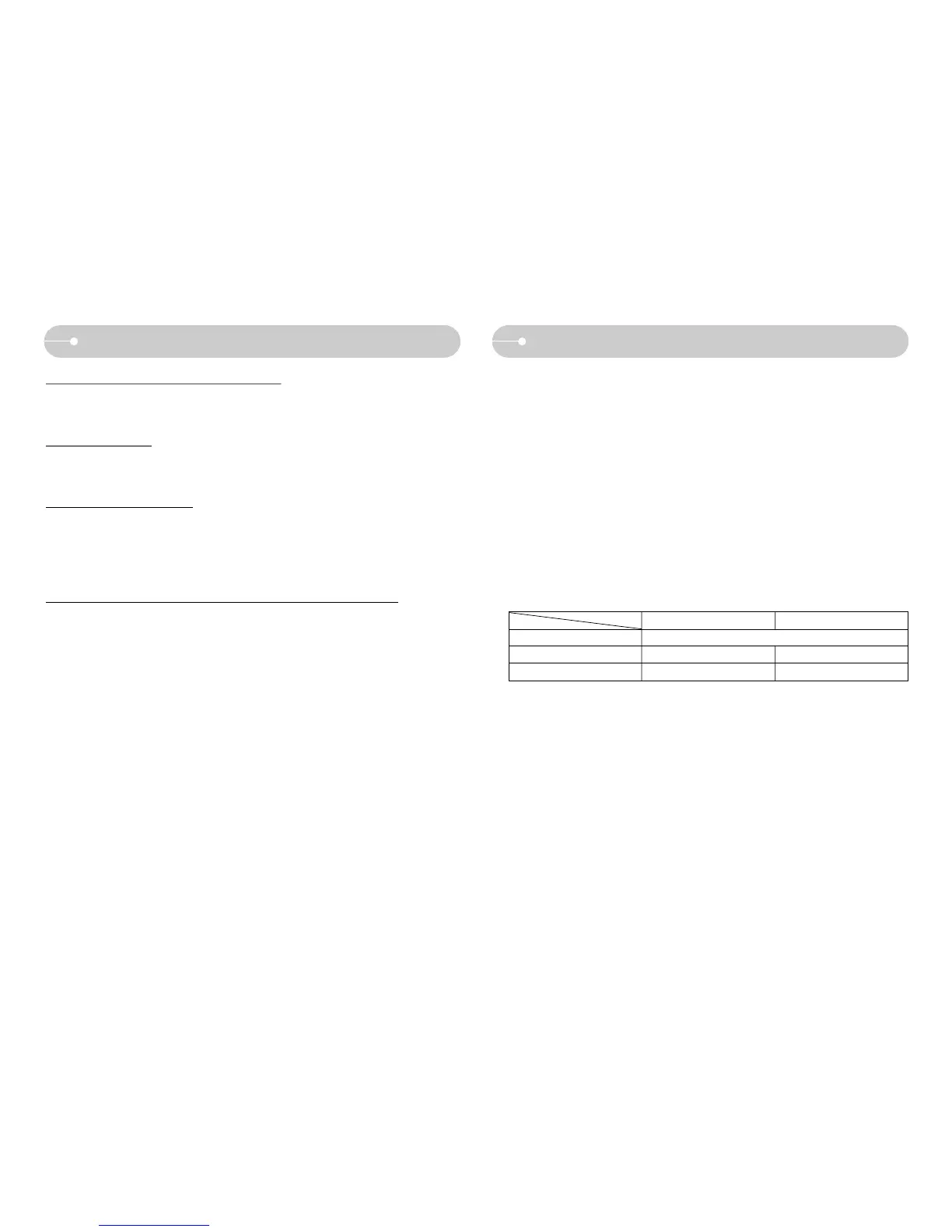
Wide Tele
Normal 80cm ~ Infinity
Macro 4cm ~ 80cm 50cm ~ 80cm
Auto Macro 4cm ~ Infinity 50cm ~ Infinity
Colour of image is different to the original scene
ϛWhite balance or effect setting is incorrect
ƍ Select appropriate White balance and effect
Images are too bright
ϛExposure is excessive
ƍ Reset exposure compensation
No image on external monitor
ϛThe external monitor has not been connected properly with the camera
ƍ Check the connection cables
ϛThere are incorrect files in the memory card
ƍ Insert a memory card that has correct files
When using the PC’s explorer, the [Removable Disk] file does not show
ϛCable connection is incorrect
ƍ Check the connection
ϛThe camera is off
ƍ Turn the camera on
ϛThe operating system is not Windows 98, 98SE, 2000, ME, XP/ Mac OS Mac OS
9.0 ~ 10.4. Alternatively the PC does not support USB
ƍ Install Windows 98, 98SE, 2000, ME, XP/ Mac OS 9.0 ~ 10.4 to PC that
supports USB
ϛThe camera driver is not installed
ƍ Install a [USB Storage Driver]
SpecificationsBefore contacting a service centre



 To Next Page