Starting the recording mode
ŝ24Ş
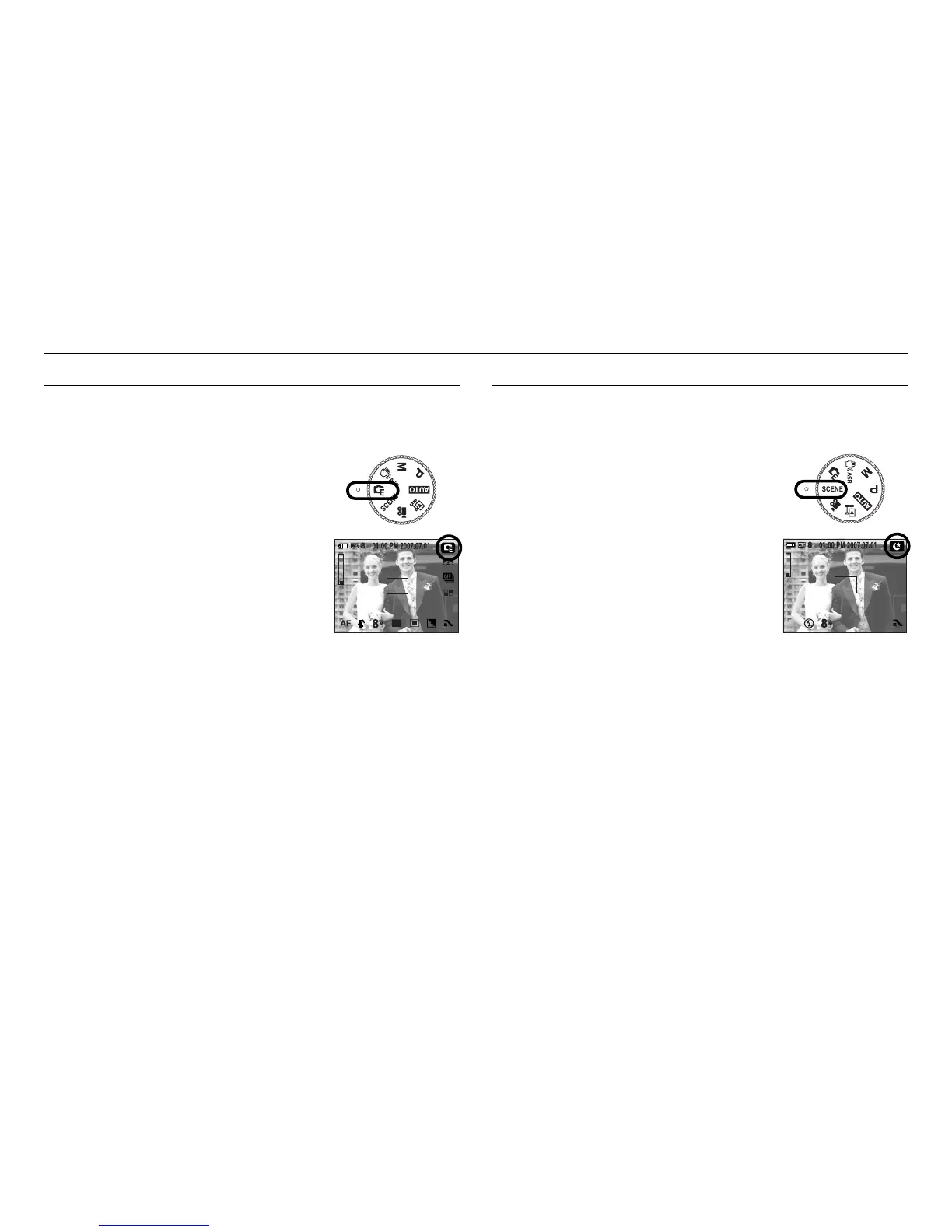
It is possible to add special effects to your images by using this mode.
Select the EFFECT mode by rotating the mode dial.
ſ Refer to page 44-47 for more information about
the effect menus.
How to use the EFFECT mode
Use the menu to easily configure optimal settings for a variety of shooting
situations. Select the SCENE mode by rotating the mode dial.
ſ Refer to page 44 for more information about
the menus.
How to use the SCENE mode



 To Next Page