Effect : Motion GIF
ŝ45Ş
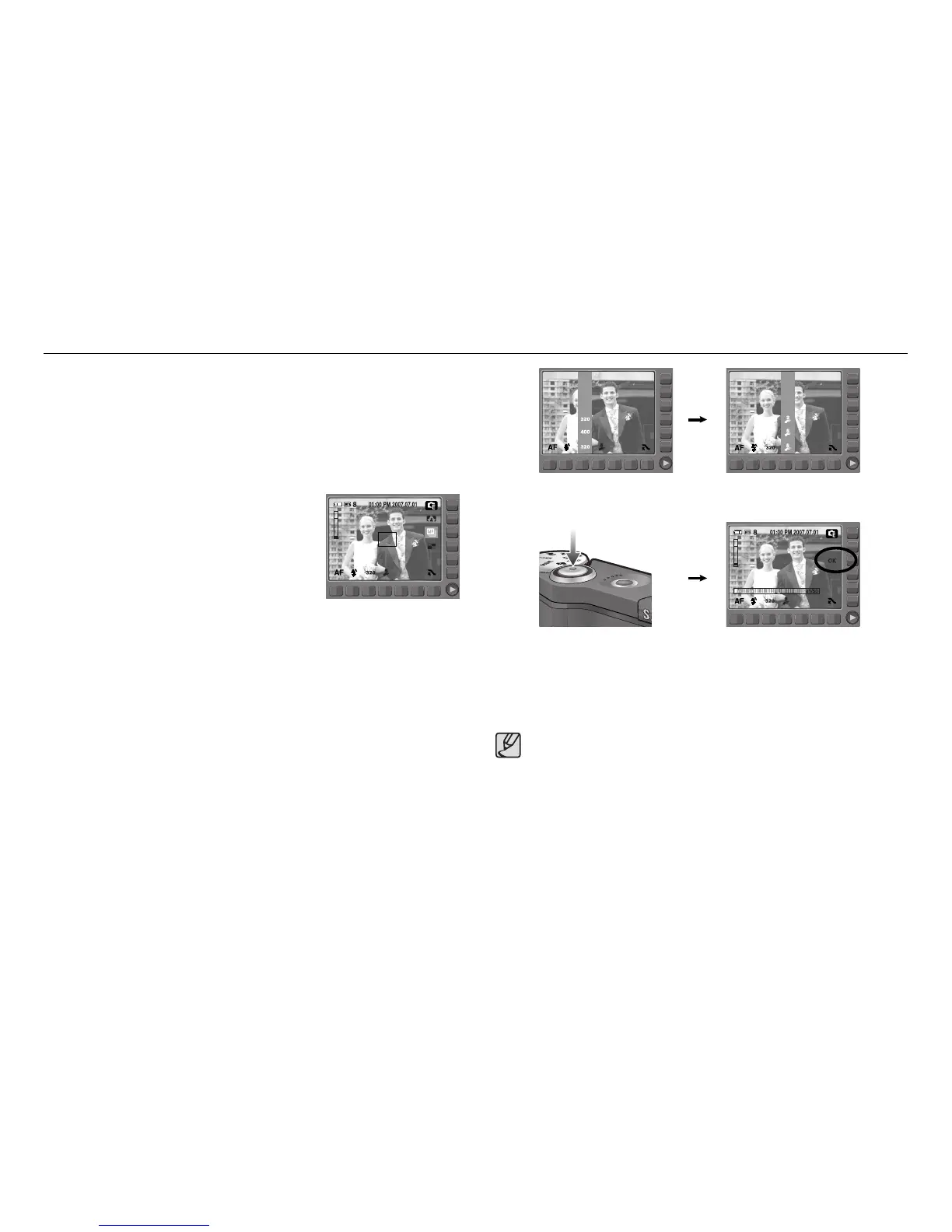
You can make Motion GIF with captured images.
ƈ Motion GIF : Taking images continuously and save them in a file. This file
supports animation.
ƈ How to make the Motion GIF
1. Select the Effect mode by rotating the mode dial.
2. Press the Motion GIF menu button.
3. Select the image size and FPS (Frame Per
Second).
4. Press the Shutter button to take pictures.
(Max. 50 images)
5. Press the OK menu button to save the image.
The images will be saved as a motion GIF file.
[Selecting image size]
[Pressing the OK menu button]
[Taking pictures]
[Selecting FPS]
2 FPS
5 FPS
320x240
400x300
Save:OK Cancel:BACK
ƃ As the GIF file format has limitation of shades, image quality can be
decreased.



 To Next Page