Save:OK Del:BACK
ƈ Changing a part of composite shot after taking the last shot
Before saving the composite shot, you can change a part of composite shot.
1. After taking the last shot, a menu will display as
shown.
2. Select an image to delete by using the Smart
button.
3. Press the BACK button and the selected image
is deleted.
4. Press the Shutter button to take an image again.
5. Press the OK button and the image is saved.
Effect : Composite shooting Shutter Speed
ŝ47Ş
This mode will set the shutter speed for automatic
exposure. High Shutter speeds can capture a
moving object in a still image as if the object is not
moving. Low Shutter speeds can capture a moving
object with an active effect.
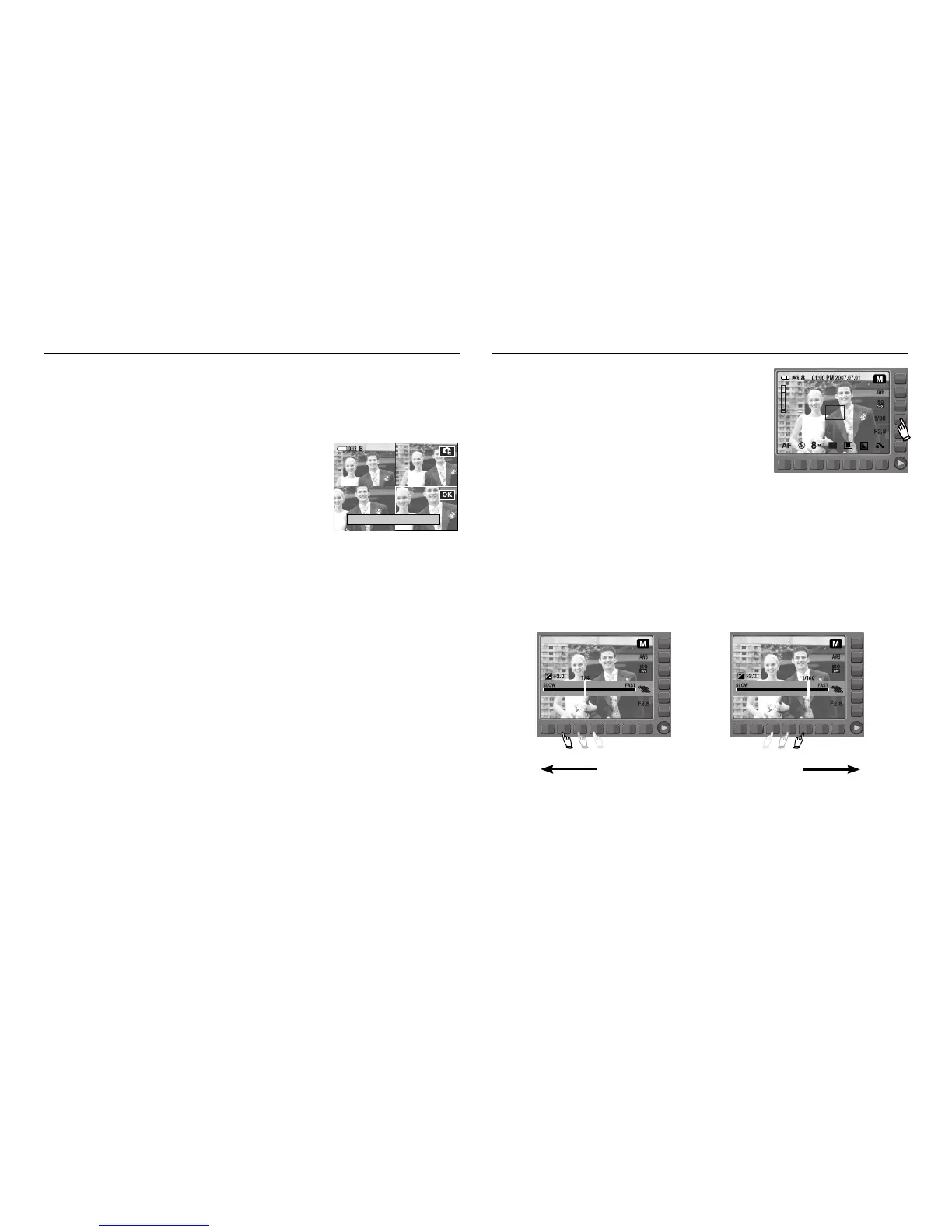
ƈ Setting up the shutter speed
To select the shutter speed, touch the button and slide your finger to the left or
right.
Slow Fast



 To Next Page