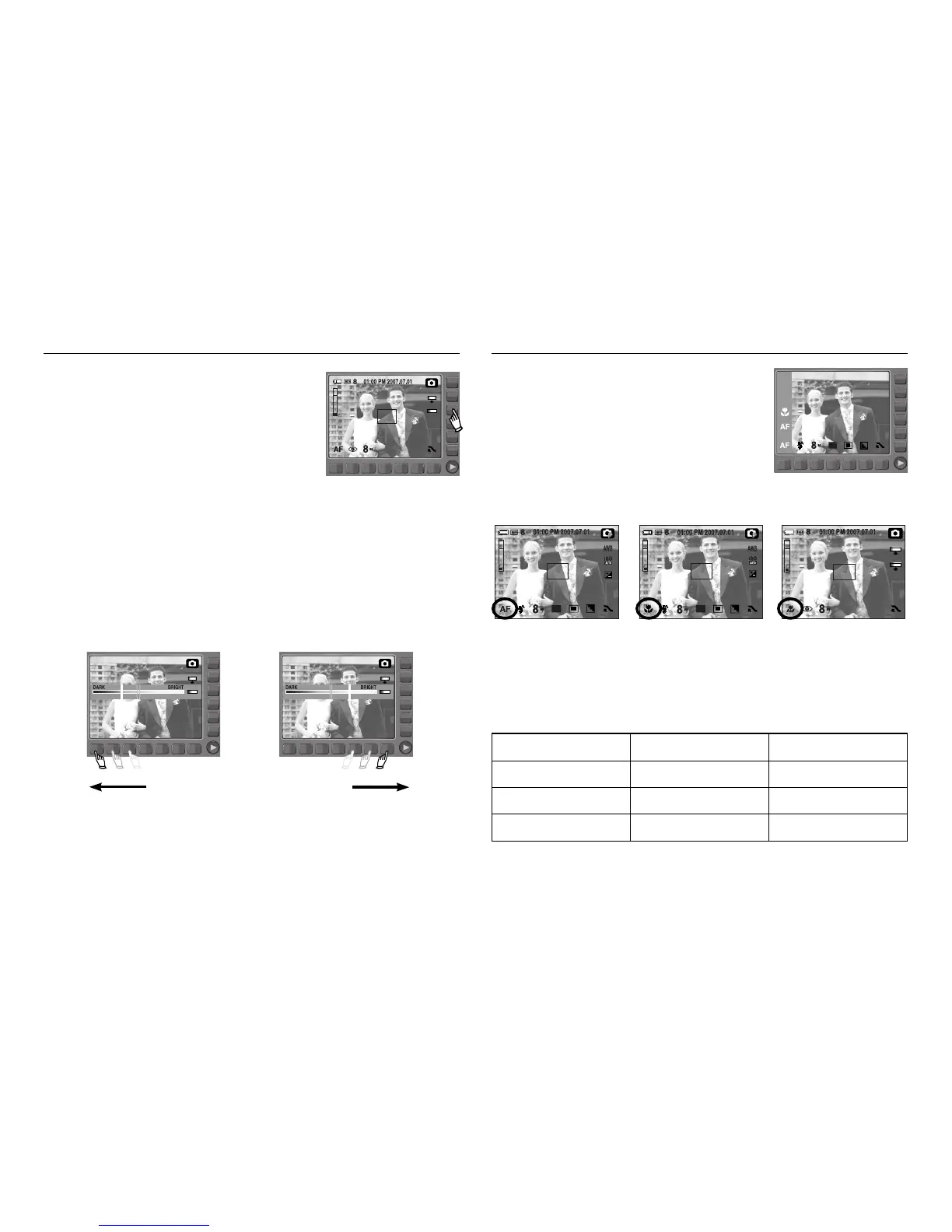
You can change the brightness of the image.
ƈ Changing the brightness
To select the brightness, touch the button and slide your finger to the left or right.
[Dark] [Bright]
BRIGHT
You can select the focus type in accordance with
the subject distance.
The distance ranges are show below.
[Normal] [Macro] [Auto Macro]
MACRO
NORMAL(AF)
Brightness Selecting focus type
ŝ33Ş
Focus Type Wide(W) Tele(T)
Normal 80cm~Infinity 80cm~Infinity
Macro 4cm~80cm 50cm~80cm
Auto Macro 4cm~Infinity 50cm~Infinity
ƈ Types of focus modes and focus ranges



 To Next Page