Photo Gallery mode
ŝ50Ş
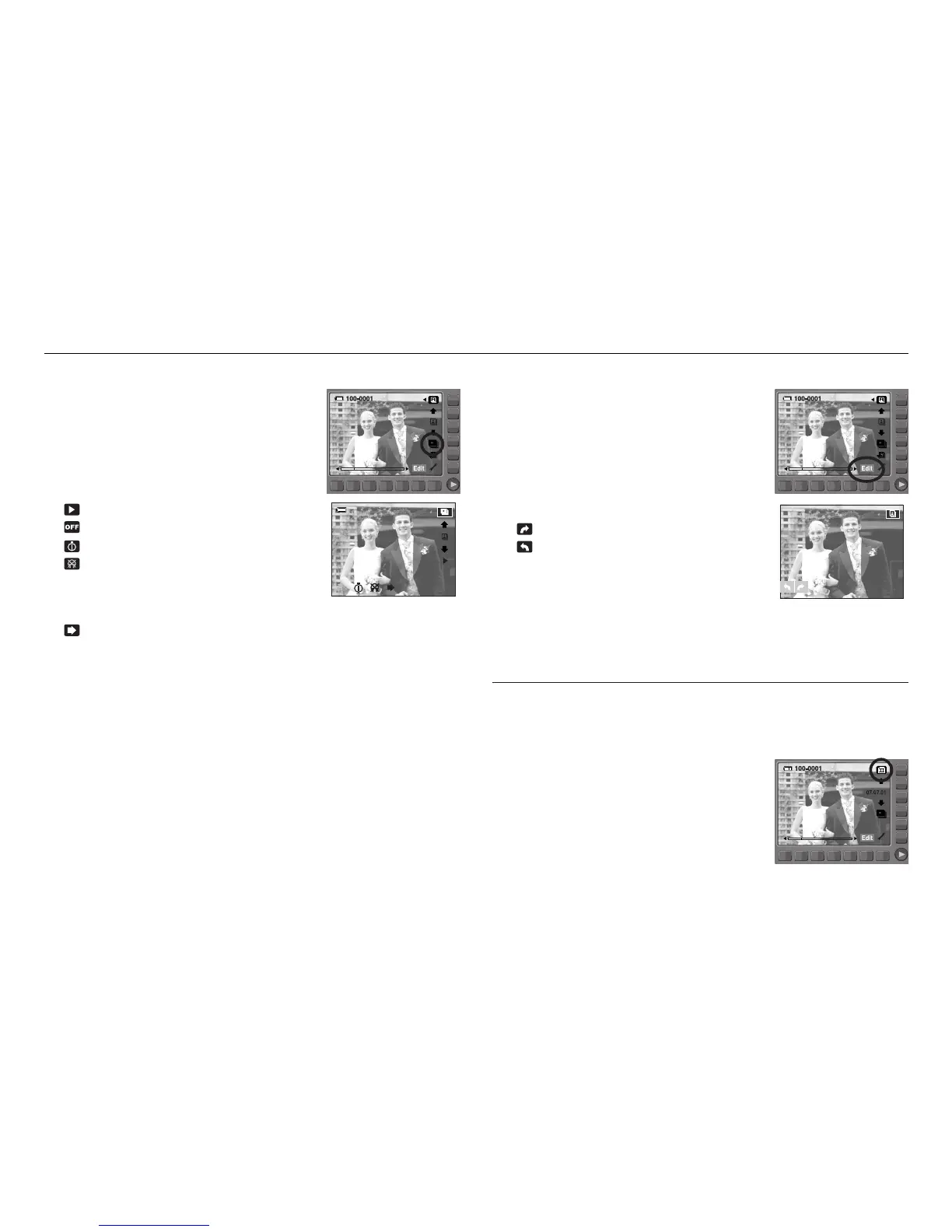
ƈ Playing back an album
Press the slide show menu button.
ſ Each effect has different background music.
ſ Refer to page 57 for more information about the slide show.
: Starting the slide show
: Selecting an effect of the slide show
: Setting play interval
: Selecting a B.G.M
A B.G.M can be played back with images.
Only saved music can be selected.
You can’t add any music on the B.G.M list.
: Selecting play back time
[One Play] : The slide show is closed after one cycle.
[Repeat Play] : The slide show is repeated until cancelled.
ƈ Rotating an image
- Press the Edit button and the menus shown below
will display.
- You can rotate an image to a direction you want.
Press the horizontal smart button.
- Touch the smart button and the selected image is
rotated. Press the smart button and the rotated
image information will be saved.
: rotates the image clockwise.
: rotates the image anticlockwise.
SLIDE SHOW
When an image is taken, date information is also recorded.
In date mode, images play back by the date.
ƈ Selecting a date
You can select a date by using the smart button.
ſ Usage of the menu of the date mode is
same as album mode.
Refer to page 49 for more information.
Date mode



 To Next Page