Photo Gallery mode
ŝ51Ş
Select images mode
Select the preferable images and proceed with slideshow.
If a memory card is not inserted, "Select images mode" function will not
operate.
SLIDE SHOW
PLAY
2
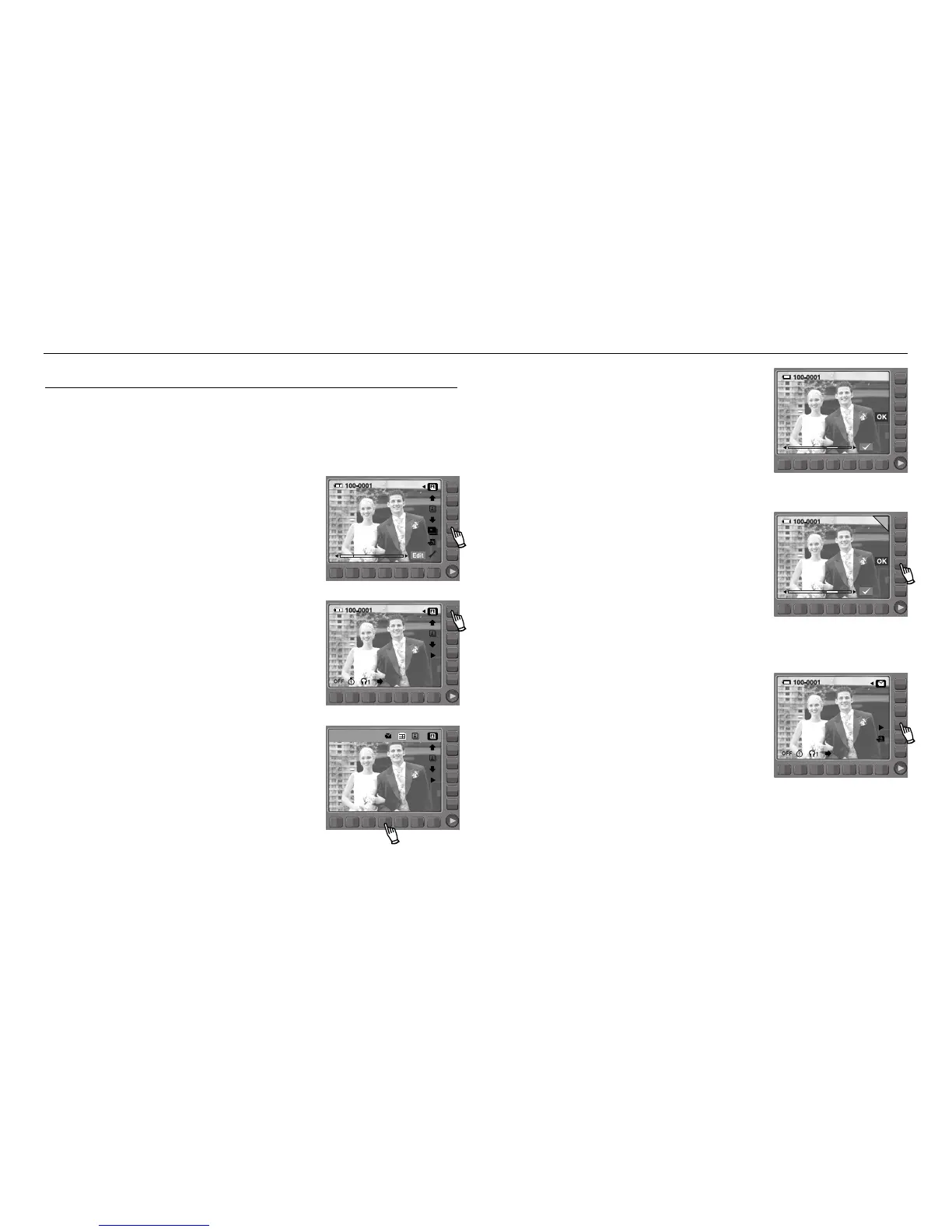
1. Use the smart button to select the slideshow.
4. Use the lower smart button to select preferable
images.
5. When an image is selected, an option icon will
be indicated at the upper right corner and on
the lower corner the number of images
selected.
6. Use the smart button to press the OK button.
7. Use the smart button to press the PLAY button
and the slideshow will begin.
2. Use the smart button and press the play mode.
3. Use the lower smart button to select the
image option icon.



 To Next Page