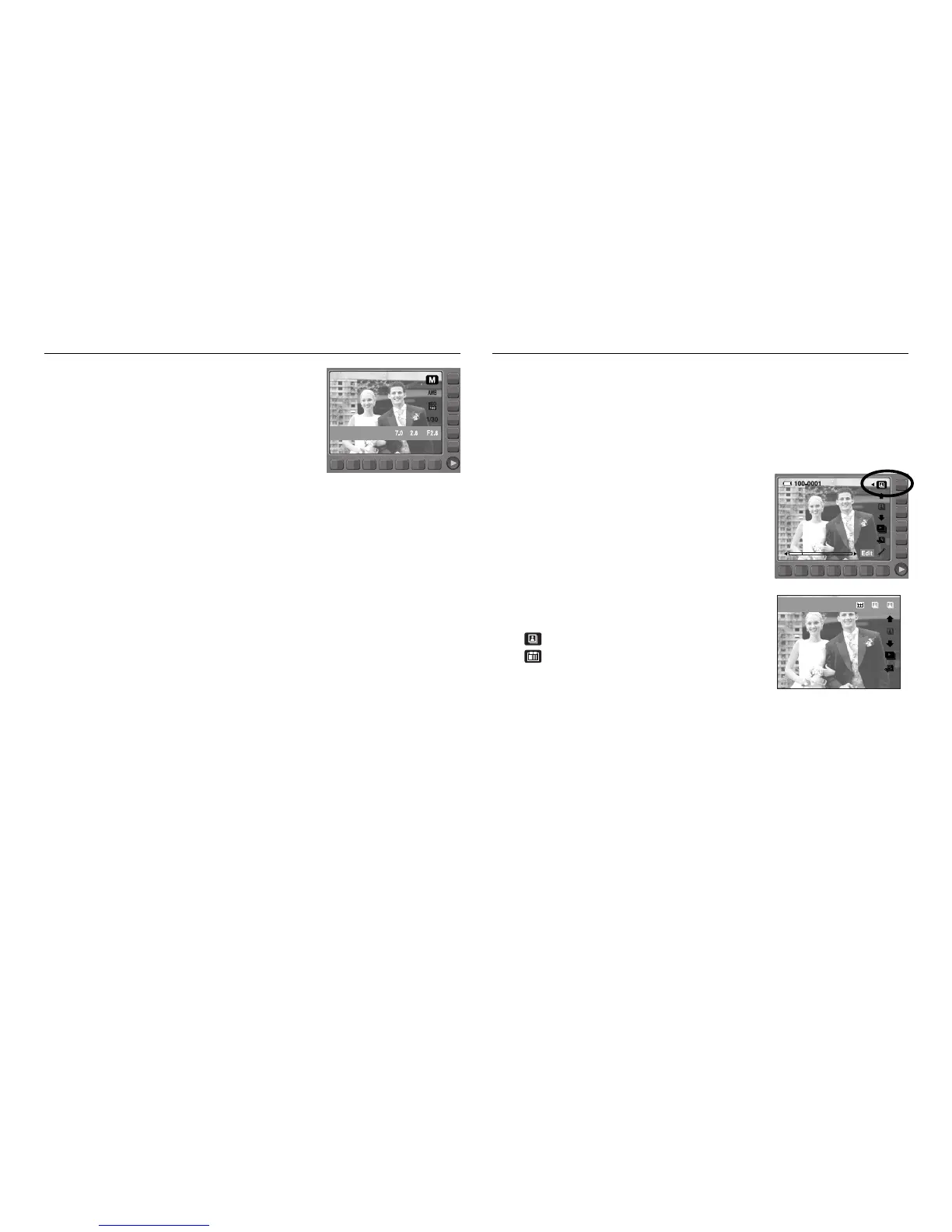
Aperture Value Photo Gallery mode
ŝ48Ş
When the images play back, you can add play back effect and listen to a
B.G.M. Only still images can be played back. Movie and Voice files are not
played back.
ƈ Selecting a play back mode
1. Select the Photo Gallery mode by rotating
the mode dial.
2. Press the Play type button and menus as
shown will display.
: Play back by album
: Play back by date
3. Press the Smart button to select a desired play
back mode.
This mode will set the aperture value for automatic
exposure. Smaller Aperture values make the
object sharp but blur the background. Larger
Aperture values make both the object and
background sharp.



 To Next Page