Using the camera buttons to set the camera
ŝ27Ş
The recording mode function can be set up by using the camera buttons.
ƃ In MOVIE CLIP mode :
Pressing the shutter button down fully starts
the process for recording a movie clip.
Press the shutter button once and the movie
clip is recorded for as long as the available
recording time in the memory allows. If you
wish to stop recording, press the shutter
button again.
ƃ In STILL IMAGE mode :
Pressing the shutter button down halfway activates the autofocus and checks
the condition of the flash. Pressing the shutter button down fully takes and stores
the image. If you select voice memo recording, the recording will start after the
camera has finished storing the image data.
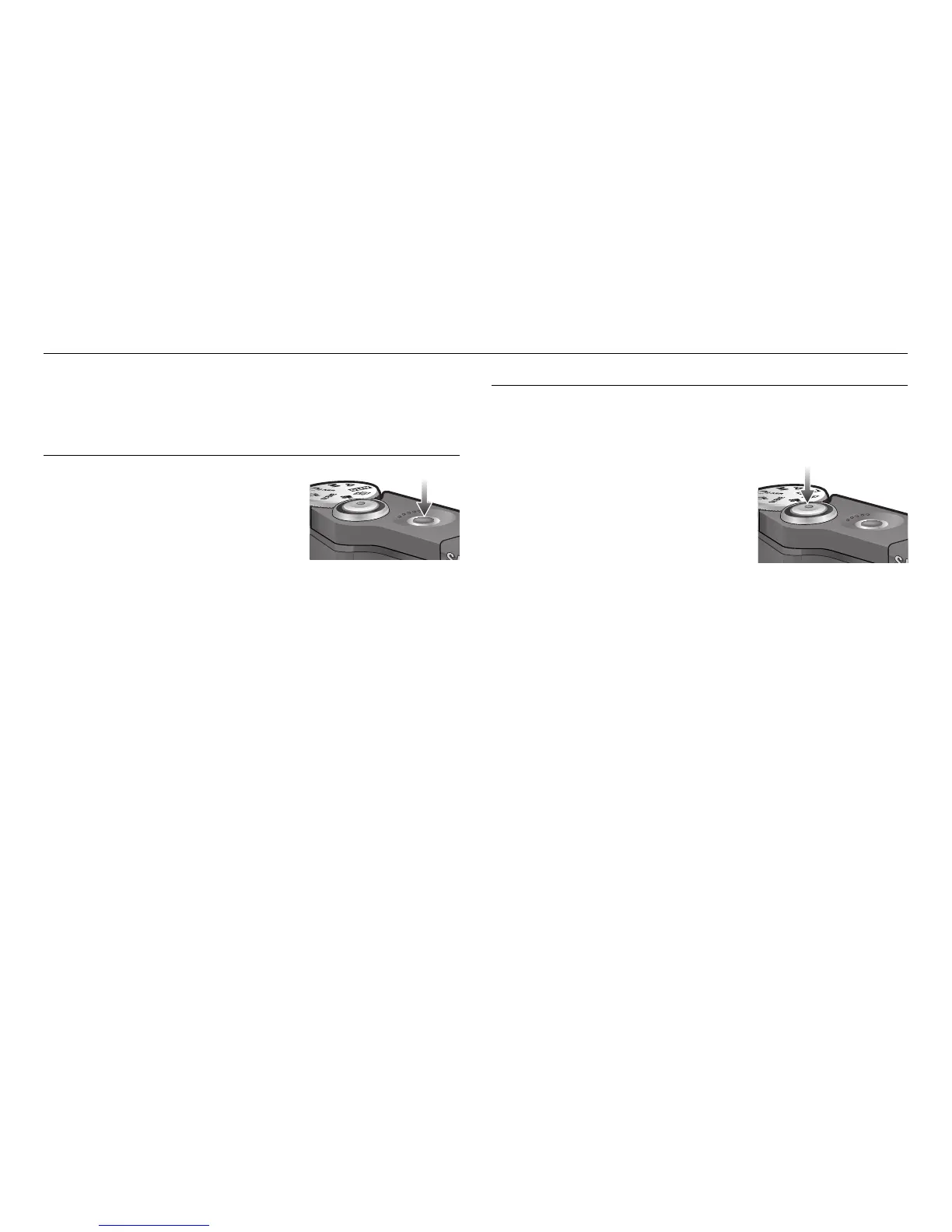
SHUTTER button
Used for taking an image or recording voice in the RECORDING mode.
POWER button
Used for turning the camera’s power on / off.
If there is no operation during the specified time,
the camera's power will be turned off automatically
to save battery life.
Refer to page 72 for more information about the
auto power off function.



 To Next Page