ŝ90Ş
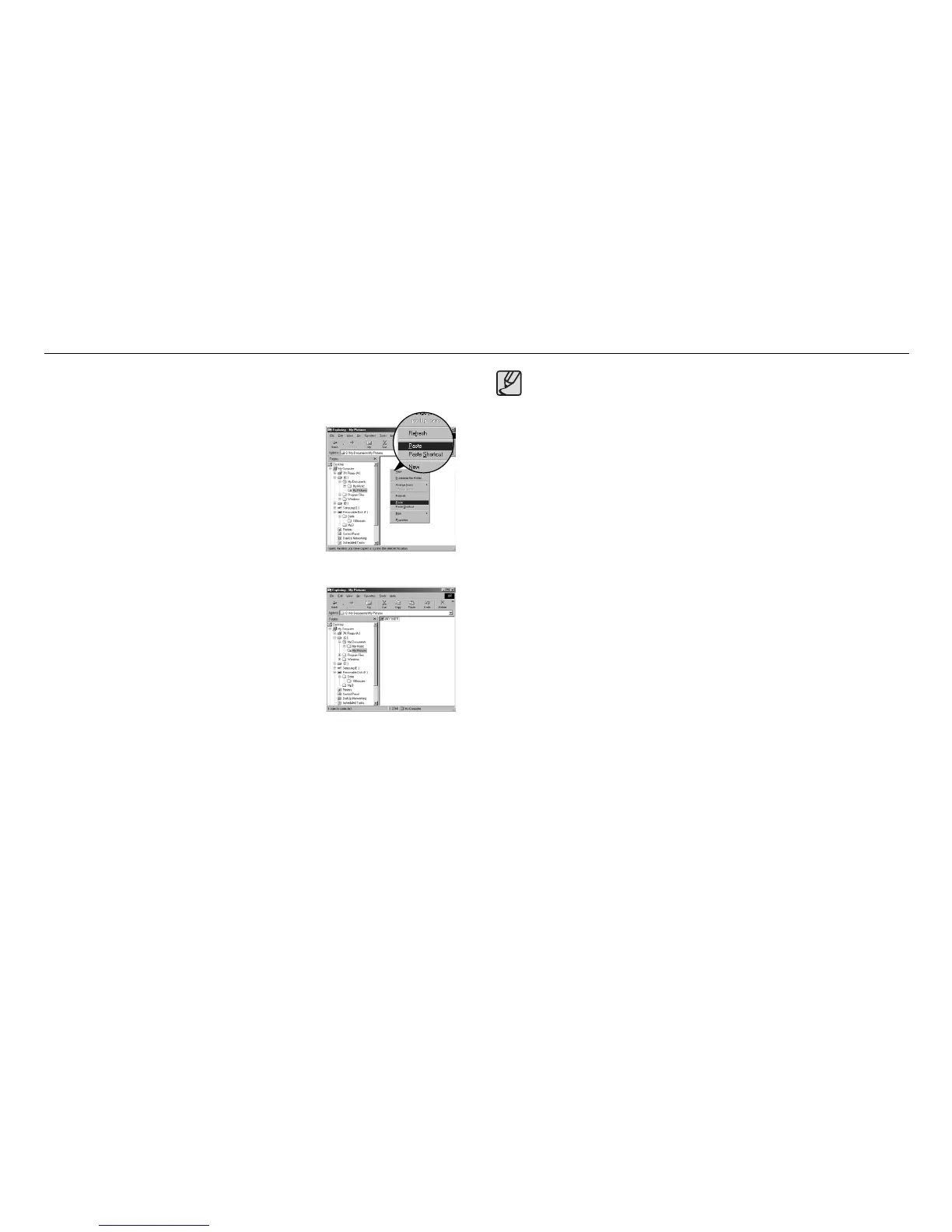
7. An image file is transferred from the camera to
your PC.
6. Press the right mouse button and a pop-up
menu will open. Click [Paste].
- By using [Samsung Master], you can see the stored images in the memory
directly on the PC monitor and you can copy or move the image files.
5. Click a folder where you want to paste the file.
ƃ We recommend that you should copy the images to the PC to view
them. Opening images directly from the removable disk may be subject
to unexpected disconnection.
ƃ When you upload a file that is not taken by this camera to the
Removable Disk, the [File Error!] message will be displayed on the LCD
monitor in the PLAY mode, and nothing is displayed in Thumbnail
mode.
Starting PC mode



 To Next Page