EXECUTIVE DO NOT DISTURB
Setting an Executive DND
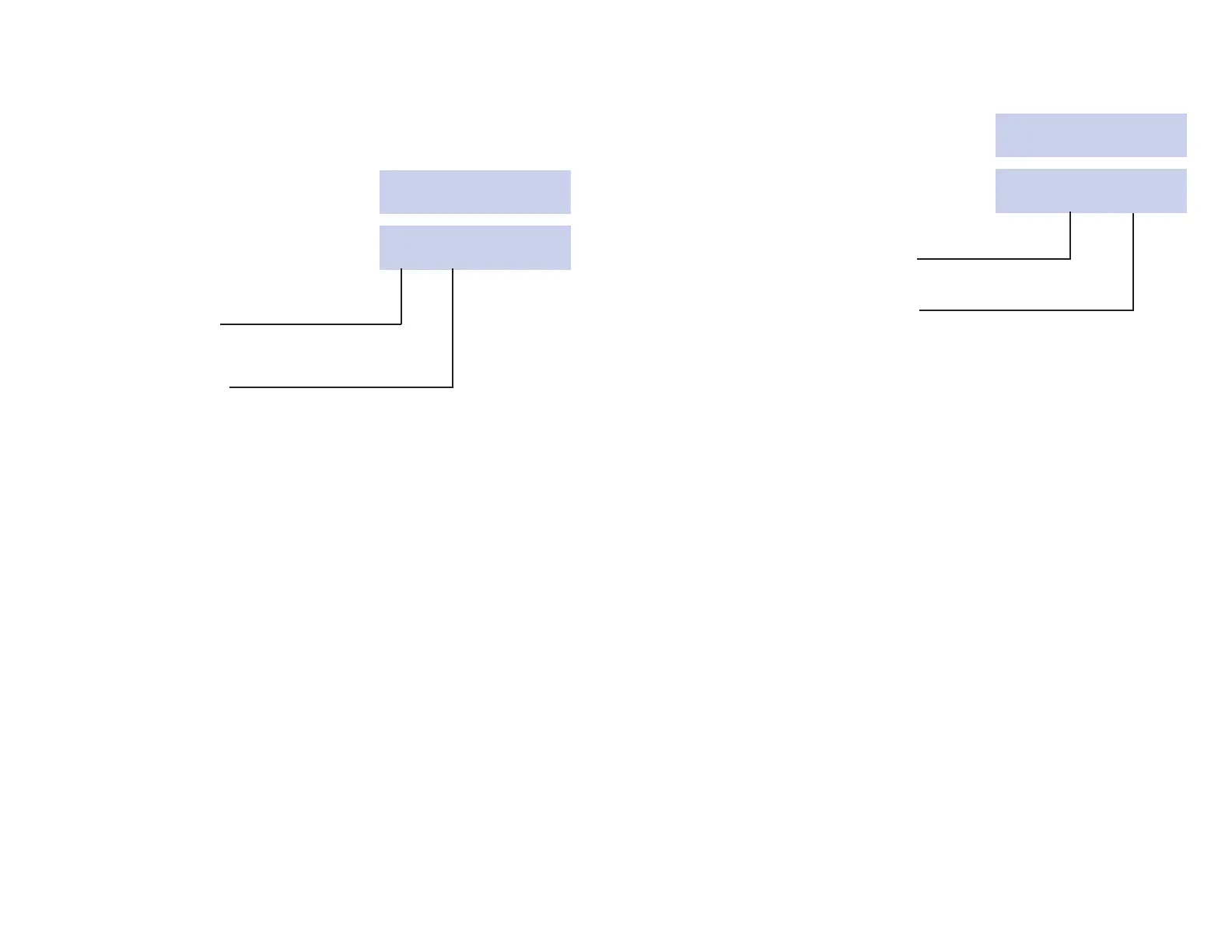
ACTION DISPLAY
1. To set DND for a Guest Room Enter Extension
Press SET DND key. Number:
2. Enter the Room Number (either Set DND: 244
manually on the keypad or by YES EXIT CLEAR
pressing the associated DSS key).
3. To set DND to station
Press the YES key.
4. To exit without setting DND
Press the EXIT key.
Setting DND from a Guest Room
• Lift handset and receive Dial Tone
• Dial 401 on the Keypad (DND Activate Code)
• Receive Confirmation Tone and hang up.
14
Canceling Executive DND
ACTION DISPLAY
1. Press SET DND key. Enter Extension
Number:
2. Enter the Room Number (either Set DND: 244
manually on the keypad or by YES EXIT CLEAR
pressing the associated DSS key).
3. To exit without canceling DND,
press EXIT key.
4. To cancel DND press CLEAR key.
Canceling DND from a Guest Room
• Lift handset and receive dial tone.
• Dial 400 (DND Cancel Code)
• Receive Confirmation Tone and hang up.
15












 To Next Page