2.5.4 OfficeServ™ SMT-i SERIES IP EQUIPMENT
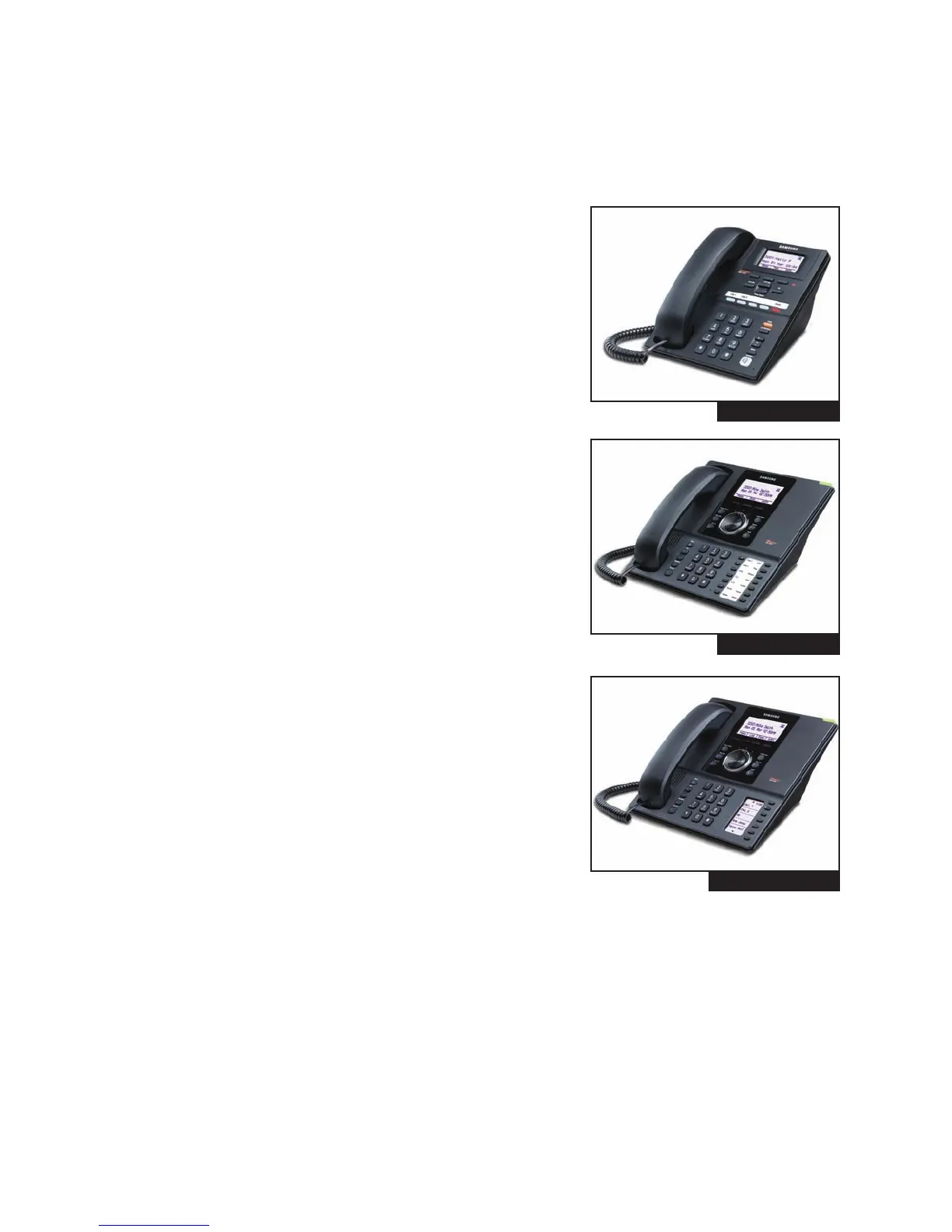
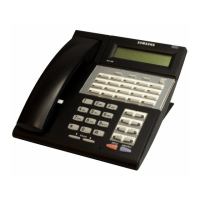
FIGURE 2-17
SMT-i3105 (see Figure 2–17)
• Ideal for basic dialing in common areas such as lobbies or waiting
rooms
• Transfer, hold, conference or mute with ease
• Multiple ring tones facilitate personalization
• Desk or wall mountable
• Send short messages to other phones via the display interface
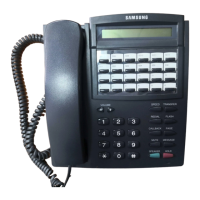
FIGURE 2-18
SMT-i5210 (see Figure 2–18)
• Perfect for administrative use and routine answering and dialing
• 14-button phone with backlit display
• Intuitive interface for easy navigation
• Easy access to call logs, voicemail, directory, etc.
• Supports Gigabit adapter for large data transfer
FIGURE 2-19
SMT-i5230 (see Figure 2–19)
• Desiless model is excellent for sales staff with numerous contacts
that frequently change
• View five numbers at once, scroll up or down to view a total of 99
numbers
• User-definable labels--no paper strips needed to customize your
phone
• Supports Gigabit adapter for large data transfer
• XML browser
2.10









 To Next Page