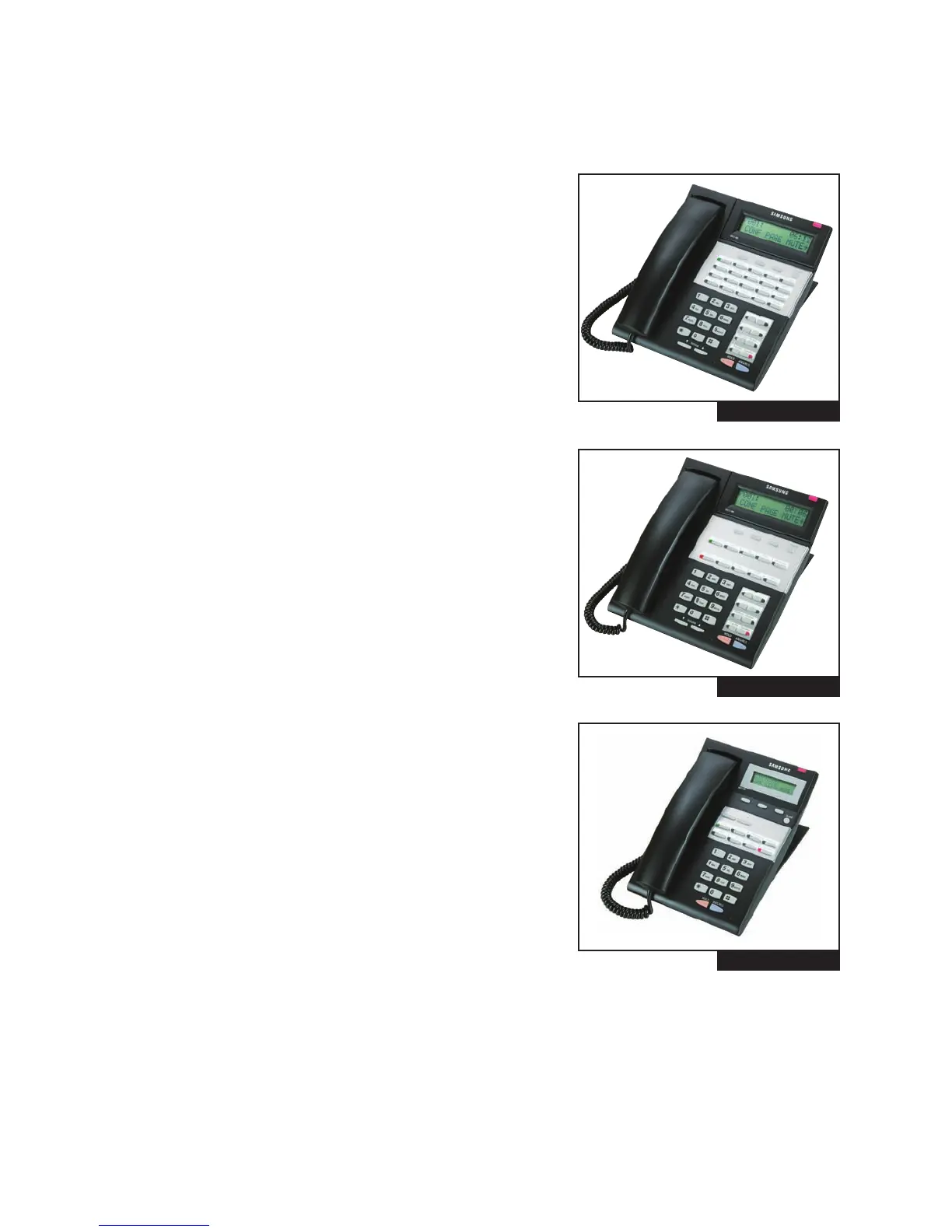
2.5.2 iDCS SERIES EQUIPMENT
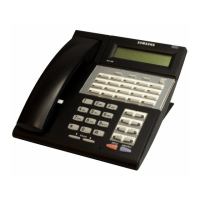
iDCS 28D KEYSET (See Figure 2–10)
• 32 character display (2 x 16) with three associated soft keys and
a scroll key
• 28 programmable keys with tri-colored lights
• Four fixed function keys
• Terminal Status Indicator
• Built-in speakerphone
• Eight selectable ring tones
• UP/DOWN buttons for digital control of speaker, handset and
ringer volumes
• Desk- or wall-mounted
• Available in dark gray
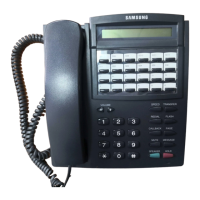
iDCS 18D KEYSET (See Figure 2–11)
• 32 character display (2 x 16) with three associated soft keys and
a scroll key
• 18 programmable keys with tri-colored lights
• Four fixed function keys
• Terminal Status Indicator
• Built-in speakerphone
• Eight selectable ring tones
• UP/DOWN buttons for digital control of speaker, handset and
ringer volumes
• Desk- or wall-mounted
• Available in dark gray
iDCS 8D KEYSET (see Figure 2–12)
• 32 character display (2 x 16) with three associated soft keys and
a scroll key
• 8 programmable keys with tri-colored lights
• Four fixed function keys
• Terminal Status Indicator
• Built-in speakerphone
• Eight selectable ring tones
• UP/DOWN buttons for digital control of speaker, handset and
ringer volumes
• Desk- or wall-mounted
• Available in dark gray
Note: The iDCS keyset type cannot use the KDB-D/S/F keyset daughter
boards on the OfficeServ 7030 system. The iDCS 8D keyset cannot use the 14 button strip.
2.7
FIGURE 2-10
FIGURE 2-11
FIGURE 2-12









 To Next Page