ENGLISH
27
Basic Recording
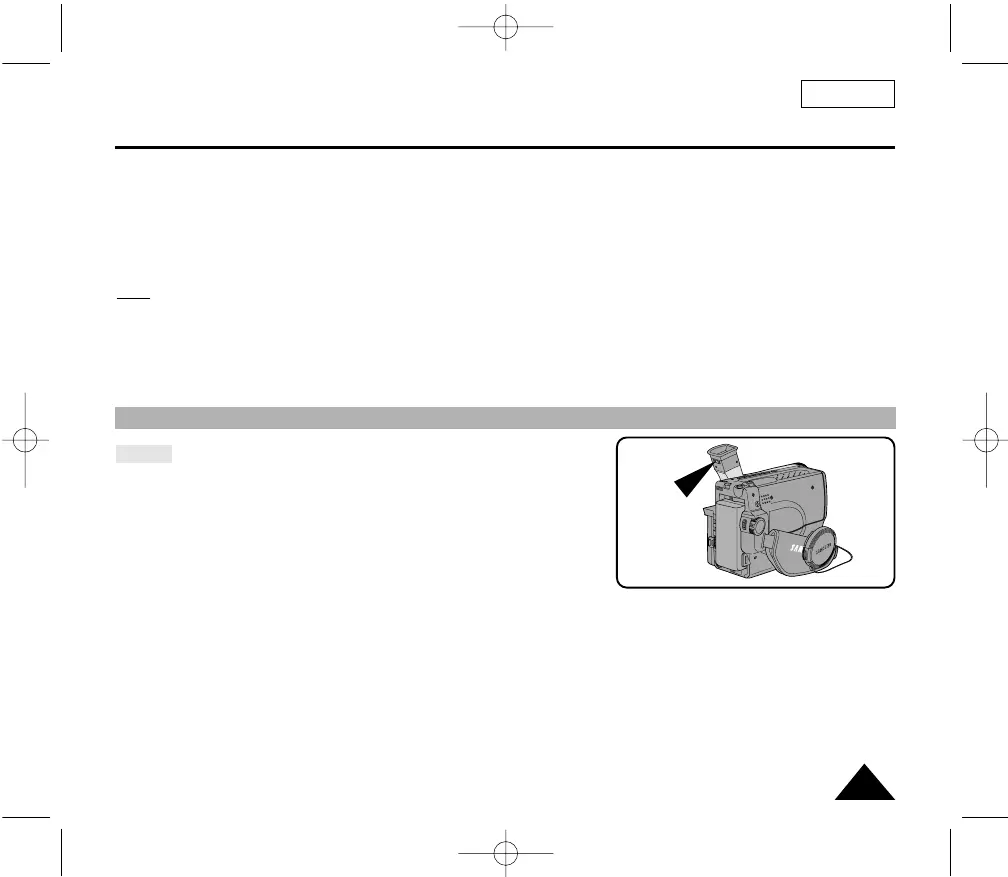
Adjusting Focus of the VIEWFINDER
9. Turn the UP/DOWN dial to adjust the LCD color setting.
10. Press ENTER.
■ For further adjustment, repeat steps 7, 8, 9.
11. Press the MENU ON/OFF button to end the setting.
Note: ■ If you do not press a button within 30 seconds, the setting will disappear.
■ The MENU ON/OFF function will not operate in EASY mode.
Focus:
Use the focus adjustment knob of the VIEWFINDER to focus the picture.
00732M SCL901 SEA (20-45) 12/26/03 10:45 AM Page 27



 To Next Page