33
ENGLISH
Advanced Recording
Setting the DIGITAL ZOOM ON/OFF
1. Set the power switch to CAMERA mode.
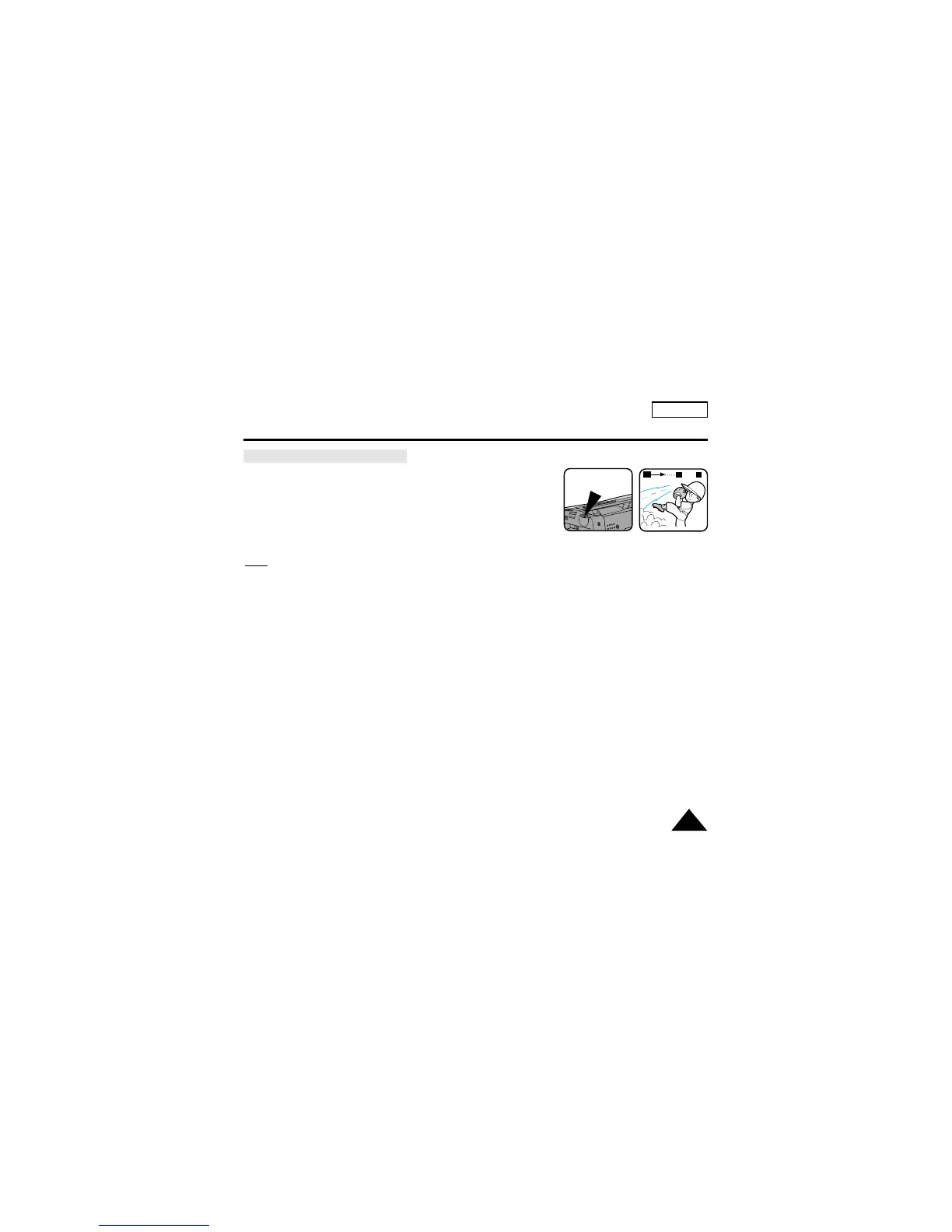
2. Press D. ZOOM ON/OFF button.
■ The DIGITAL ZOOM indicators will be displayed on
the screen, and DIGITAL ZOOM function will operate.
3. To deactivate DIGITAL ZOOM function, press the D.ZOOM
button again.
■ The DIGITAL ZOOM indicators disappear from the screen.
Note:
The D.ZOOM ON/OFF function will not operate in EASY mode.
D.ZOOM
880
x
W
T


 To Next Page