53
ENGLISH
Playing back a Tape
Various Functions in PLAYER mode
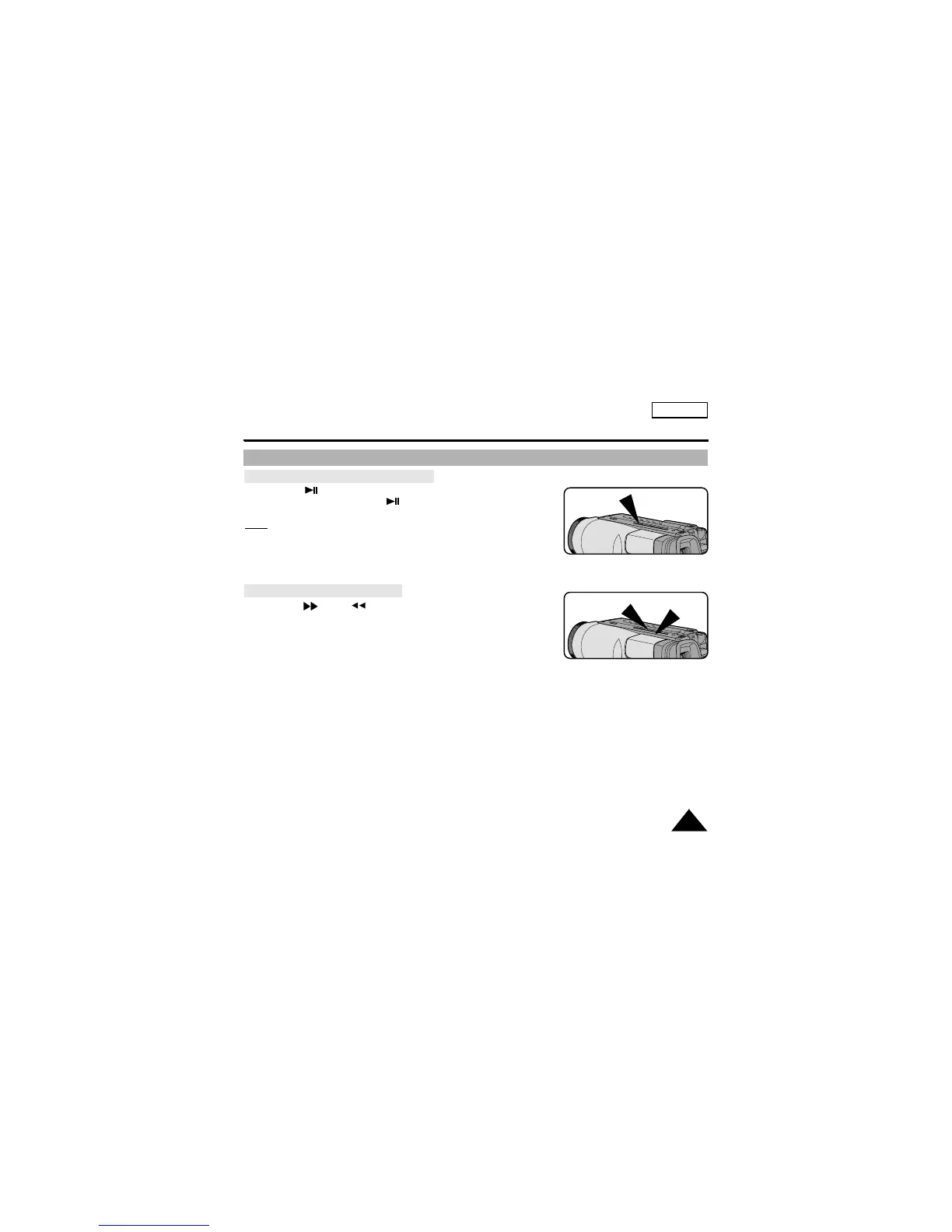
To view a STILL picture (Playback pause)
- Press (PLAY/STILL) button during playback.
- To resume playback, press (PLAY/STILL) button again.
Note:
Your camcorder will automatically stop if it is left for more
than 5 minutes in STILL mode without operation in order to
prevent tape and head-drum wear.
To locate a scene (picture search)
- Press (FF) or (REW) buttons during playback.
To resume normal playback, release the buttons.
REW
PLAY/STILL
FF


 To Next Page