52
ENGLISH
Playing back a Tape
Notes:
■ SCW71/W73 feature a monaural audio system.
If your TV or VCR are stereo, connect the audio cable to input “L” of your TV or VCR.
■ You can use an S-VIDEO cable to obtain better quality pictures if you have on S-VIDEO connector
on your TV.
Playback
1. Use the TV/VIDEO button to select VIDEO on your TV.
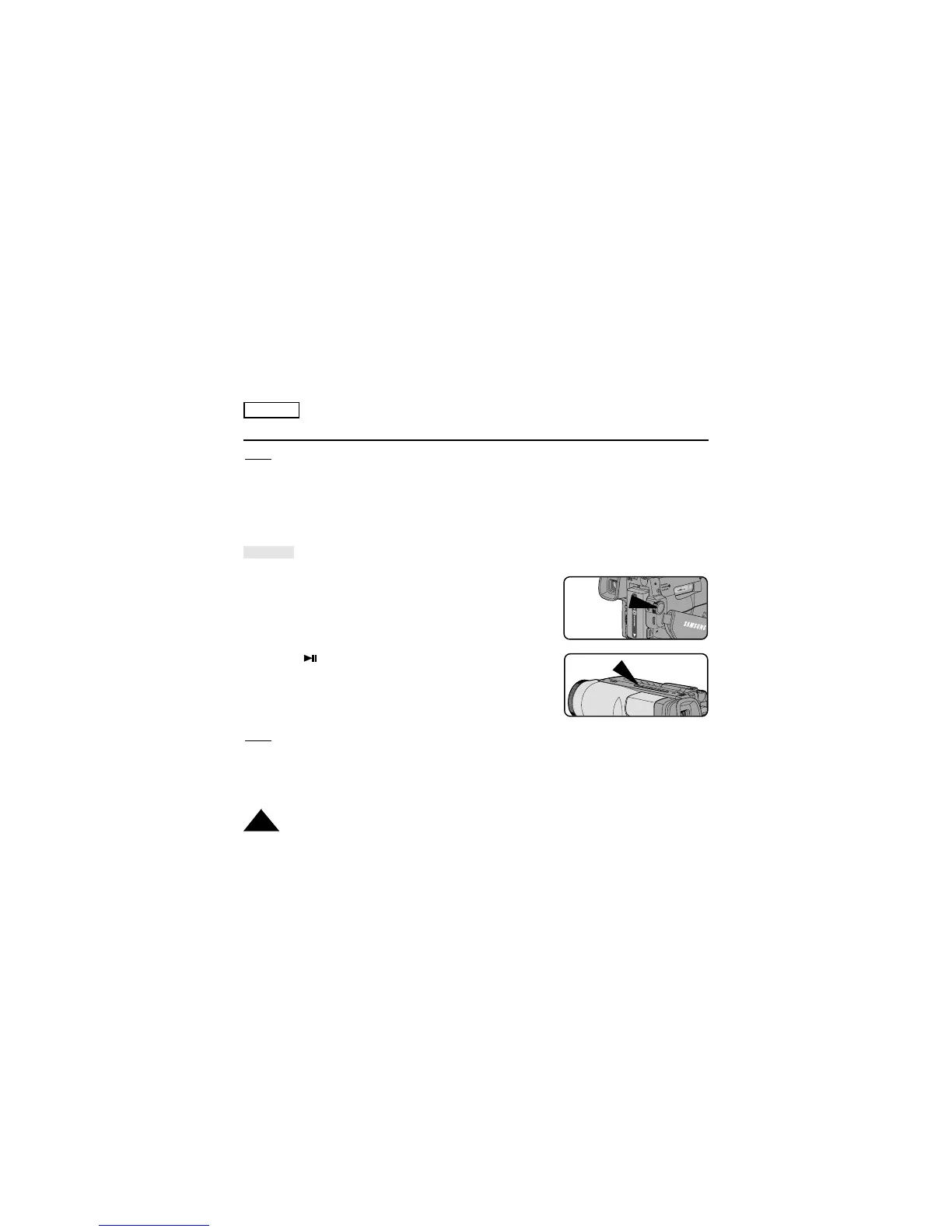
2. Connect power source (battery or AC Power Adapter) to the camcorder.
Set the power switch to PLAYER mode.
3. Insert a tape you want to see.
■ Make sure that STOP is displayed.
4. Press the (PLAY/STILL) button.
■ The picture you recorded appears on the TV after 2 to 3
seconds.
■ Press ■ (STOP) to stop playing.
■ If the tape reaches its end during playback,
the tape will rewind automatically.
Notes:
■ The system (Hi8/8mm) is selected automatically, depending on the tape format.
■ SCW71/W73 can playback both Hi8 and 8mm tapes.
■ This camcorder does not support LP recording and playback.
PLAYER
PLAY/STILL


 To Next Page