ENGLISH
Advanced Recording
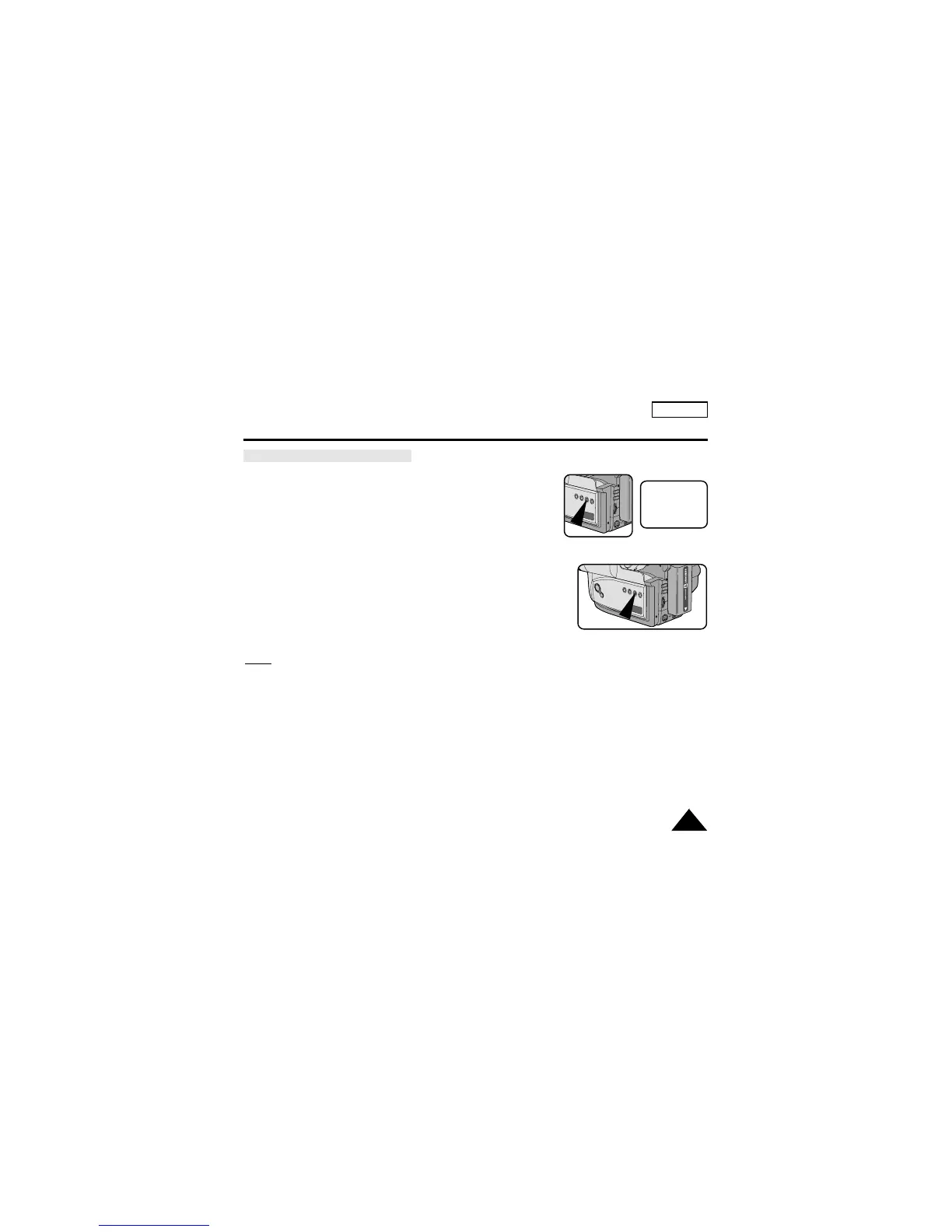
Selecting and recording DSE effects
1. Set the power switch to CAMERA mode.
2. Press the DSE button, SEPIA will be displayed.
3. Keep pressing the DSE button, until the desired mode is
displayed.
4. Press the START/STOP button to start recording.
5. To exit the DSE functions, press the DSE button once or several
times until no DSE mode is displayed on the Viewfinder.
Notes:
■
It is recommended that you set the DSE mode in STBY mode.
■
DSE functions will not operate in the EASY mode.
STBY
X:XX:XX
SEPIA
41


 To Next Page