11
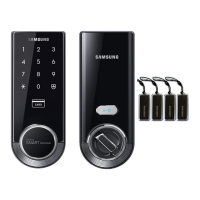
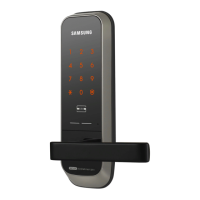
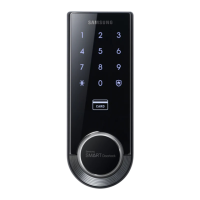
Smart
Door Lock
SHS-3320/3321
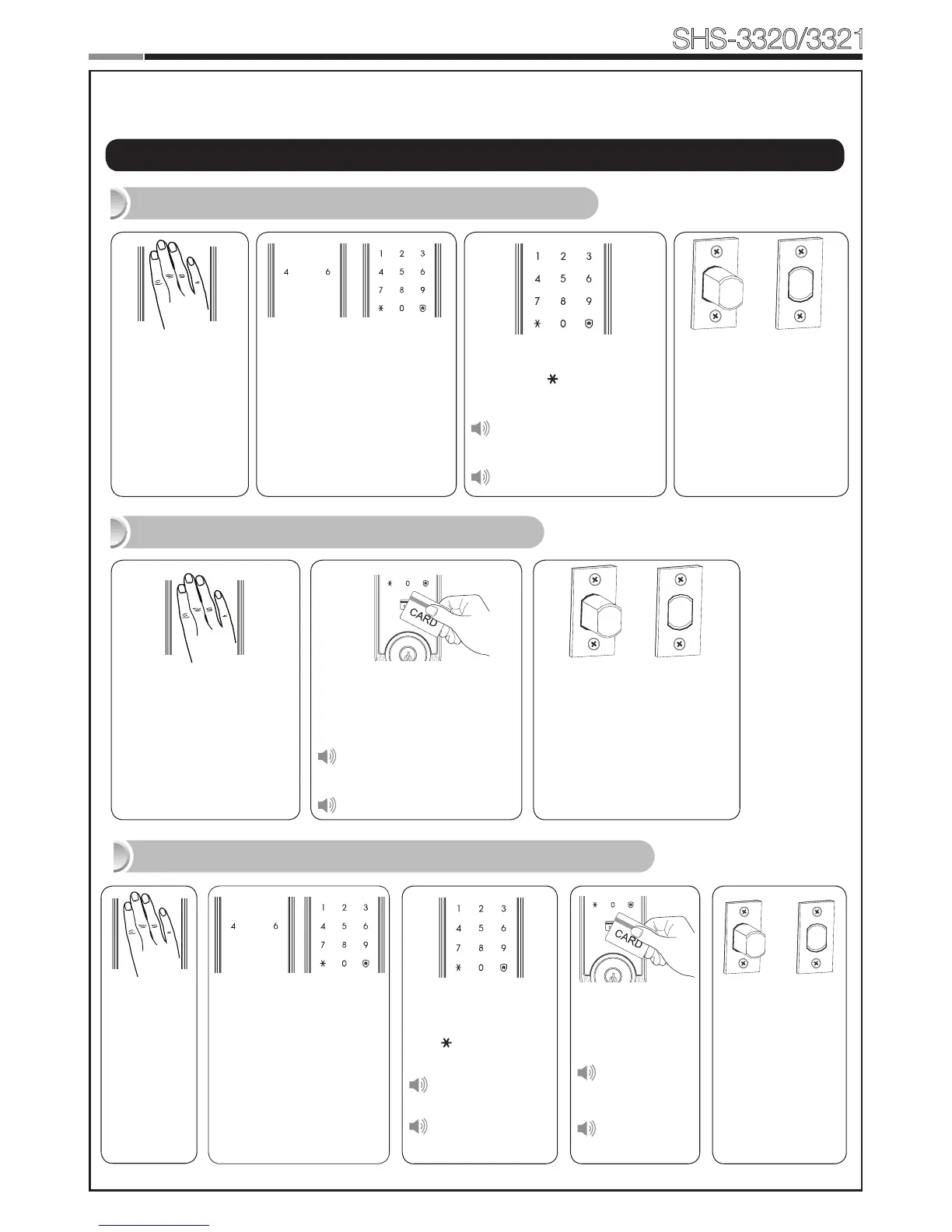
Enter the PIN
Code and press
the [ ] button.
Successful:
Ding dong
Failed:
Ding dong ding
dong
The touchscreen will illu-
minate. (If the Random Se-
curity function is enabled,
press the 2 illuminated
numbers.)
The door opens within
one second.
Touch the
[Touchscreen].
Enter the PIN Code and
press the [ ] button.
Successful:
Ding dong dang dong
Failed:
Ding dong ding dong
|
Basic Lock Operation Overview
→
Opening the Door with a PIN Code
Touch the Card reader with
an Access Card.
Successful:
Ding dong dang dong
Failed:
Ding dong ding dong
Touch the [Touch-
screen].
The door opens within one
second.
Opening the Door with a Card
→
Opening the Door in Double Authentication Mode
The door opens
within one
second.
Touch the Card
reader with an
Access Card.
Successful:
Ding dong
dang dong
Failed:
Ding dong
ding dong
Touch the
[Touch-
screen].
The touchscreen will
illuminate.
(If the Random Security
function is enabled,
press the 2 illuminated
numbers.)
→
Programming


 To Next Page