EasyManua.ls Logo

Samsung SHS-3321 - Programming Features Overview; Exterior and Interior Unit Components; Understanding Symbols and Actions

Samsung SHS-3321
36 pages
Print Icon
To Next Page IconTo Next Page
To Previous Page IconTo Previous Page
Loading...
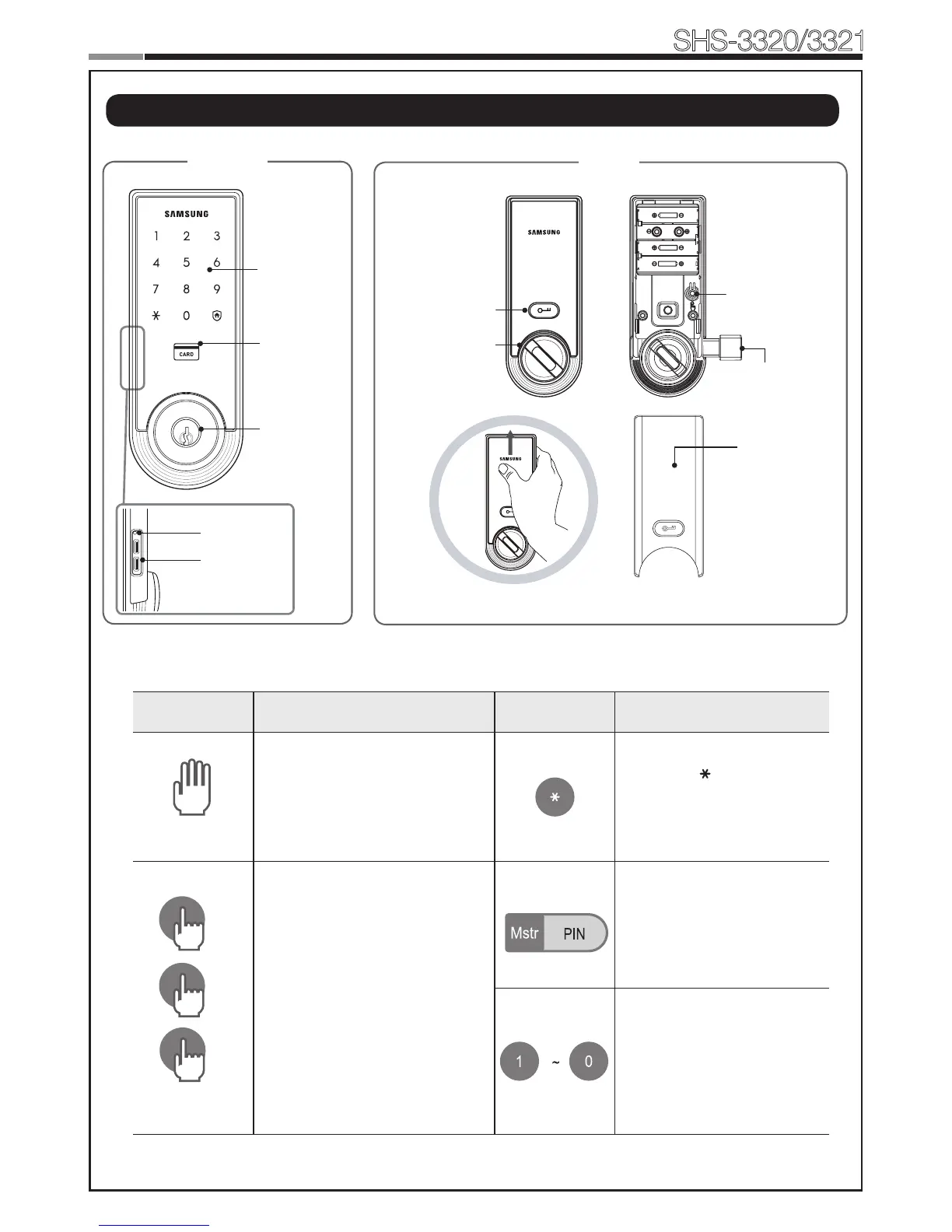
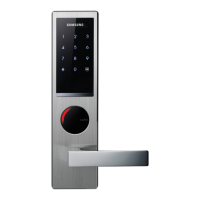
Touchscreen
Emergency
Cylinder
(SHS-3321
does not
support.)
Outside Inside
Battery Cover
Open/Close Button
Thumbturn Lever
External Power
Contact
Restart Button
Card Reader
Magnetic Sensor
Registration Button
12
Smart
Door Lock
SHS-3320/3321
13
|
Programming Features
Symbols Description Symbols Description
Touch the [Touchscreen].
Press the [ ] button. It is
used to complete number
entry.
5
Press the [Registration]
button. It is used to change
the PIN Code or set other
functions.
R:Pressthe[Registration]
buttonbriey(~1second)
R5:Pressthe[Registration]
button for 5 seconds
R10:Pressthe[Registration ]
button for 10 seconds
Enter the Master PIN Code
(4~12digits).Factory
Default:1234
Press the Number buttons.
10
5

Other manuals for Samsung SHS-3321

Related product manuals