13
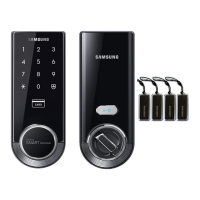
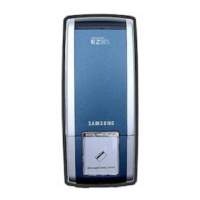
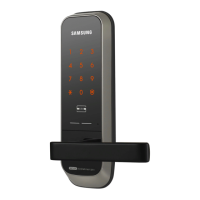
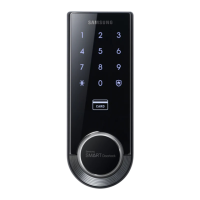
Smart
Door Lock
SHS-3320/3321
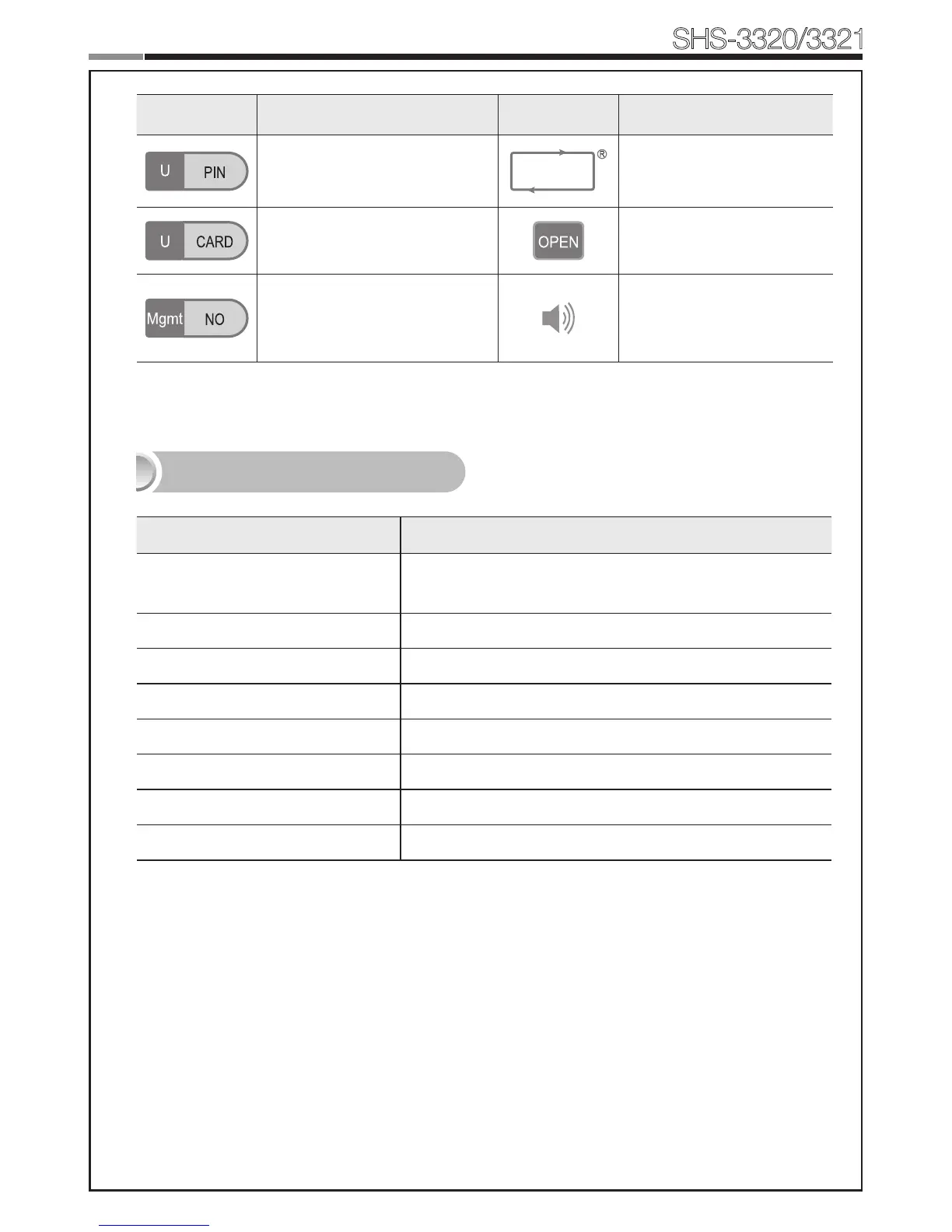
Symbols Description Symbols Description
EntertheUserPINCode(4~12
digits).
Repeat the process inside
the rectangle.
Touch the Card reader with the
User Card.
Press the [OPEN/CLOSE]
button.
Enter the User/Management
Number. Can be set from 1
to 70.
Sound Icon Display.
Sound Indicators
Sound Description
Fur Elise
Tiritiritiriririri
Low voltage warning sound
accompanied with [OPEN/CLOSE]buttonashingred.
Ding Button input sound
Ding dong ding dong Error sound
Ding dong dang Success sound
Ding dong Input standby sound
Toot~toot~(10seconds)
Malfunction prevention warning
Ti~ti~ti~ti~(5minutes)
Intrusion Detection/Out-of-home Security warning
Too~~t,too~~t
Double-locking sound


 To Next Page