EasyManua.ls Logo

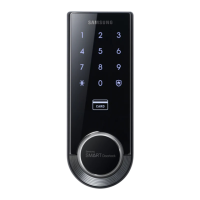
Samsung SHS-3321 - Security Functions; Out-of-Home Security Function; Setting and Releasing Double-locking; Additional Security and Sound Settings

Samsung SHS-3321
36 pages
Print Icon
To Next Page IconTo Next Page
To Previous Page IconTo Previous Page
Loading...
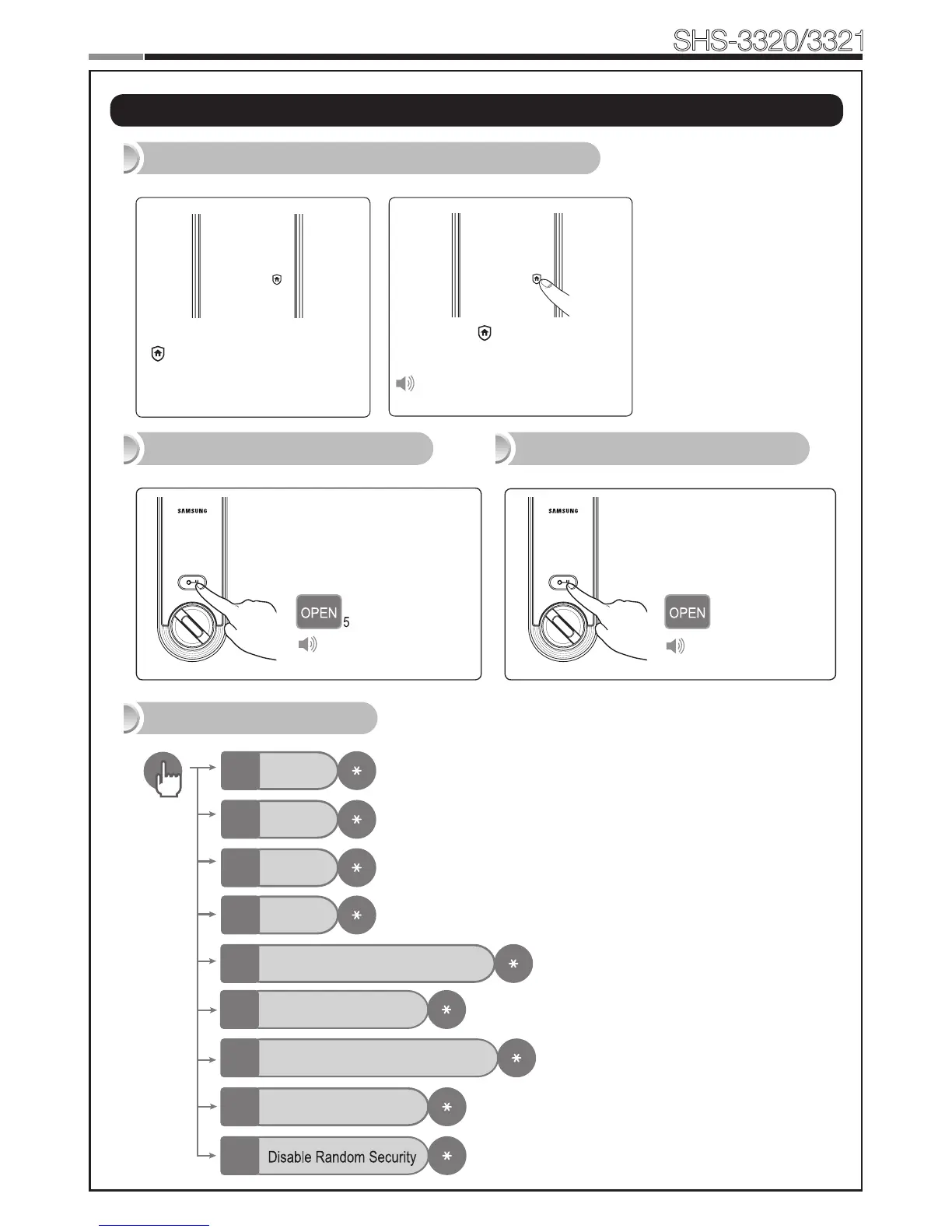
Press the [OPEN/
CLOSE] button for 5
seconds while the door
is locked.
Press the [OPEN/
CLOSE] button or turn
the Thumbturn lever.
18
Smart
Door Lock
SHS-3320/3321
19
When the door is closed
[ ] of the touchscreen will
light up.
Setting the Out-of-Home Security Function
Press the [ ] button within
3 seconds.
Ding dong dang
Additional Functions
Setting Double-locking Releasing Double-locking
Mute
0
Sound 1
1
Sound 2
2
Sound 3
3
Ding dong ding dong
Auto/Manual locking
5
Enable Double Authentication Mode
4
Disable Double Authentication Mode
6
Enable Random Security
7
9
Ding dong dang
|
Security Functions

Other manuals for Samsung SHS-3321

Related product manuals